

All drive assemblies of the black metal case are protected by a front door. The plastic front door is held on one side with three hinges and on the other side with three magnets.
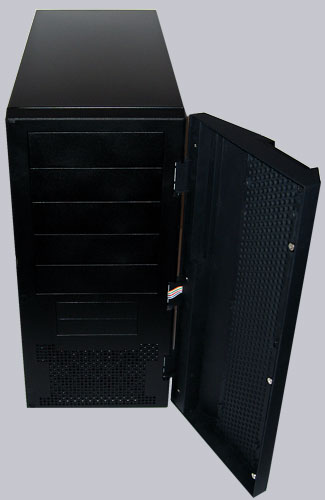
The front bezel is nice finished and the power button as well as the reset button can be pressed with a closed front door. The middle area of the front bezel has perforations and is air permeable which is necessary to get fresh air with the lower 120mm fan into the case.
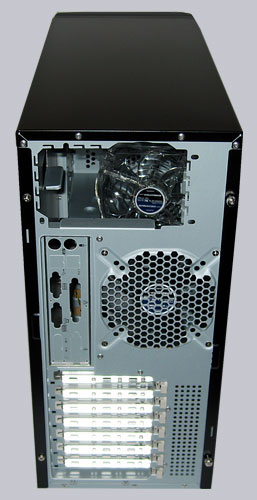
Here’s a picture of the Silent Storm/Twister case rear, which ensures a good airflow out of the case with the big 120mm exhaust fan. Thus the middle area and the upper area blows hot air out of the case and increases the airflow very well.
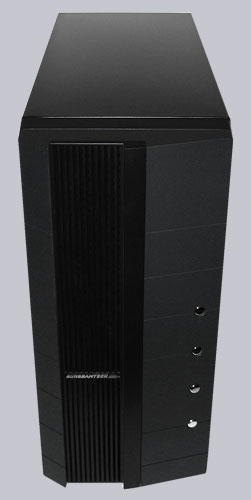
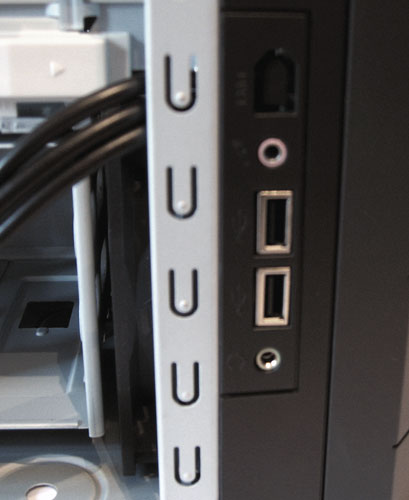
The side panel with the access to the components is installed with two thumb screws and offers another place for an 80mm exhaust fan. Sunbeamtech attach great importance to a very good cooling, which is very quiet in spite of the three mounted fans. However, acoustic absorption mats are nevertheless recommendable, because of the HDD, CPU cooler, etc sound. And in the lower right of the picture you see the two additional USB and audio ports.
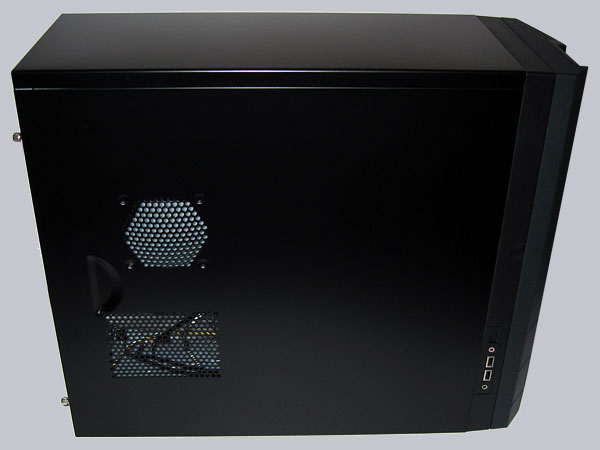
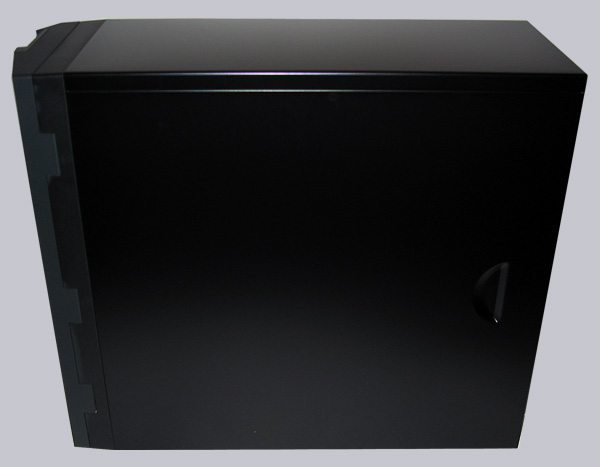
The opposite side panel is also detachable, but the motherboard tray can’t be removed, so there’s nearly no reason to remove this side panel.
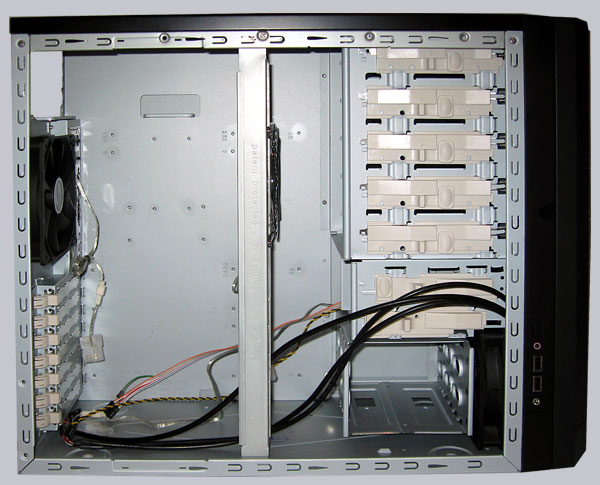
Let us now take a look inside of the Silent Twister / Silent Storm Midi Tower, where’s enough space to work. All edges are well folded and the middle bar with the so-called “Core Fan” is removable to get more room inside. Another High-Light is that the middle 120mm “Core Fan” is adjustable to prevent difficulties with bigger CPU heatsinks and adjust the airflow. If necessary it also supports a second fan.
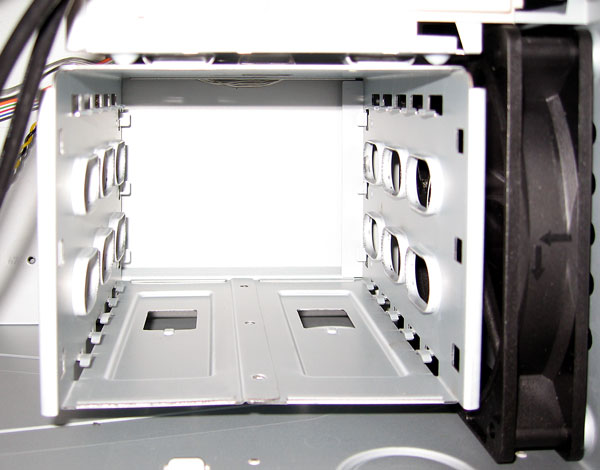
The hard drive cage for up to three 3,5″ drives looks at first view relatively simple. But appearances are deceiving, because the hard disks are installed completely without screws ! For the assembly simply attach two of the provided plastic clips to the sides of the drive and slide it into the cage. That’s it 🙂
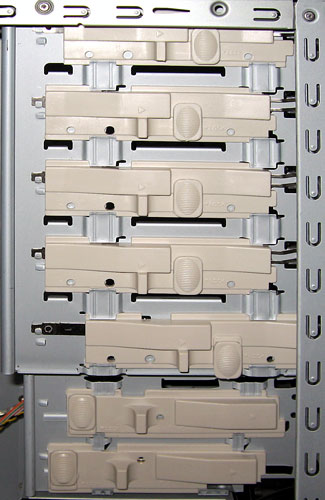
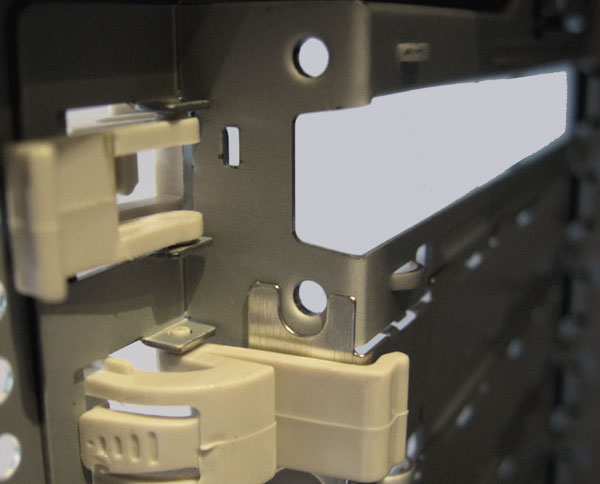
Here’s an additional special feature of the Sunbeamtech case. Because all front drive bays have special clamps to hold the external drives. Simply slide the desired 3,5″ or 5,25″ drive into place and push the clamp to the front. An ingenious mechanism lock the drive without any screws.
And even for the PCI, AGP and PCIe expansion cards Sunbeamtech found a tool free solution for “lazy PC builder” 🙂 The cards are firmly clamped with a small plastic clip and if a clip doesn’t survive after a few years, it’s possible to use thread cutting screws.
Here’s once again a picture of the two front audio and the USB ports.
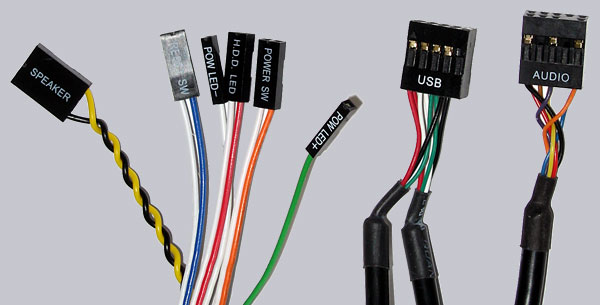
The front I/O plugs for the power button, reset button and the LEDs are well labeled. The USB as well as audio plugs are build in one block. So it’s not necessary to connect as often usually each pin to the mainboard. Nevertheless one should compare the pin allocation of the USB plug and the audio plug before the installation with the motherboard manual.
Result and general impression of the Sunbeamtech Silent Twister / Storm Case …