

Layout, design and features …
Let’s start by assembling the base.
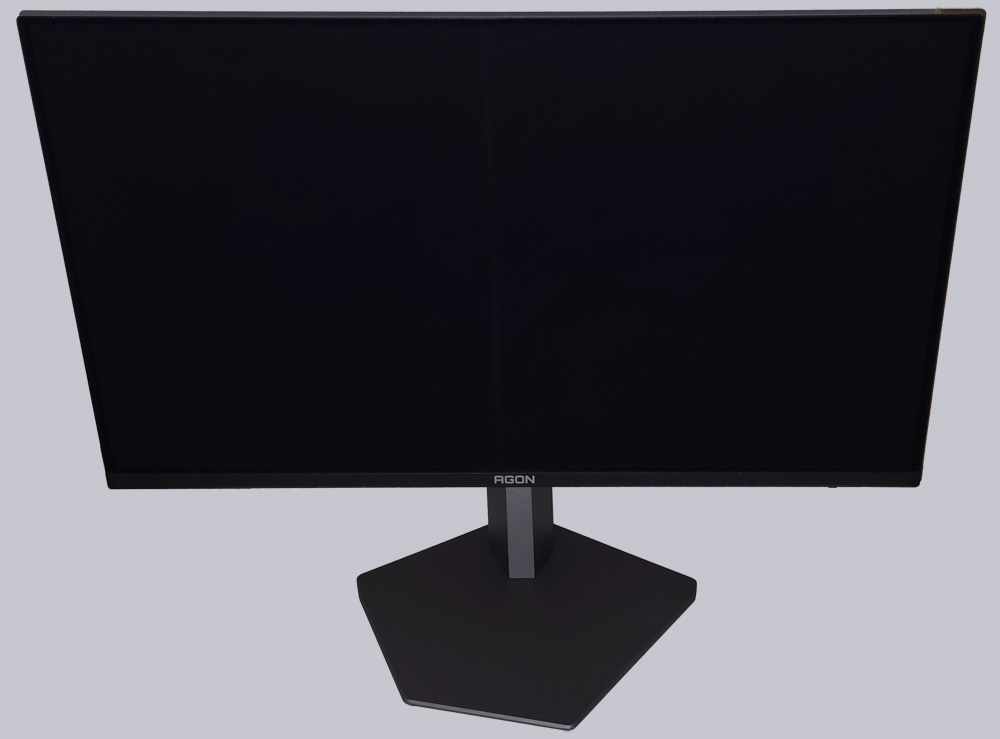
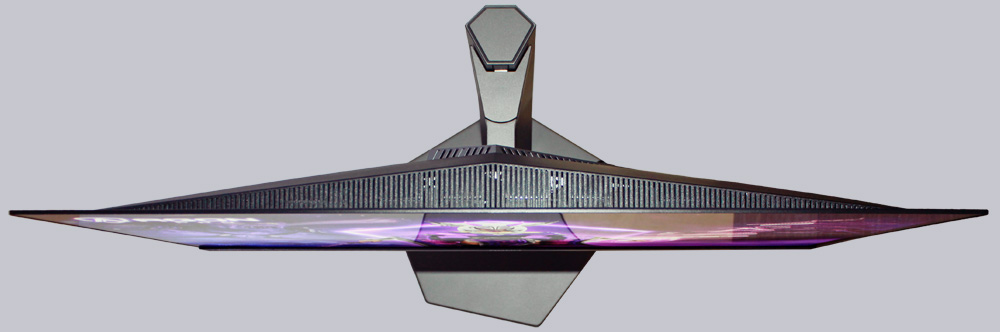
A look at the back reveals the asymmetrical pentagon, which is outlined by RGB lighting.
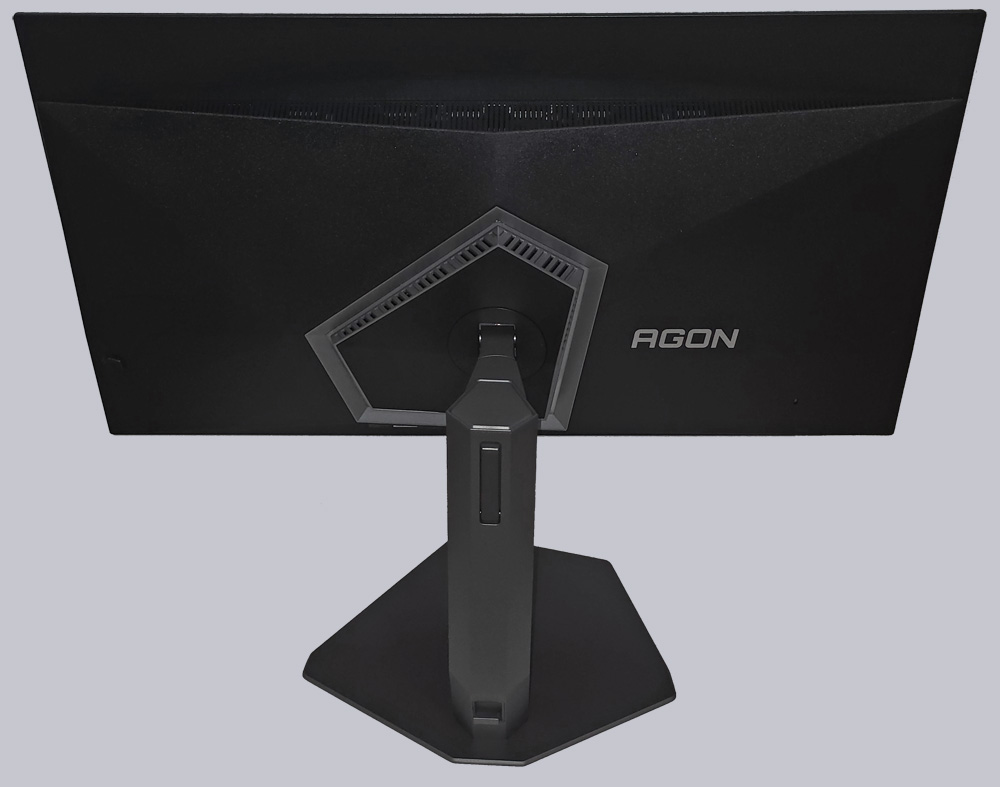
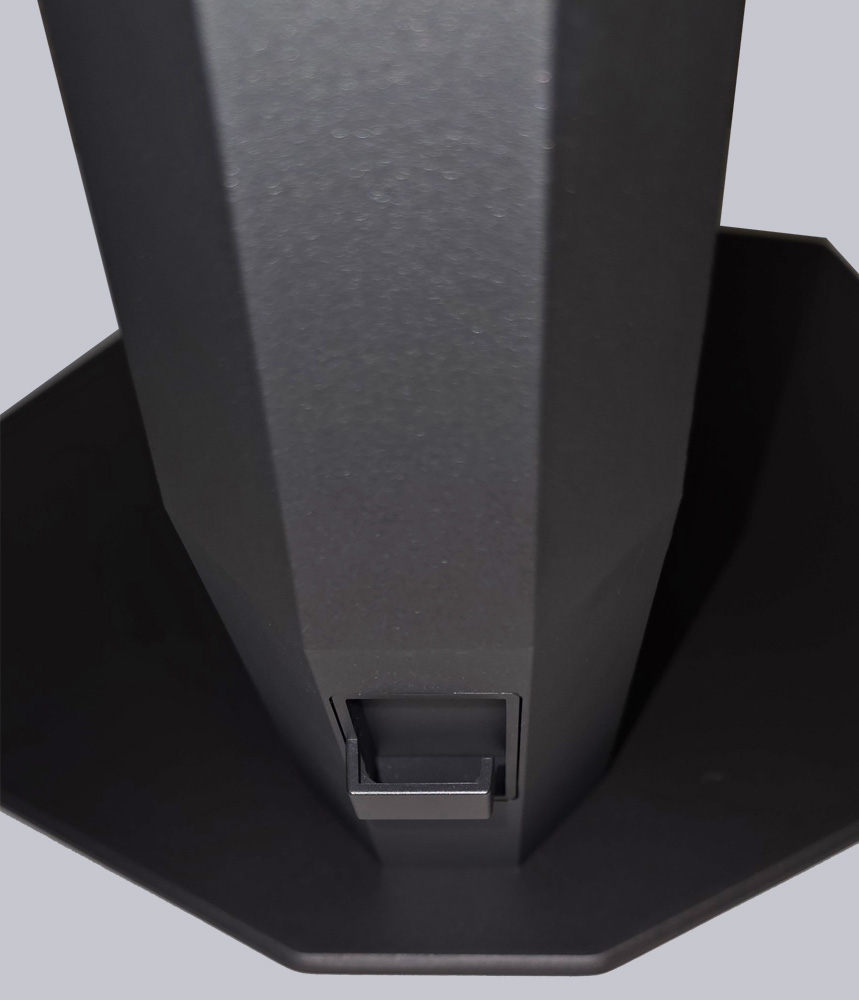
The fold-out mount on the back is used to attach a headset. The position isn’t quite ideal. This mount would have been much better placed on the side of the monitor.
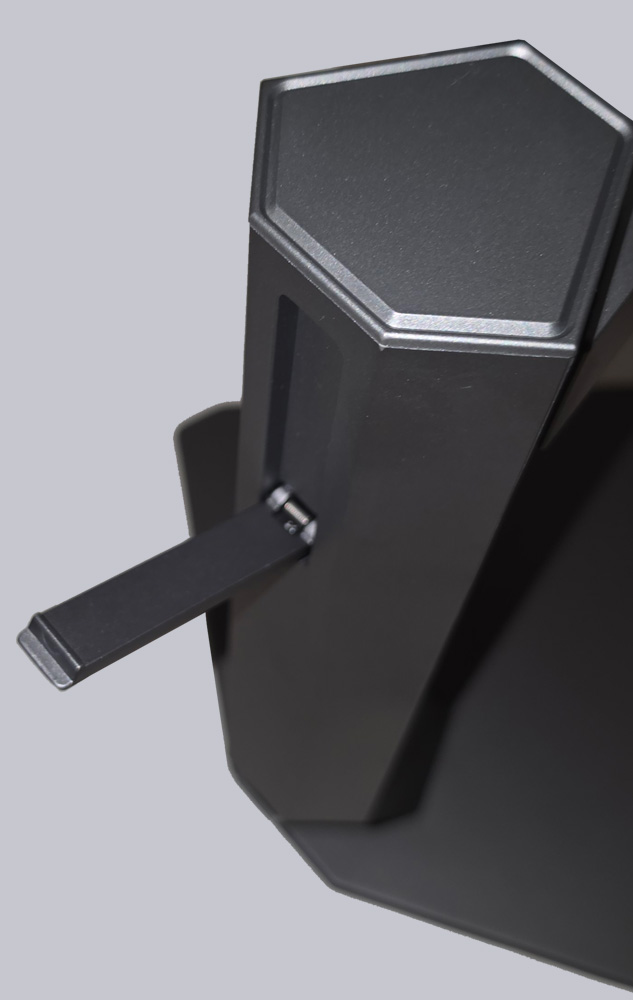
In addition, the mount features a cable guide that allows for neat cable routing.
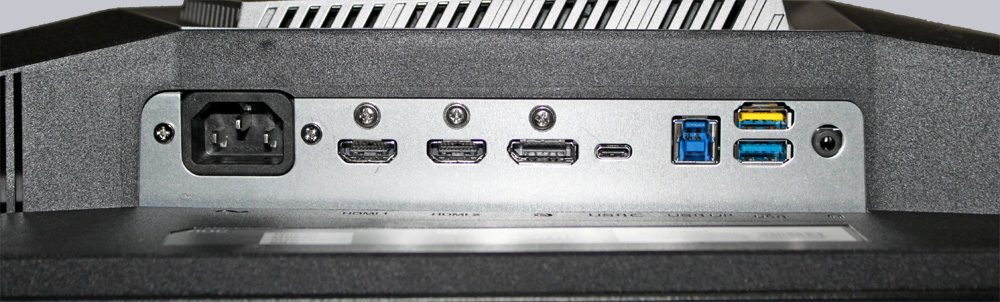
On the back, we see the ports. The monitor has two HDMI ports, one DisplayPort, one USB-C port, a 3.5 mm jack, and a USB uplink port with two additional USB-A ports. Since the Agon AG326UZD2 has a built-in power supply, all you need is a power cord to connect it to a power source.
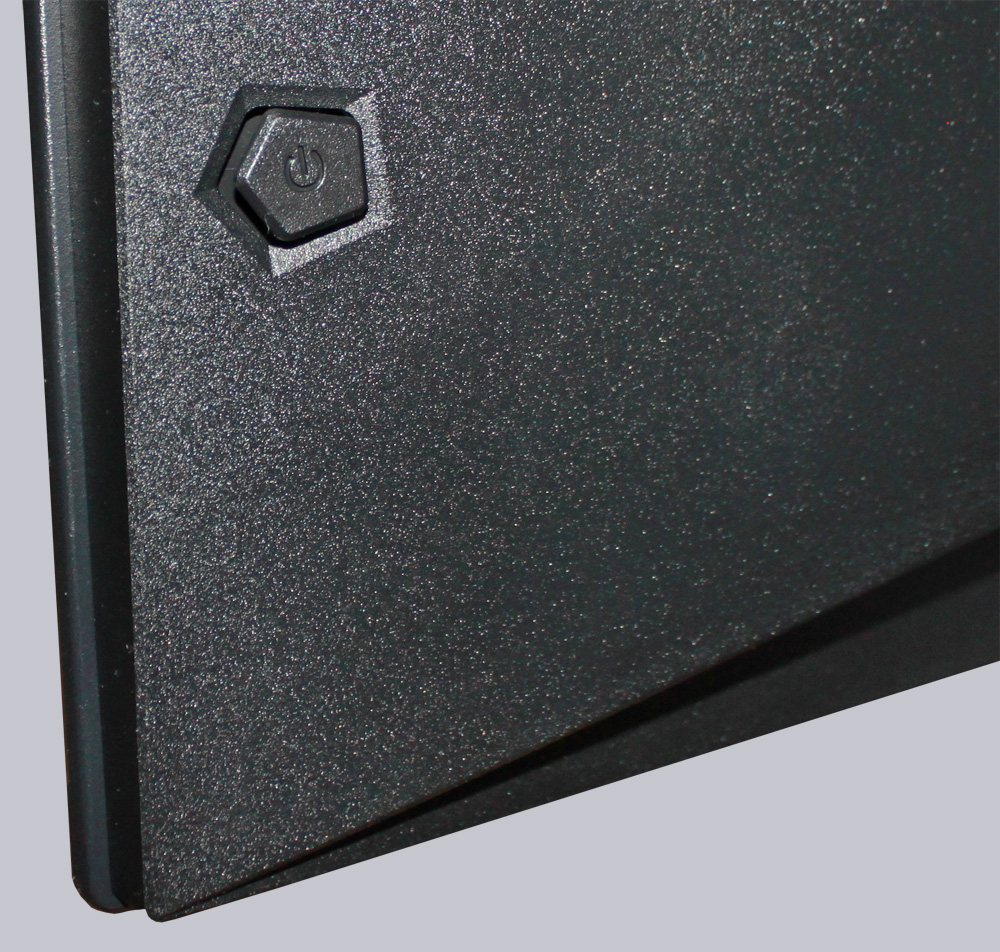
On the back, we find the only button on this device: the power button, which also serves as the navigation button. This button also incorporates the pentagonal shape of the AOC design.
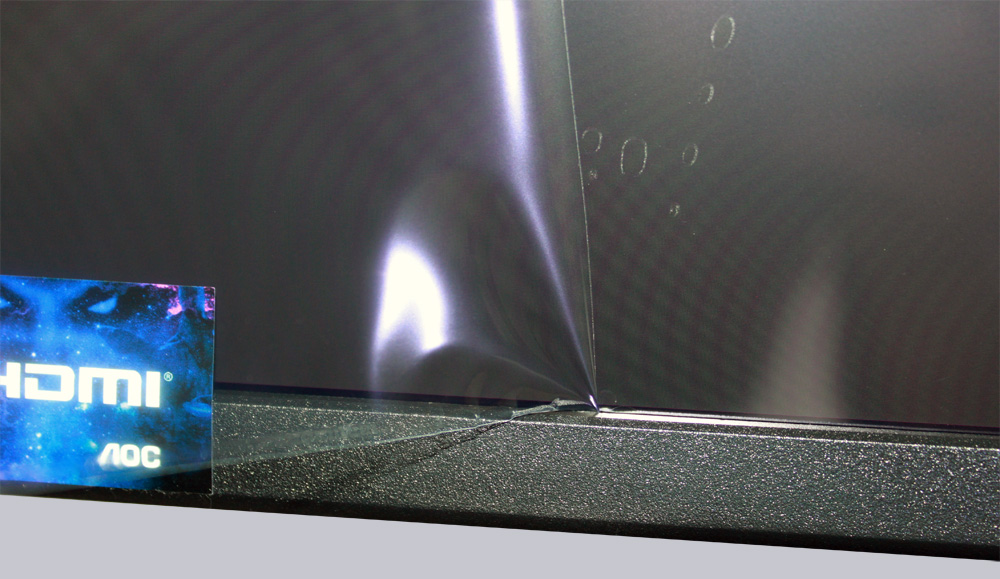
There’s one thing worth mentioning here. Unfortunately, the screen protector is once again caught at the bottom edge of this unit. This time, however, there’s a yellow tab attached to the top corner that makes it easy to peel off the protector right away. They could have handled this better, since other manufacturers only apply this protector directly to the display. According to AOC, however, this usually isn’t a problem.
The AOC Agon Pro AG326UZD2 is a monitor with a flat panel, which makes working with Office or web applications a very pleasant experience.
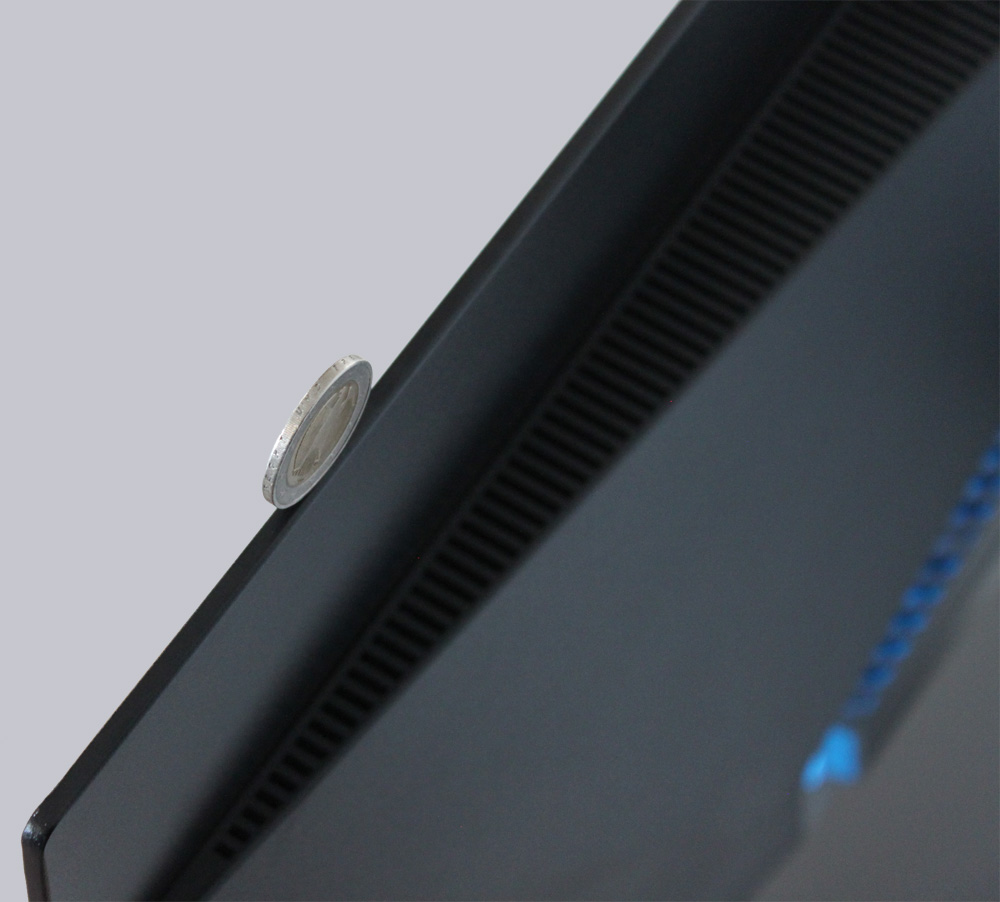
But wait a minute-the display, including the case, isn’t much wider than a 2-euro coin. That’s really impressive!
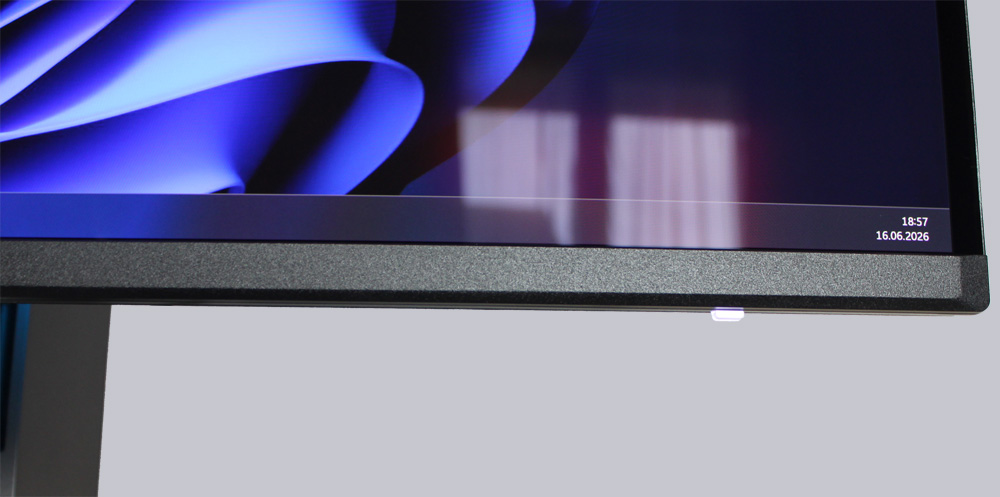
At the bottom, we can see a small status LED.
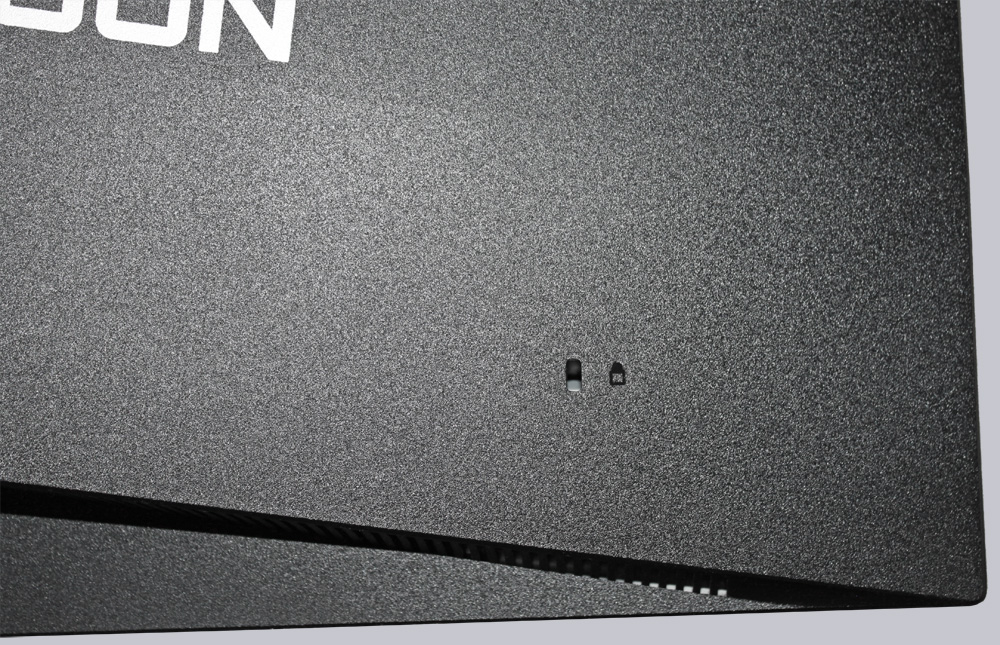
Finally, we find a slot for a Kensington lock on the back.
But for now, let’s connect the monitor and put the Agon Pro AG326UZD2 through its paces in our practical testing.
AOC Agon Pro AG326UZD2 Practical testing …