

Installation …
In practical use, the new plug-and-play system of Arctic’s BioniX P fans delivers across the board. Installation is a breeze, without the hassle of connecting and routing countless cables, as is the case with conventional RGB fans. The RGB connectors, in particular, with their tiny contacts, often drive users to despair because they lack a locking mechanism and tend to come loose even with the slightest movement. The new BioniX fans don’t have this problem. All connectors fit rock-solid and click into place with a distinct click. Arctic has also paid special attention to user-friendliness, ensuring that you simply can’t plug them in incorrectly. Of course, the fan will remain silent only if you plug the connection cable into a slot that isn’t electrically equipped. In our test system, we connected two BioniX P14 A-RGB fans at the front, two BioniX P12 A-RGB fans at the top, and one BioniX P12 A-RGB fan at the rear to the motherboard using just two fan cables and two RGB cables. At the front, nothing is visible except for the small connector in the upper right corner of the wiring. When using the jumpers, it’s also not absolutely necessary to secure two fans with all 8 screws. Four screws would already provide sufficient support.
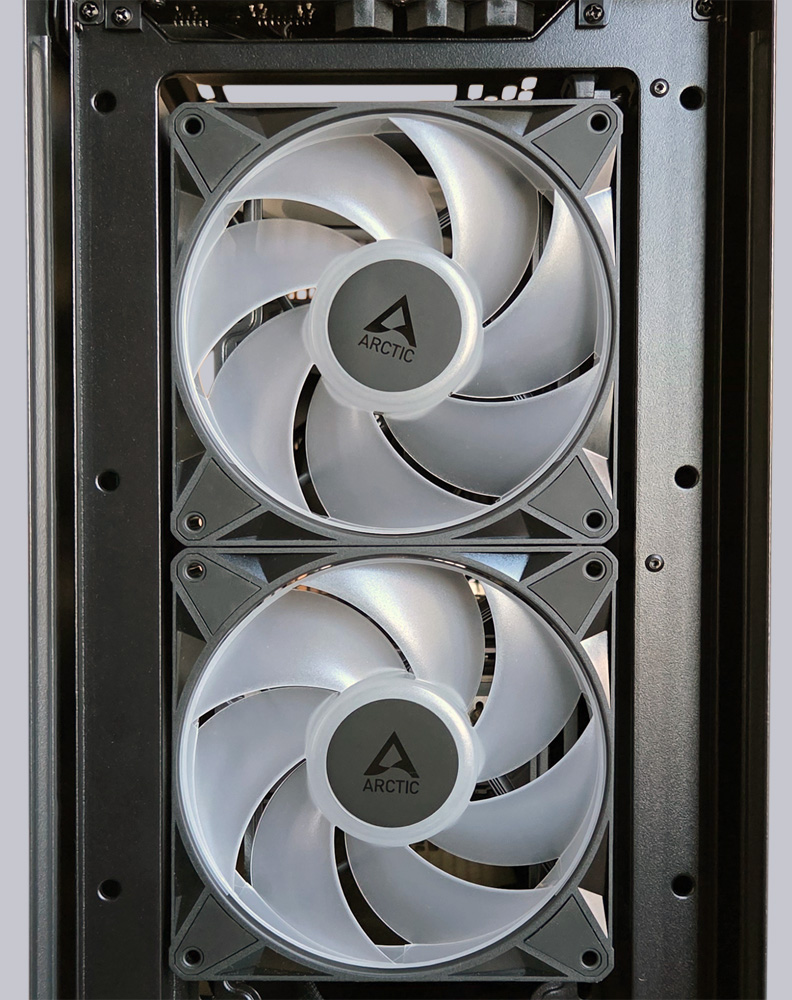
Inside the case, the cables are almost completely hidden from view. The front section houses the connection cables for the two front BioniX P14 fans, as well as for the top and rear BioniX P12 fans. Even with five RGB fans, the cables are barely visible!
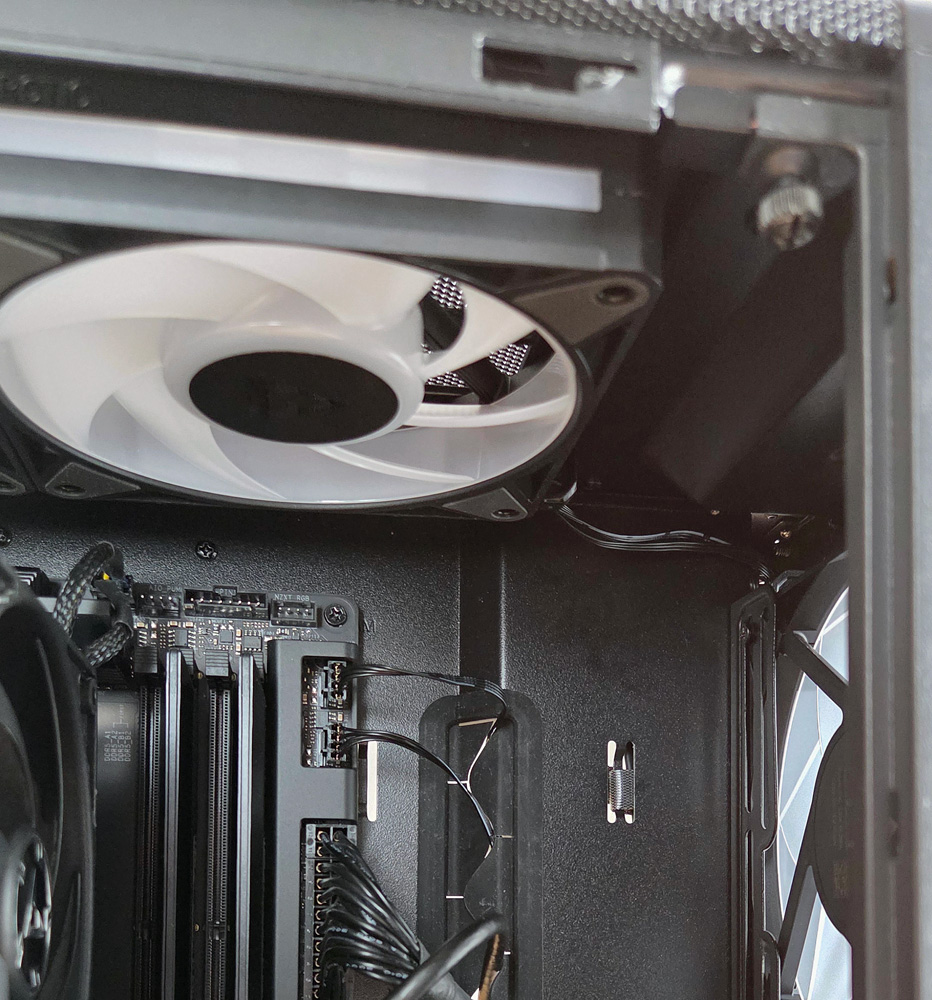
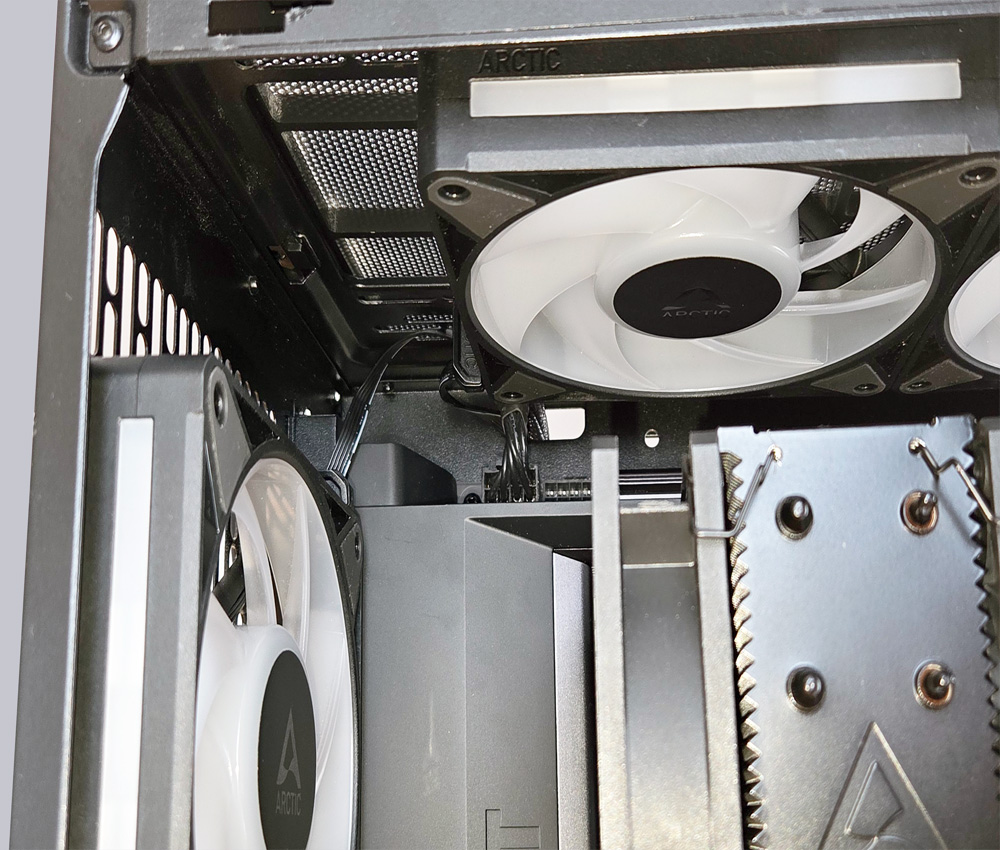
But even at the back, where the two upper fans are connected to the rear fan via an adapter cable, there’s no sign of cable clutter.
When connecting multiple fans to a single fan header, you must always ensure that the header can supply sufficient power to the fans. With modern motherboards, there is little need to worry about overloading the fan controller, but you should be careful with older boards. When connecting three BioniX P14 fans to a port that can supply a maximum of only 1A, you can at least expect the fans to accelerate more slowly compared to a port that can supply 2A or 3A. For our upcoming practical testing, we’ll be using our NZXT N7 B850 AM5 motherboard, which can provide 3A at each fan connector. For full performance and speed control, the new BioniX P fans should be connected exclusively to PWM ports. When used with 3-pin DC ports, reduced performance and limited speed control are to be expected. Additionally, you should check in the BIOS to ensure that PWM control is enabled for the fan connector being used. In Auto mode, false detections may occasionally occur, which also leads to reduced fan performance and control.
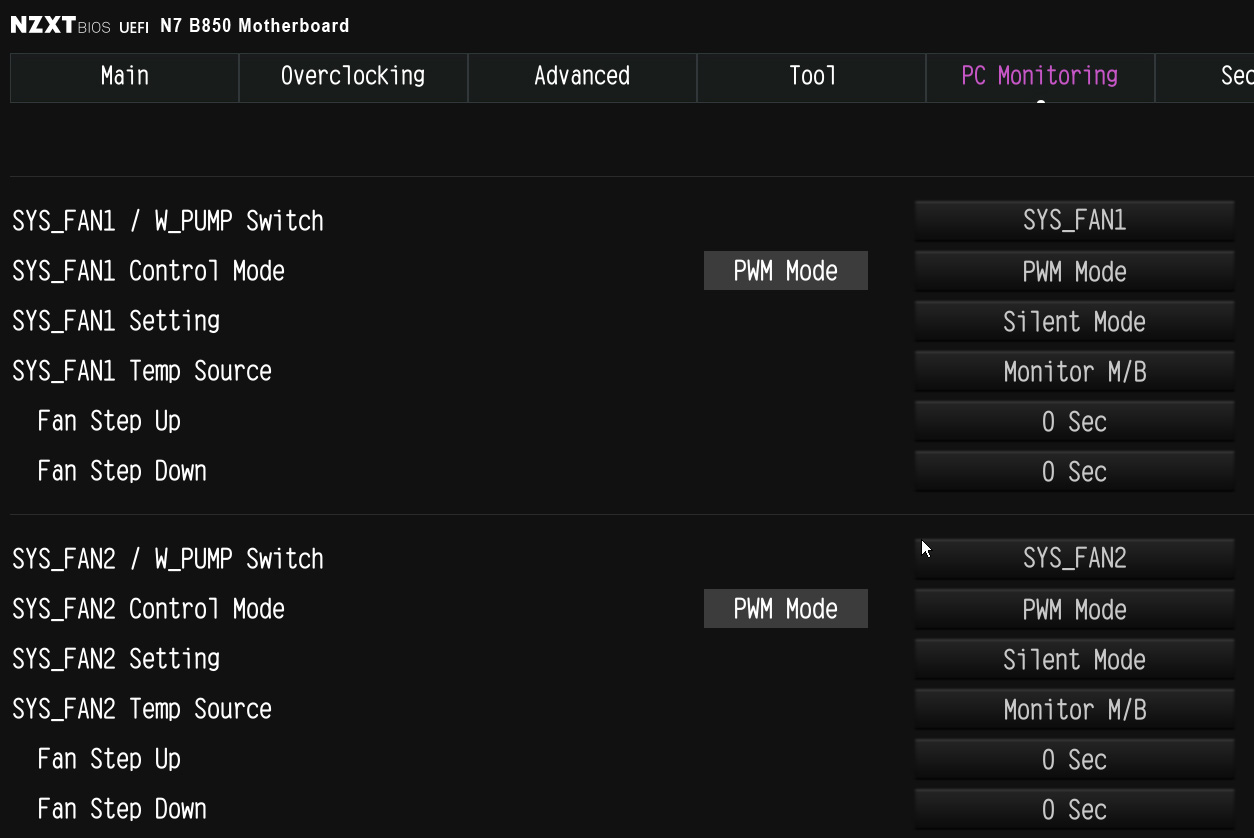
Practical testing …
In operation, the Arctic BioniX P12 and P14 fans perform at their best. They remain silent from 0–5%, and starting at 6% PWM control, they start up smoothly and reliably. Up to 600 RPM, they are barely audible and already deliver a decent airflow.
Thanks to fluid dynamic bearings, rubber mounts at the attachment points, and precision-machined rotors, they produce no disruptive vibrations or noise. Even when the speed was gradually increased to the maximum, no speed at which sudden, disruptive noises occurred could be identified.
Starting at 1,800 RPM, the noise level increases significantly, and speeds above 2,000 RPM should only be used when absolutely necessary. Limiting the maximum RPM can definitely be a good idea.
Of course, we also tested the new BioniX fans on a radiator from the Arctic Liquid Freezer III Pro 360 CPU liquid cooler and found that they deliver nearly the same results as the P-series fans from Arctic’s Pro line. The new BioniX fans are therefore ideally suited for all PC applications.
Arctic BioniX P12/P14 A-RGB A-RGB Lighting …