

Layout, design and features …
Admittedly, the TH108 Pro isn’t going to win any design awards, but it clearly embodies the motto “form follows function.” We would have chosen a different color scheme for the keycaps, but more on that later.
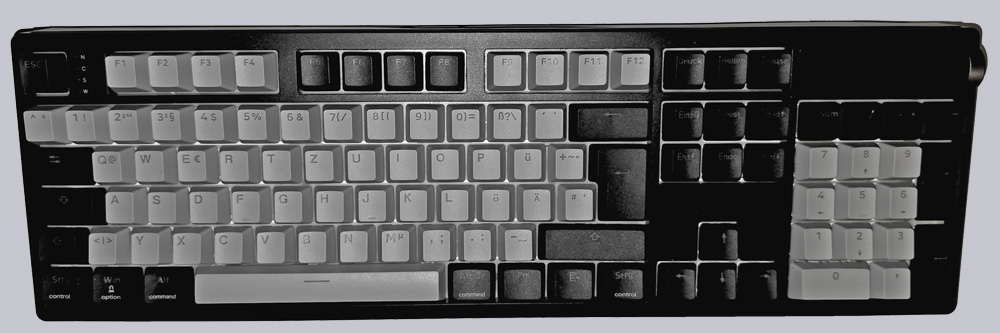
This is a keyboard with a 100% layout, where every key is in its proper place. Since that’s unfortunately not always the case, we’re mentioning it again here.
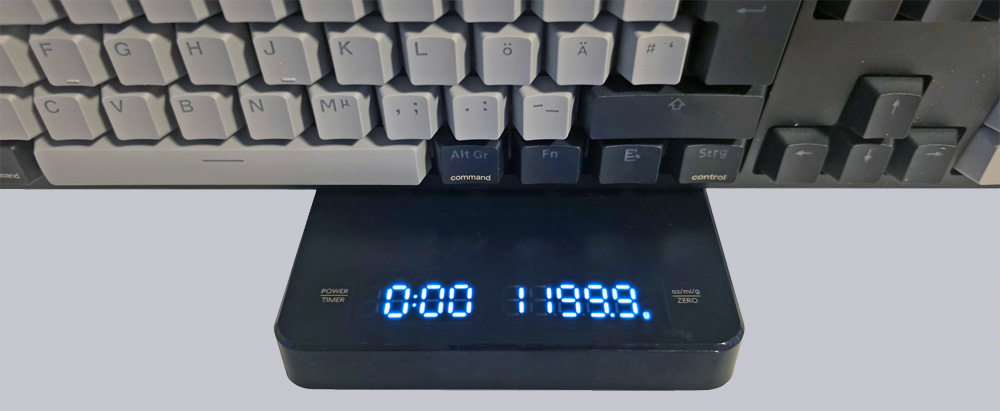
The build quality is excellent. There’s no rattling, squeaking, or creaking, even though the case is made entirely of ABS plastic. The weight is also excellent at just under 1.2 kg.
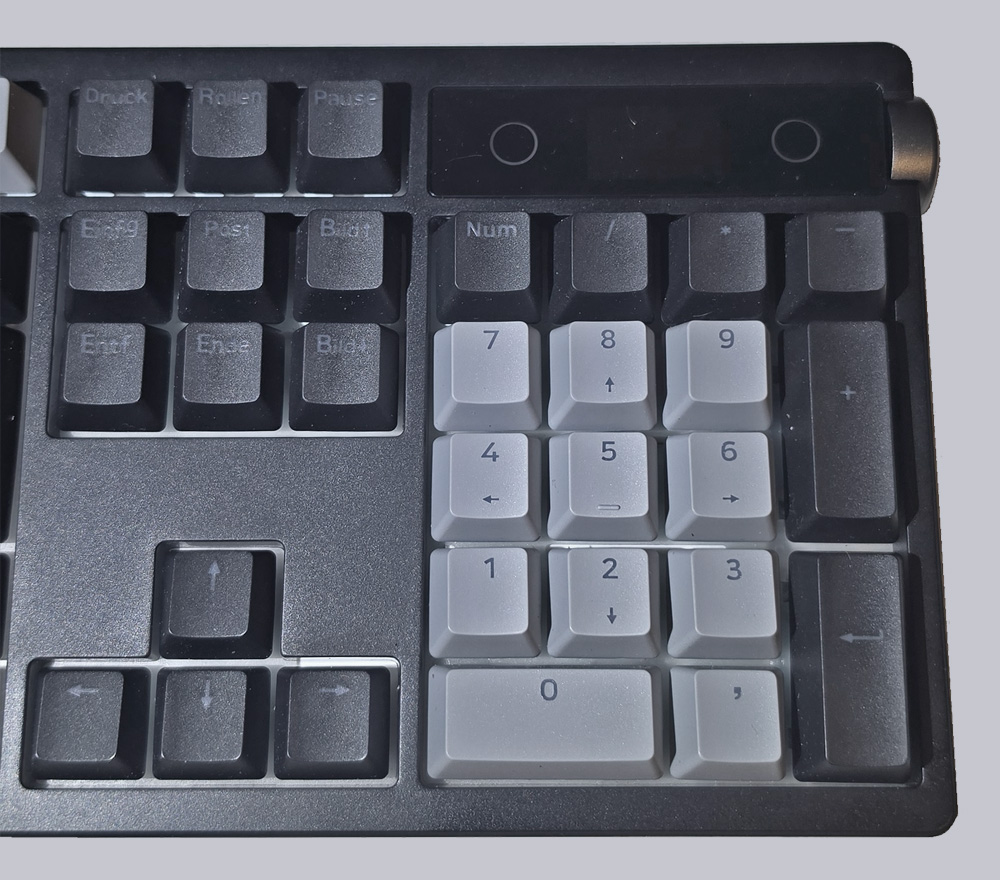
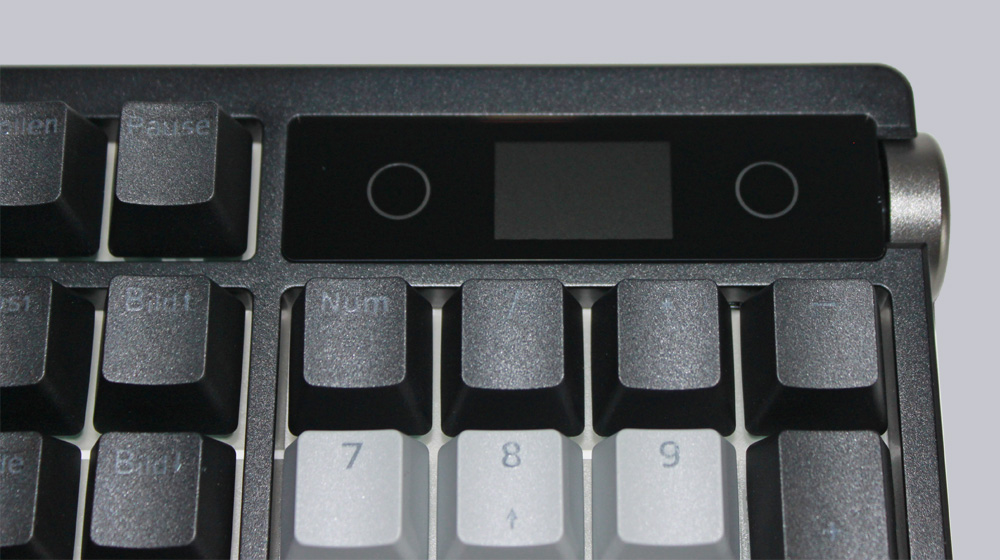
At the top right edge, we see the TFT display with its rotary knob. It can display the date, time, battery level, and operating and connection modes. The current profile is also displayed.
When it comes to lighting, the TH108 Pro holds its own.
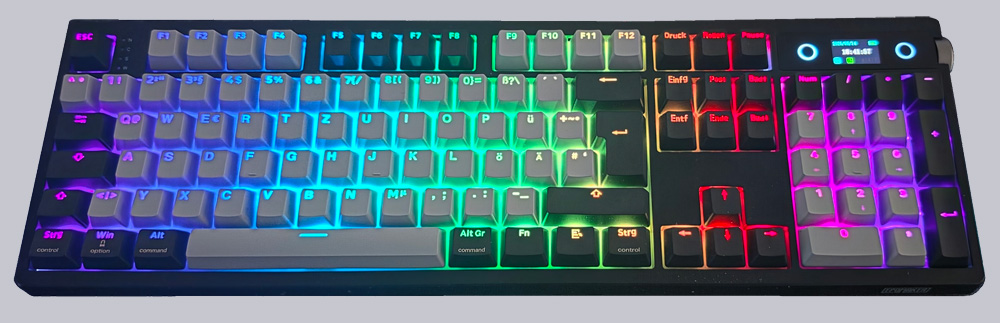
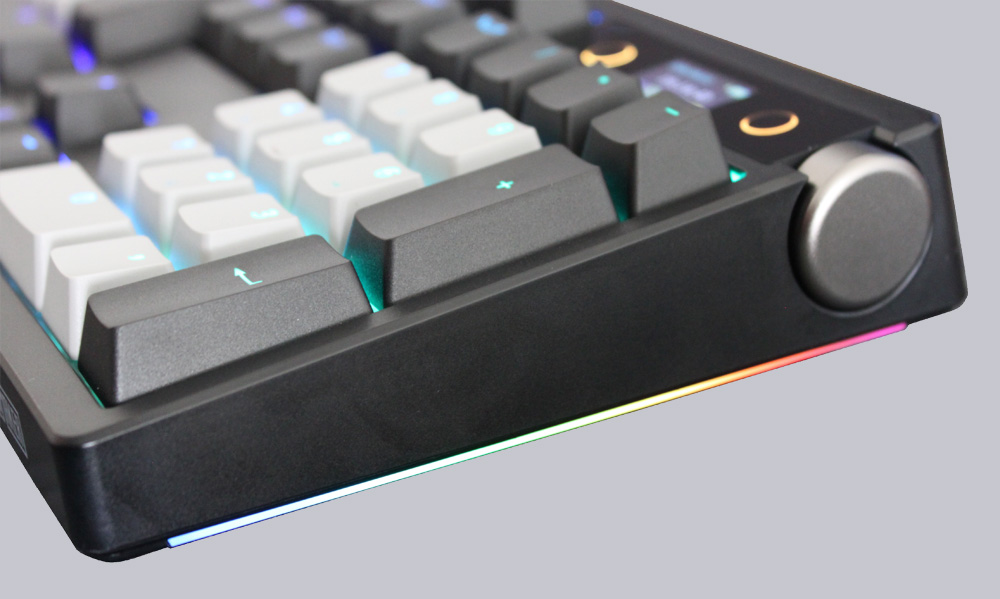
In addition to the RGB-backlit elements on the sides, each key is individually illuminated by an RGB LED.
The lettering is transparent, providing good visibility even in the dark.
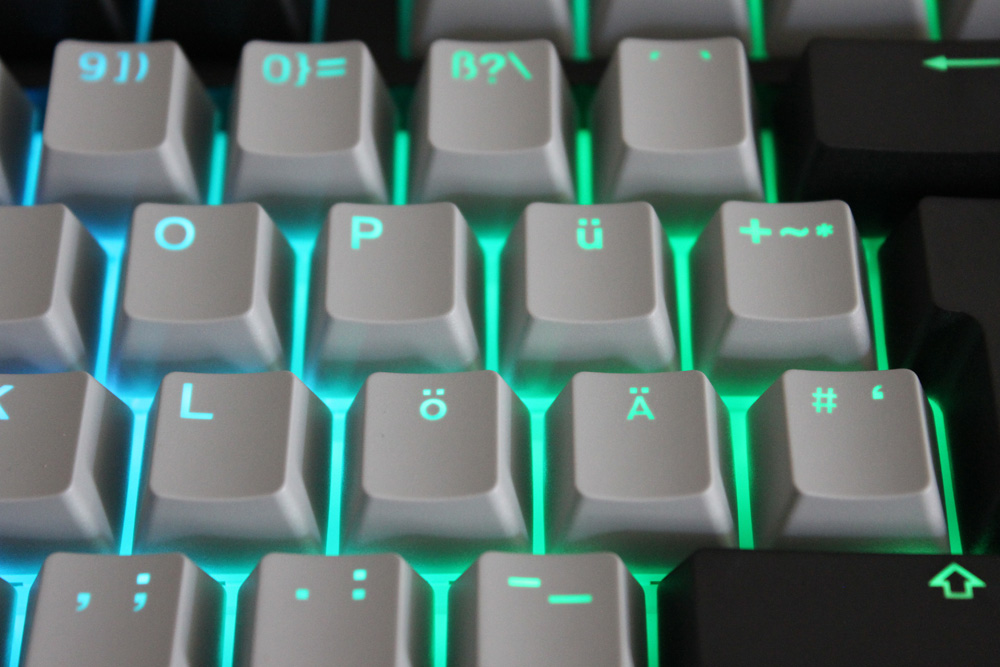
Speaking of the keys: They can be easily removed using the included switch puller tool and replaced with identical models.
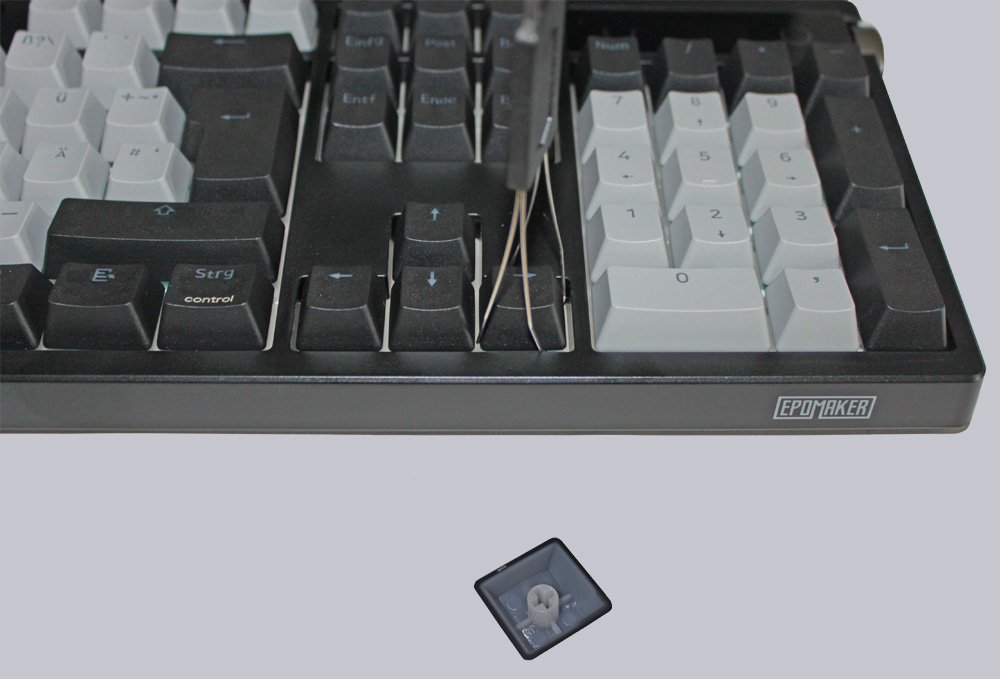
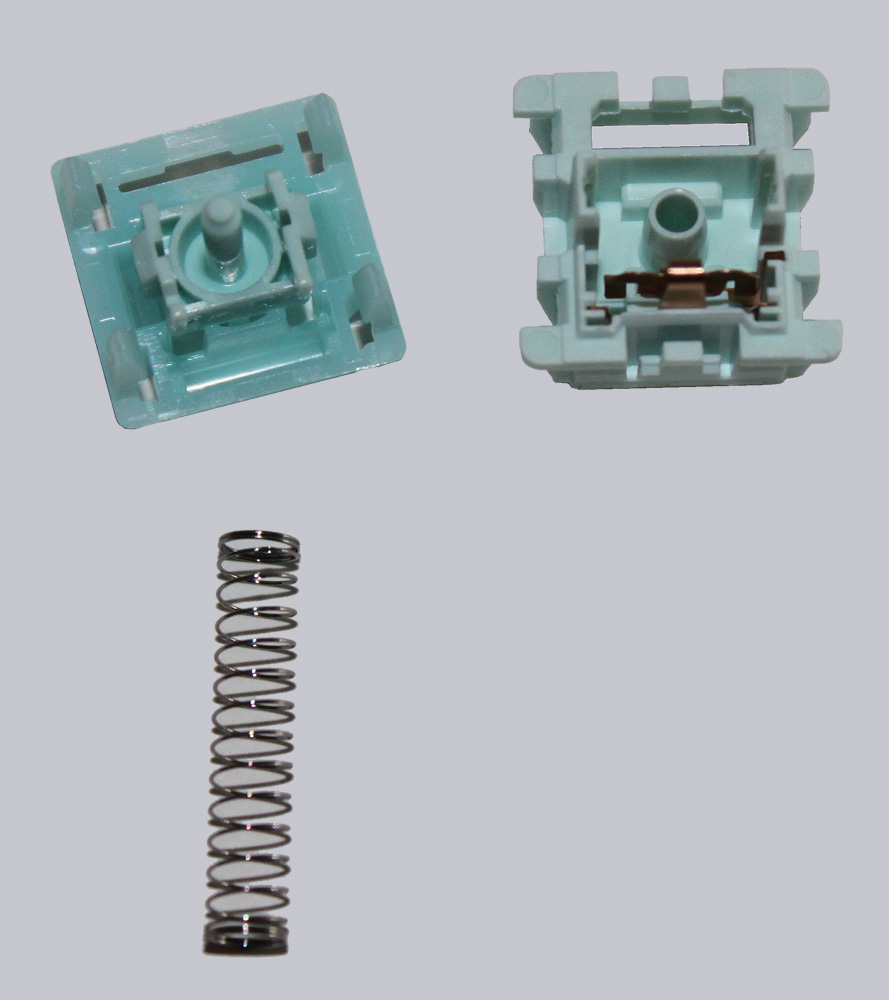
The switches that are already installed are Epomaker Creamy Jade switches, which have already been pre-oiled. But wait a minute… why would I need to oil electric switches?
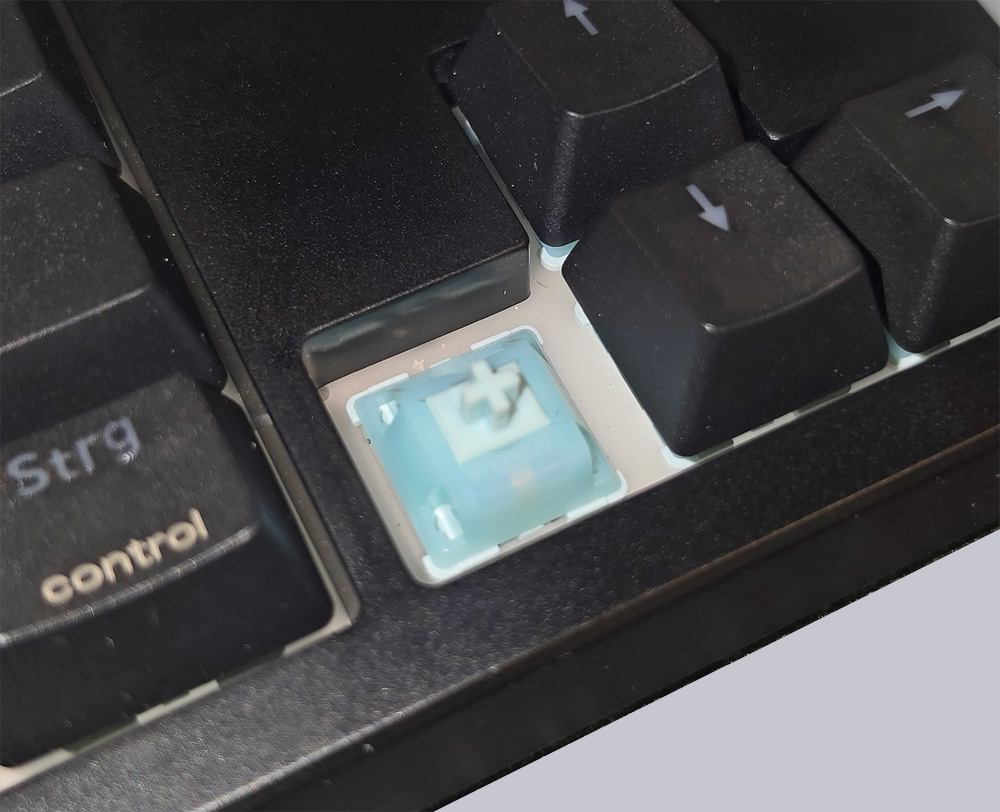
It’s not easy to produce such a perfect clicking sound. That’s why the buttons are either oiled or greased at the mechanical friction points to ensure the smoothest possible operation and a quiet click.
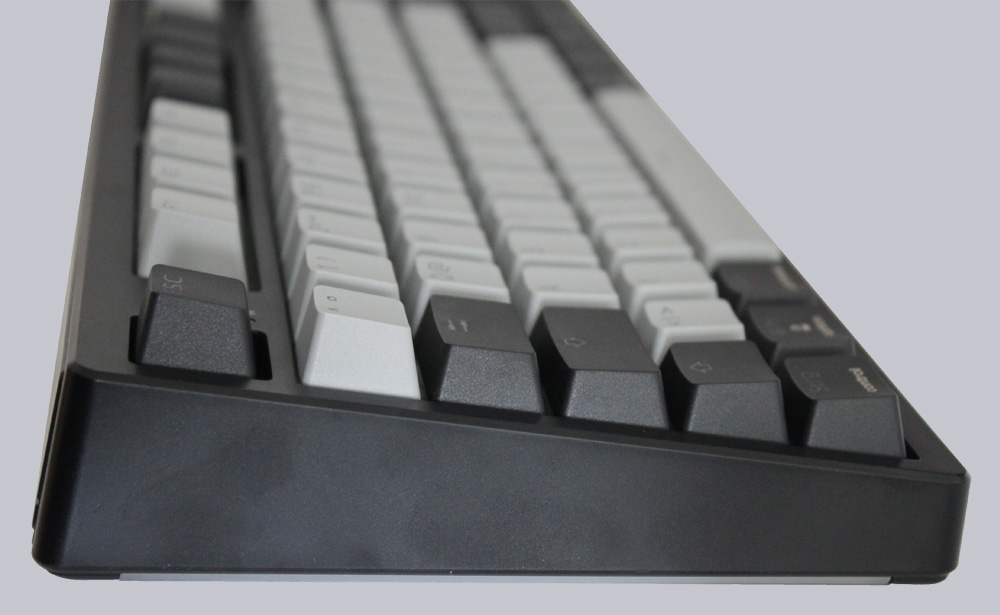
A side view of the case shows that the keyboard is quite tall. A palm rest might have been useful here. We’ll show you how the keyboard performs in terms of ergonomics in our Practical testing.
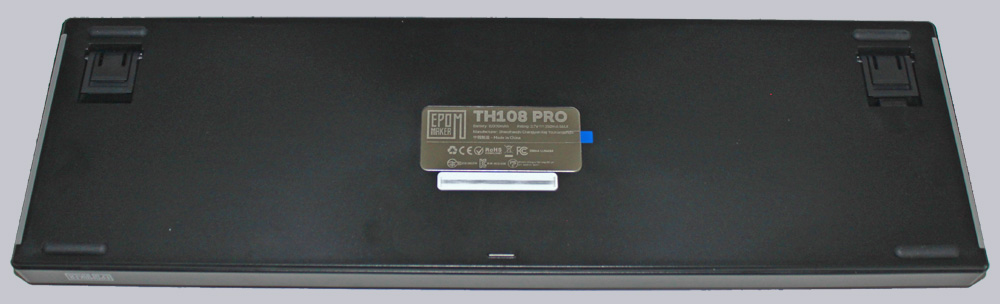
The back shows the three-step adjustable feet, four rubber feet, the model number plate, and the two RGB light strips.
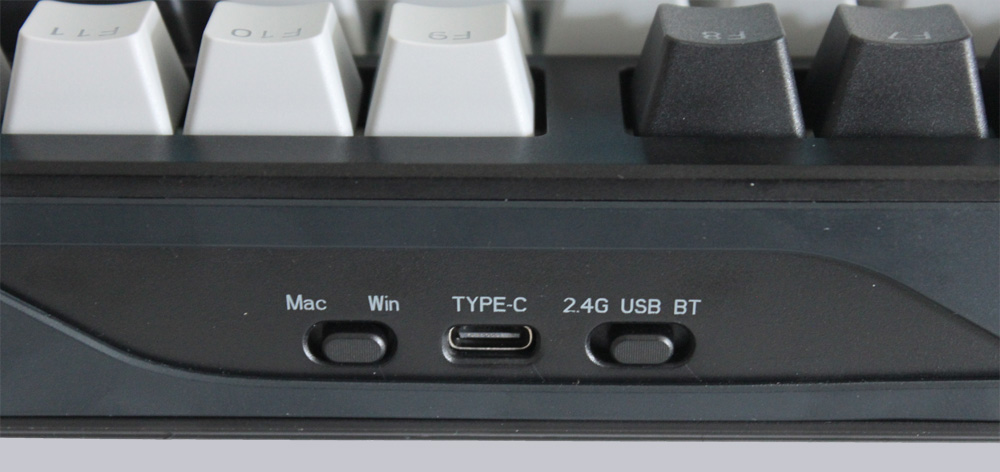
At the top edge, we see the USB-C port in the center, the slide switch for the connection type on the right, and the switch for selecting between Mac and Windows/PC on the left.
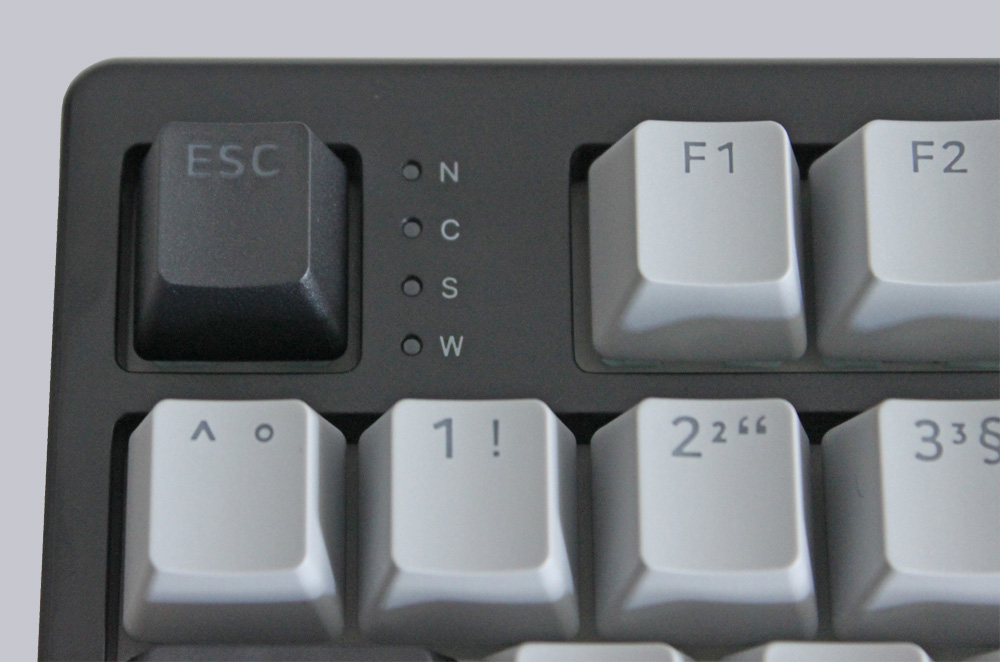
Next to the Escape key are the usual status indicators: Num Lock, Caps Lock, Scroll Lock, and Win Lock.
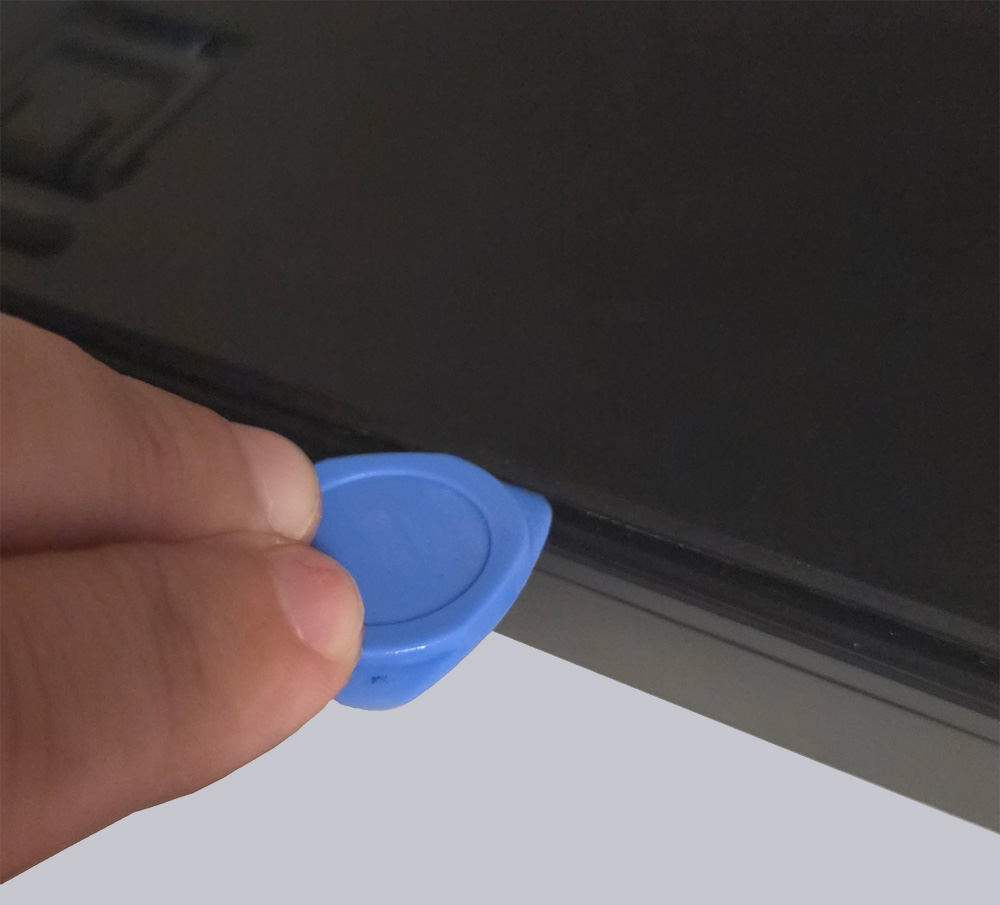
Now let’s move on to my favorite category… taking apart… um… professionally opening up the keyboard and taking a look at the inner workings. 🙂
Erstaunlicherweise handelt es sich bei dem 10.000 mAh Akku nicht um einen, sondern um zwei 5000 mAh Akkus.
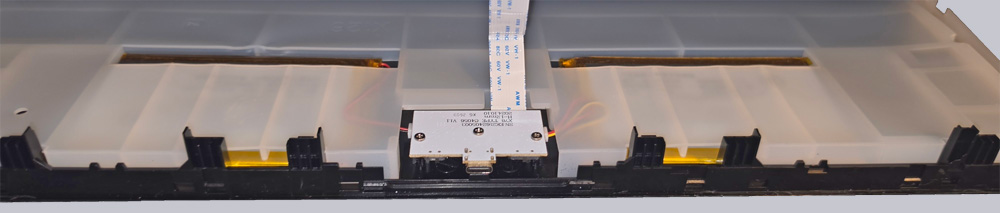
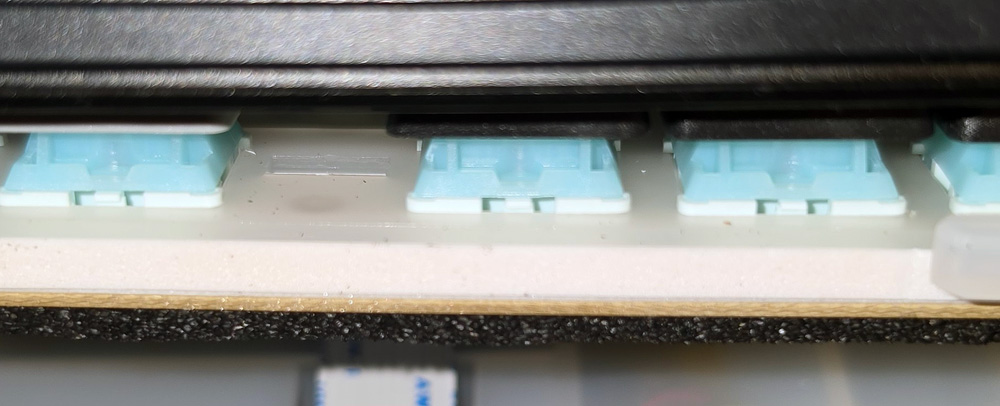
In this picture, you can clearly see the multiple layers that give the keyboard its great typing sound.
Now let’s install the keyboard and put it through its paces.
Epomaker TH108 Pro Installation und Practical testing …