

Layout, design and features interior …
As a Mini-ITX tower, the H2 Flow naturally doesn’t offer a lot of interior space.
Everything is built to a very high standard, and you won’t find any sharp edges here.
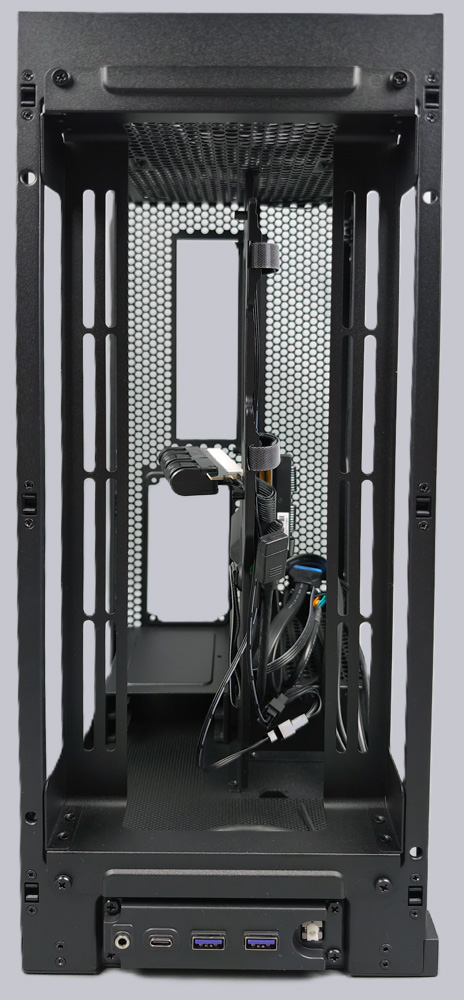
The motherboard is installed at the top and the power supply below it.
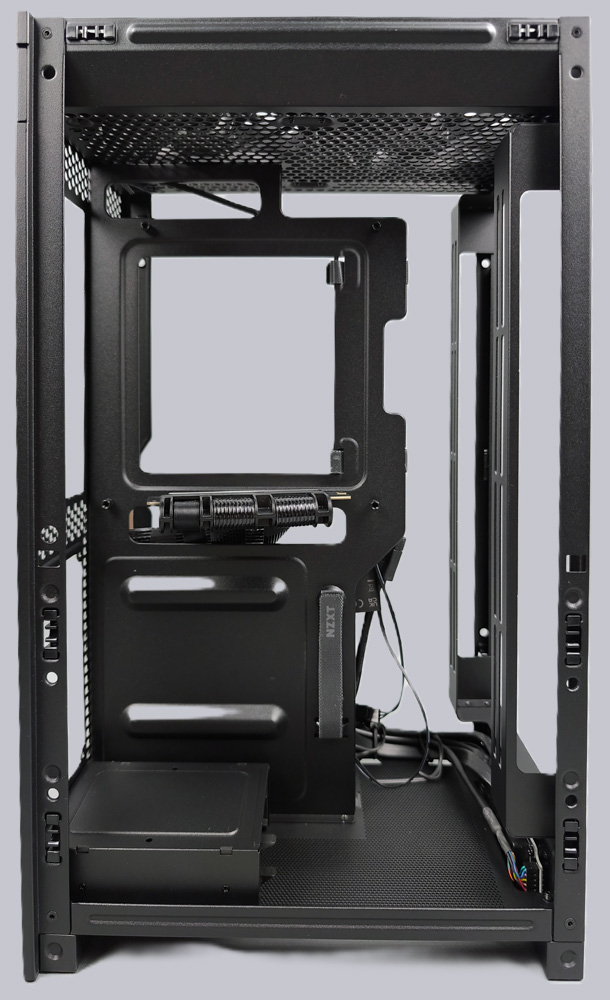
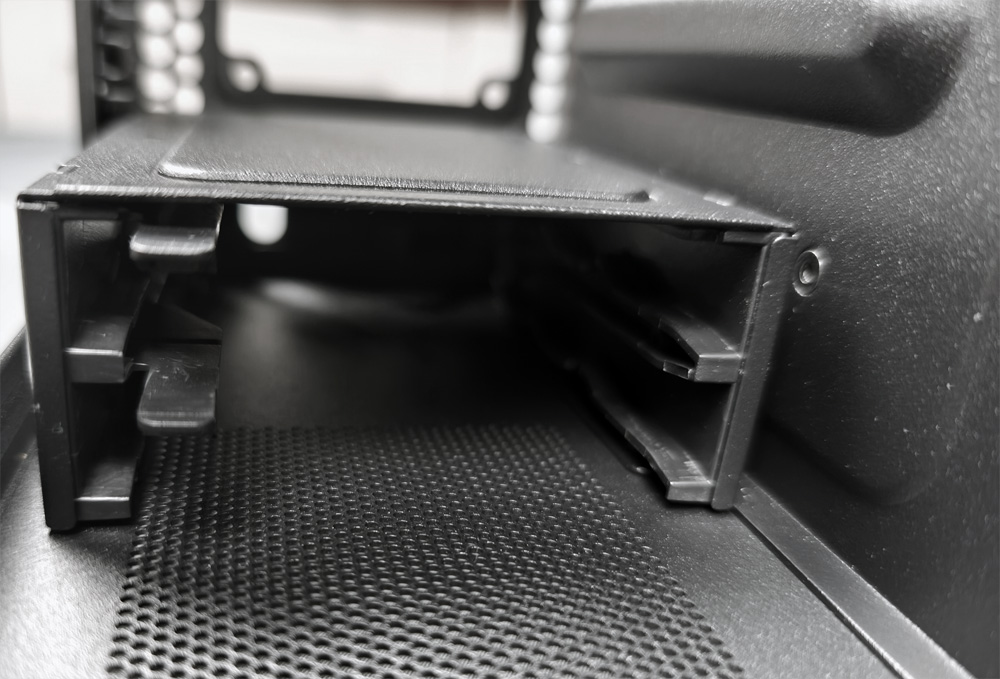
On the left side, you can also mount two 2.5-inch SSDs at the bottom. There is no longer any space for 3.5-inch HDDs here. The SSD cage is secured from below with four screws and can be easily removed.
As mentioned earlier, the graphics card is installed vertically in the rear of the case. Here you can see the pre-installed riser cable—in a PCIe 5.0 version, no less! That’s a big plus, since many other manufacturers still only include a PCIe 4.0 cable in their Mini-ITX cases.
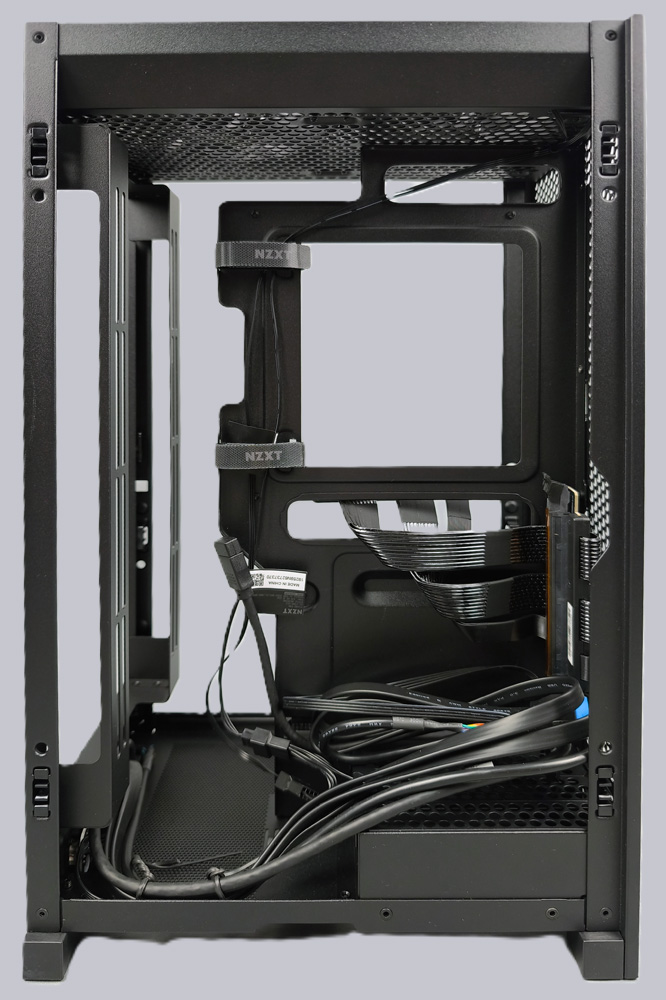
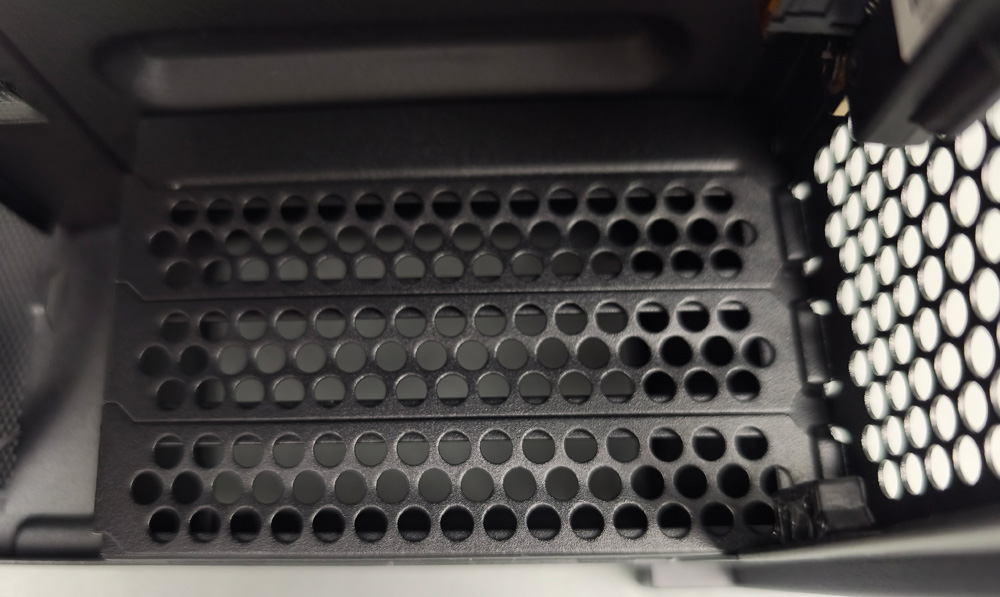
The three PCIe slot covers are located on the bottom.
There is a removable mounting frame on the front. This is where the AiO fans are mounted. The radiator is inserted behind the frame and then reinstalled as a single unit. This makes installing an AiO much easier.
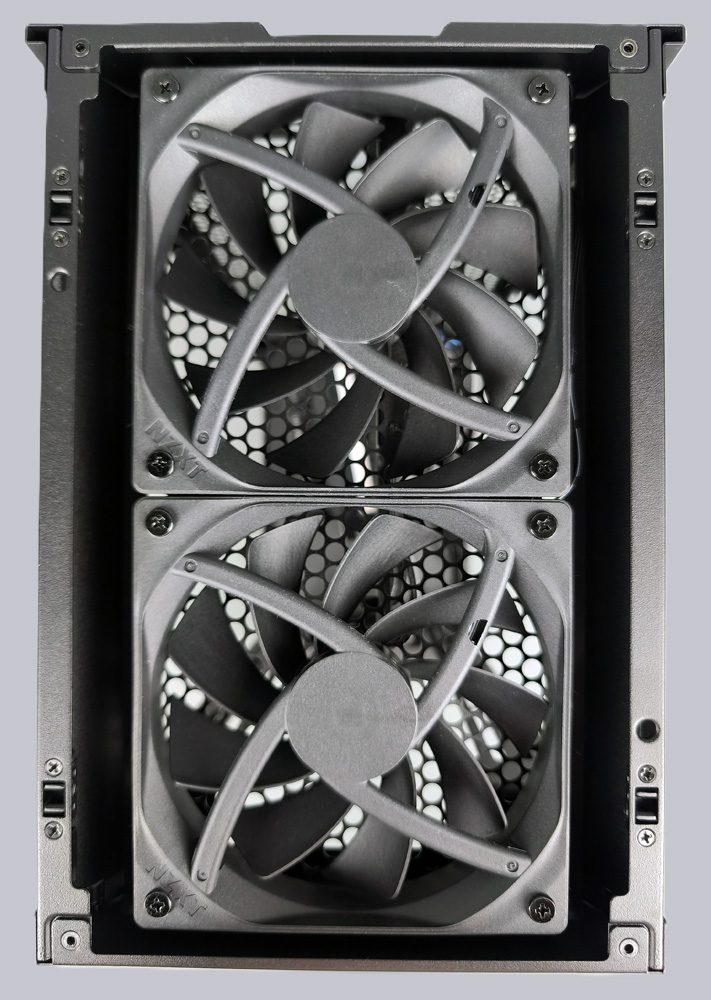
The lid is equipped with two F120Q fans, which, with a maximum speed of 1,500 rpm, can handle the airflow easily and quietly.
NZXT H2 Flow Practical testing …