

Installation …
Installing the NZXT Kraken Core CPU water cooling system is incredibly easy. On our AMD test system with the sleek NZXT N7 B850 motherboard, you first need to remove the original AMD cooler mounting system, which is secured with 4 screws.
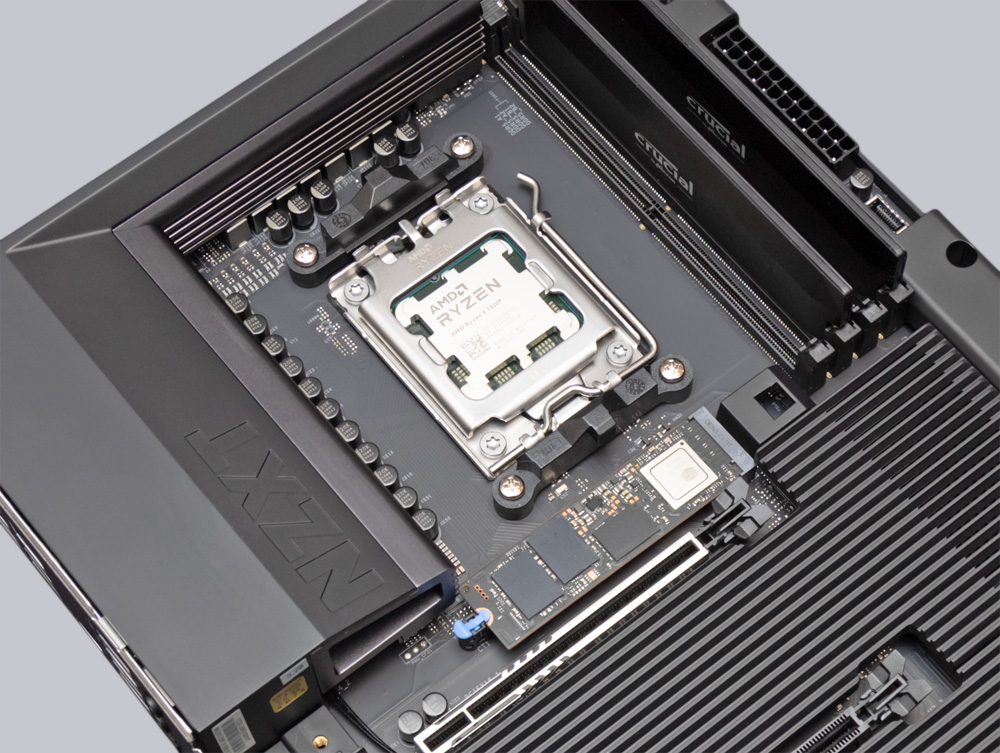
Next, screw 4 spacer bolts into the threaded holes of the original backplate, and then you can simply attach the CPU cooler and tighten it. Thanks to the large plastic cover, there’s no inconspicuous protective film that you might forget to remove before installation, and you don’t have to worry about applying thermal paste either, since it’s already been applied to the cooler in advance.
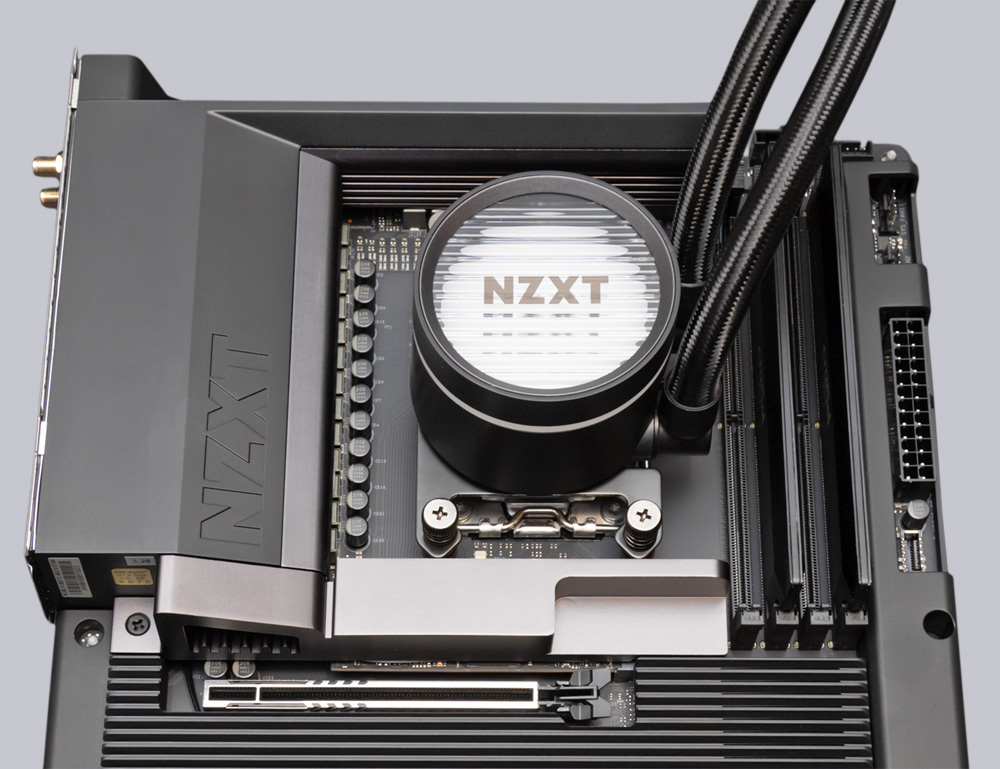
Finally, all that’s left is to install the radiator with the single-frame fan into the case and connect the cables for the pump and fan to the motherboard – a process that’s particularly straightforward with the Kraken Core RGB Water Cooling system.
To secure the single-frame fan, you simply need to tighten 4 screws and plug in 2 cables – as opposed to the 12 screws and 6 cables that would be required for individual fans. This also minimizes the effort required for neat cable routing inside the case. After that, the cooler is ready for use.
NZXT Kraken Core 360 RGB Test setup and results …