

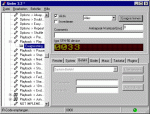
USB infrared receiver program download and installation
You should download this …
First of all we need the program called Girder, which can be downloaded here ! (3.29b installer). (Sorry, but a direct link or an own hosting was refused) Update – in the meantime you’ll get the download of newer Girder Versions here at the new Promixis page !
Furthermore we need a plugin for Girder to have the USB infrared receiver addressed –
here you can get the necessary plugin for Girder !
Here’s a newer Version of the Plugin, in case you’ve any trouble with the original IgorPlug Version.
You are advised to download the import groups, necessary for Winamp, WinDVD, etc. here. Update – in the meantime you’ll get the import group downloads here at the new Promixis page and here is once again a backup of the explained Winamp GML files ! Read the description below.
How to install Girder …
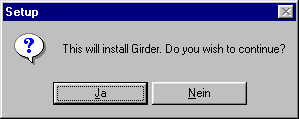
Start the installer by executing “girder329b.exe” (if you downloaded the zip file, unpack it first …
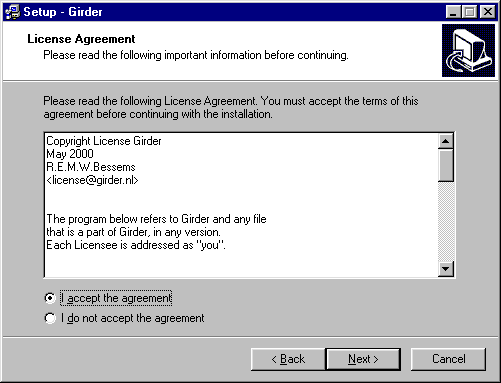
We have no choice than to accept the license agreement … 🙂
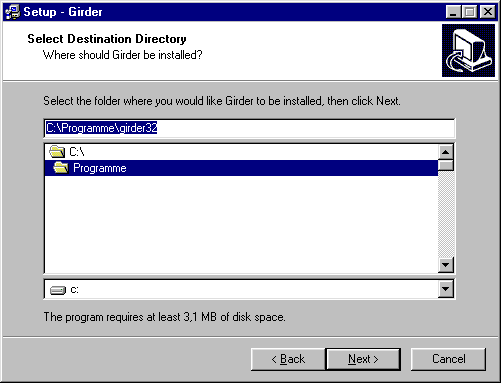
Here you choose you desired path to recover the program later on …
Feel invited to choose all options …
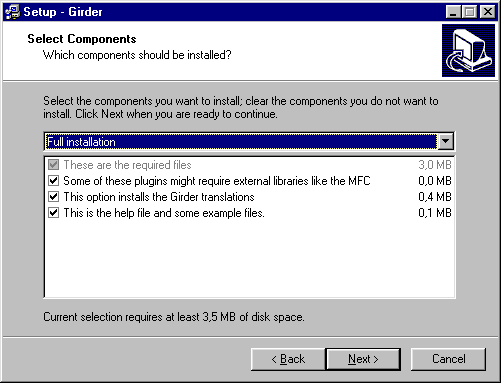
And enter the preferred folder name for the start …
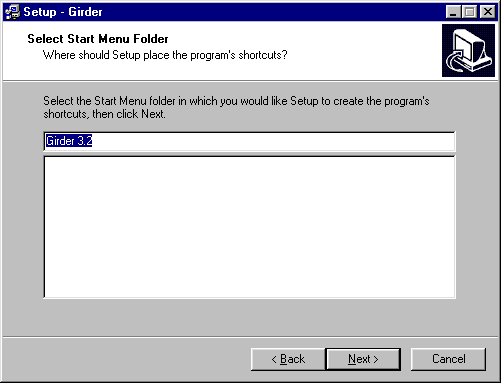
Then confirm with “install” …
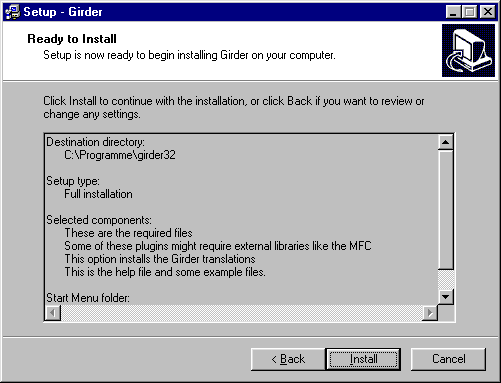
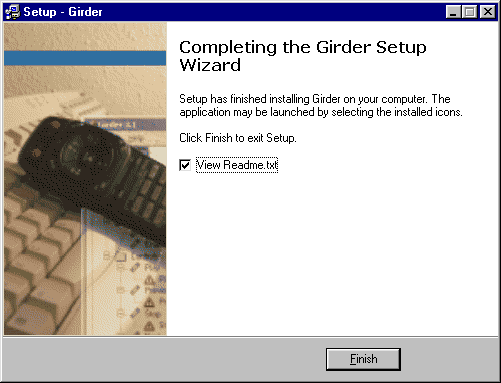
Anybody who wants to view the Readme may do so … Confirm with “Finish” …
Now we extract the USB plugin and the importgroup for Winamp and any other programs we wish to control e.g. with Winzip into the plugin folder !!! of Girder (referring to our example into C:Programmegirder32plugins). Having finished this we are able to start and configure Girder from the start menu.