

Practical testing …
The installation went smoothly on both Windows 11 and the new (hyped) CachyOS.
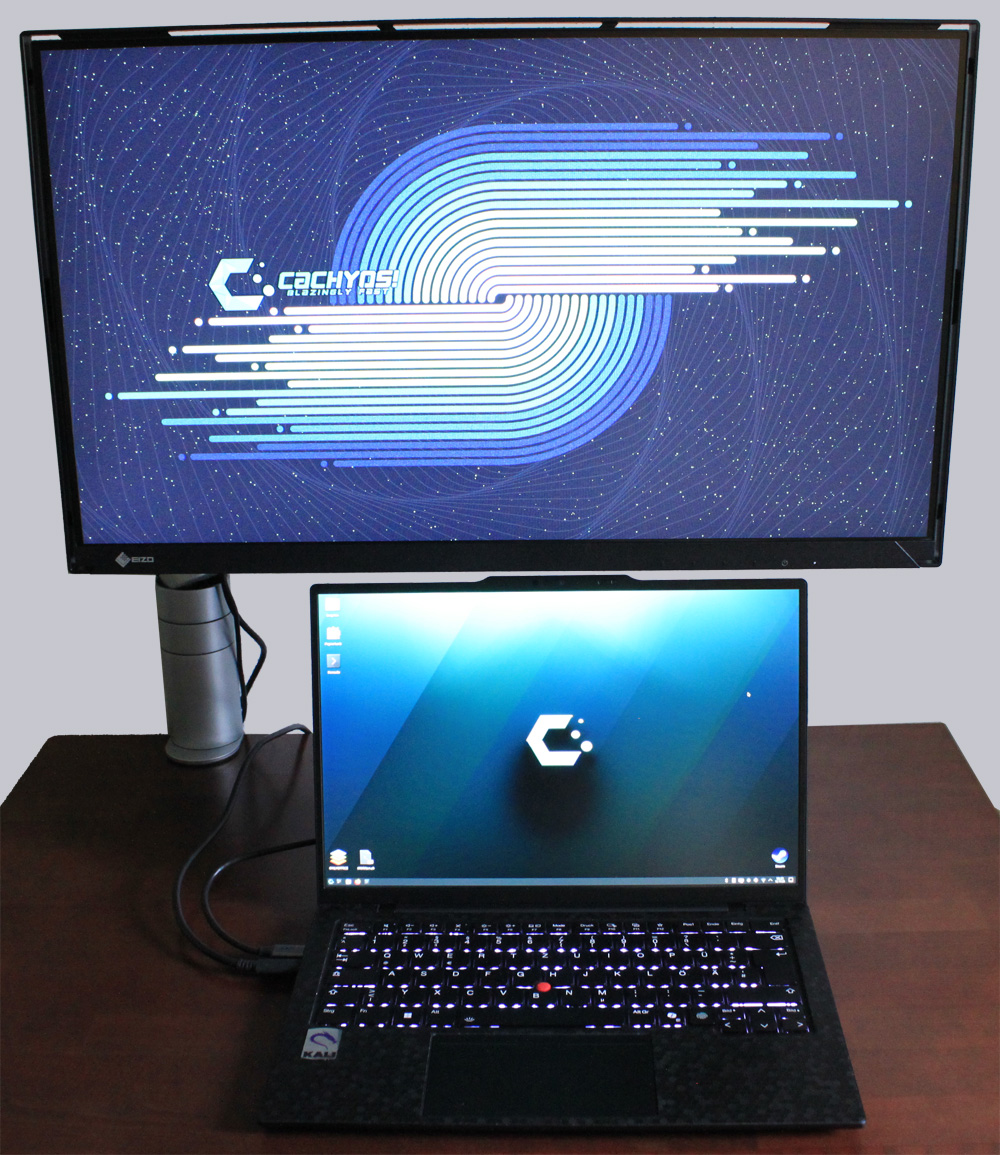
Thanks to the flexible arm, we were able to try out various positions. Whether frontal or lateral, the mount can do it all. You can place the monitor at a minimum height of 5.7 cm or a maximum height of 18.9 cm (lower edge). The minimum distance from the wall was 8.2 cm and the maximum was 39.4 cm. Thanks to the 0.08 mm pixel pitch, text is also displayed very sharply.
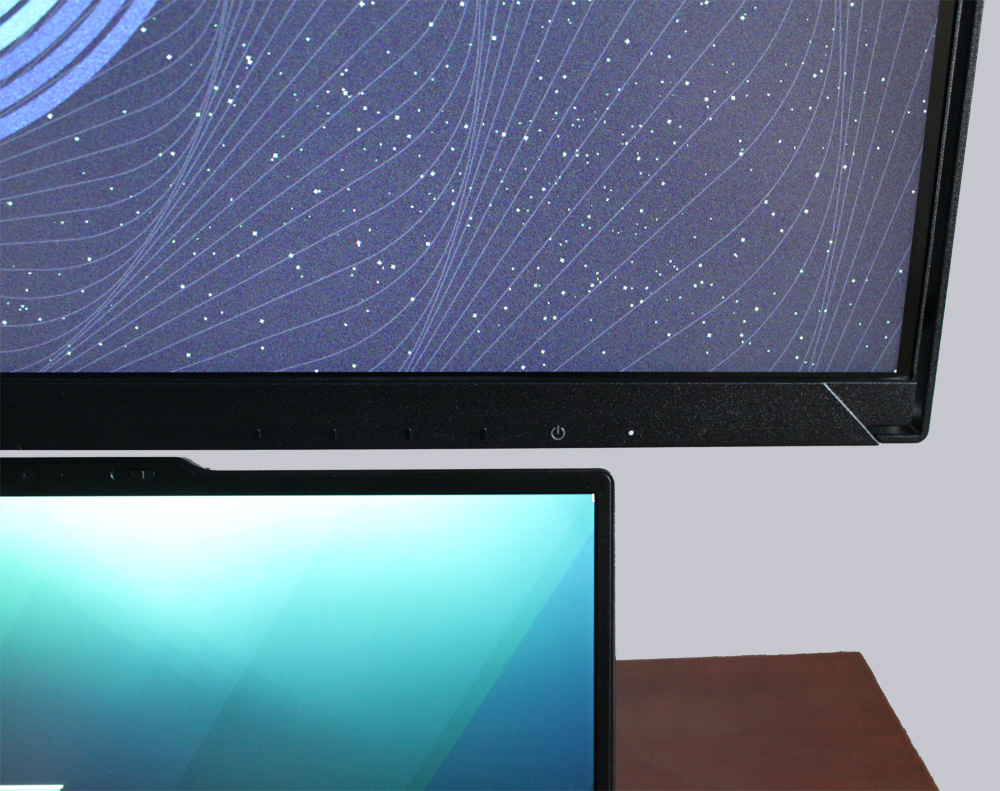
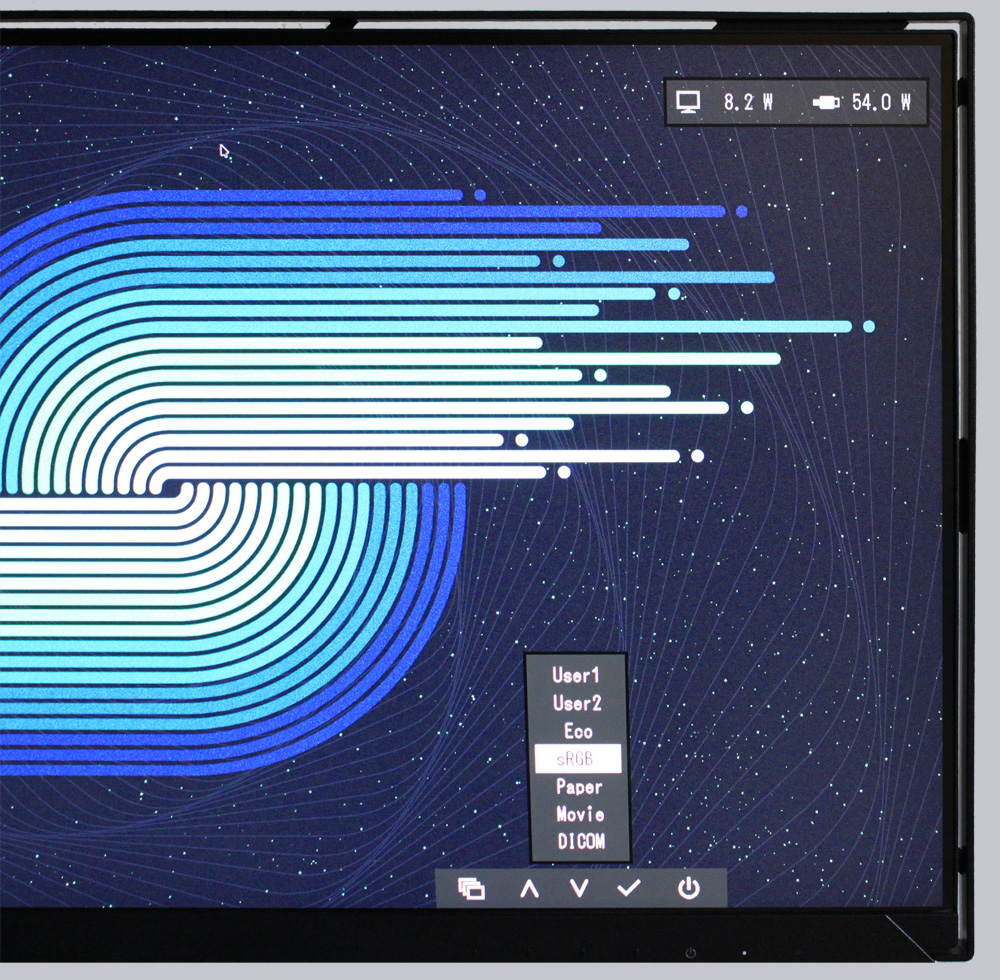
The colors can be adjusted individually, but are already very vivid and bright with the preset modes.
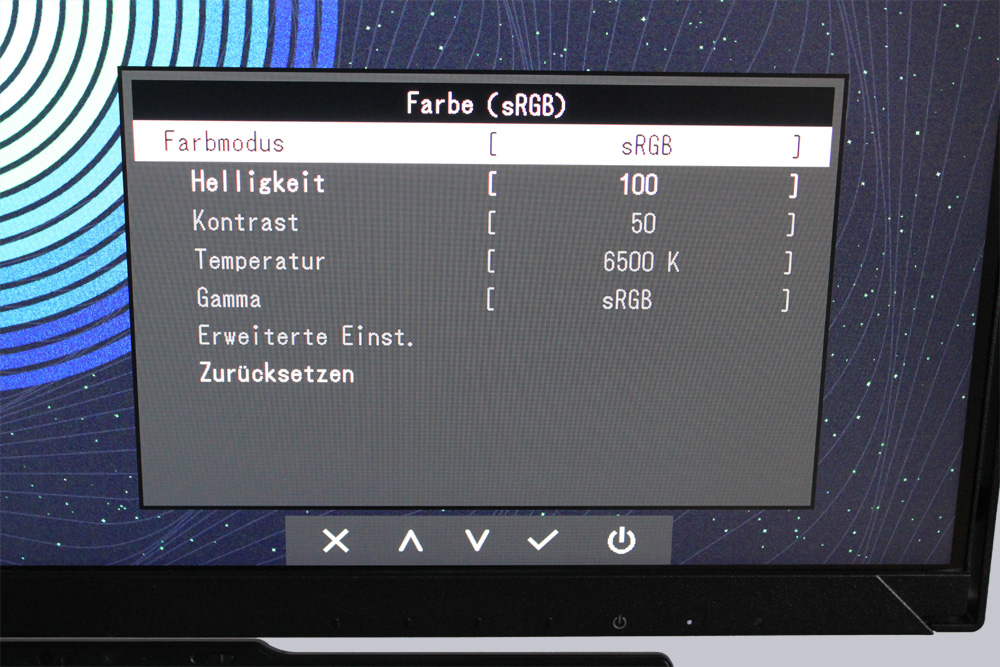
The EIZO FlexScan FLT also offers other settings. These include various energy settings and other settings.
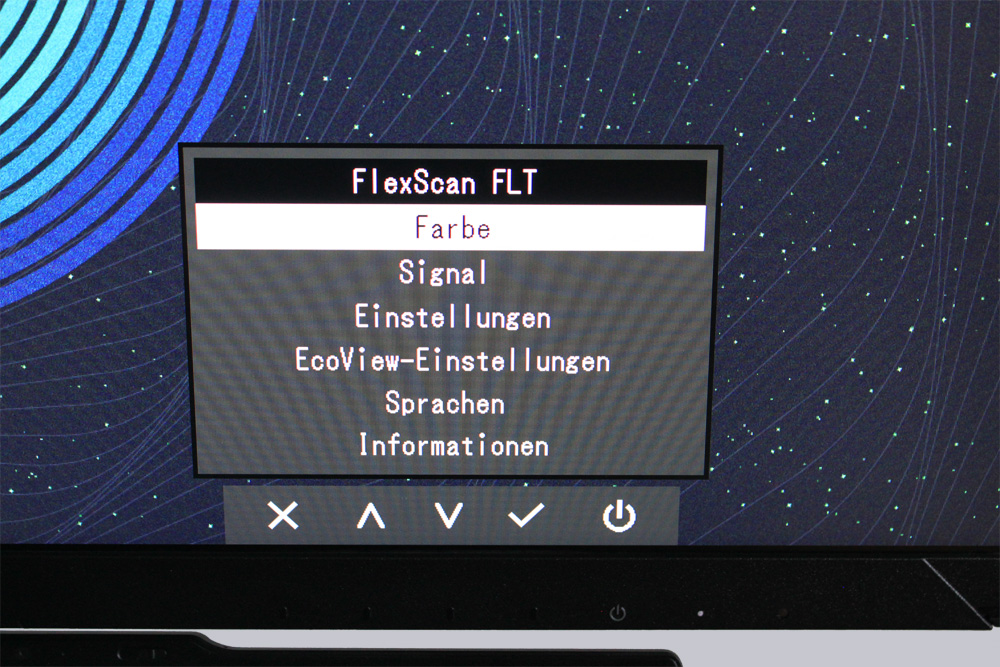
As well as a current energy consumption display for both the monitor and the connected device.
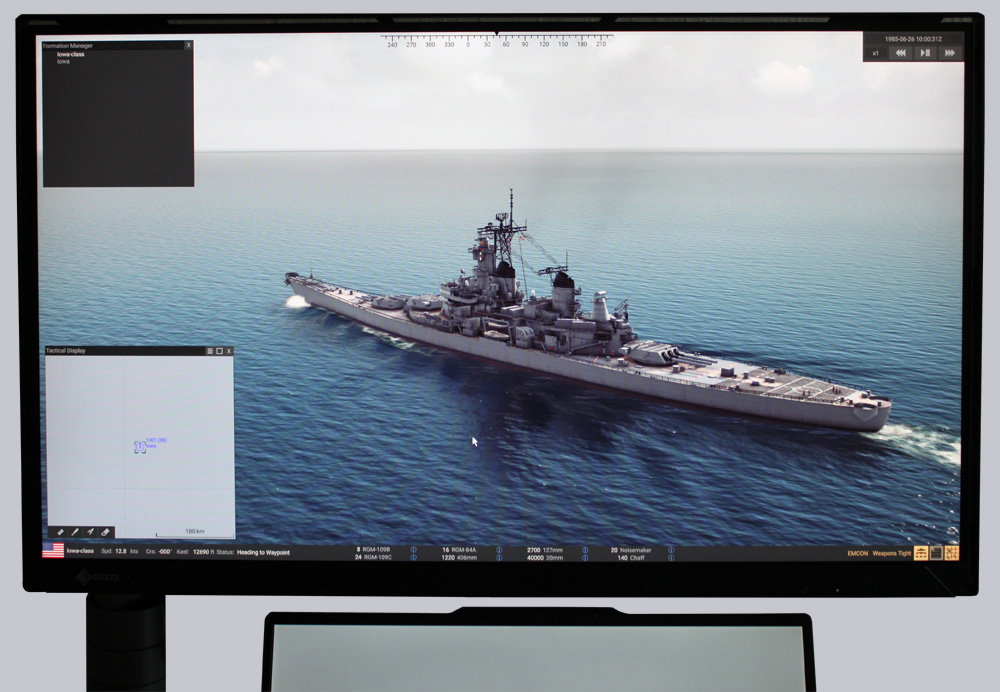
Of course, no one can beat the FlexScan FLT when it comes to Office applications. But what about a quick round of “break gaming”? A quick game of Battleship is always welcome.
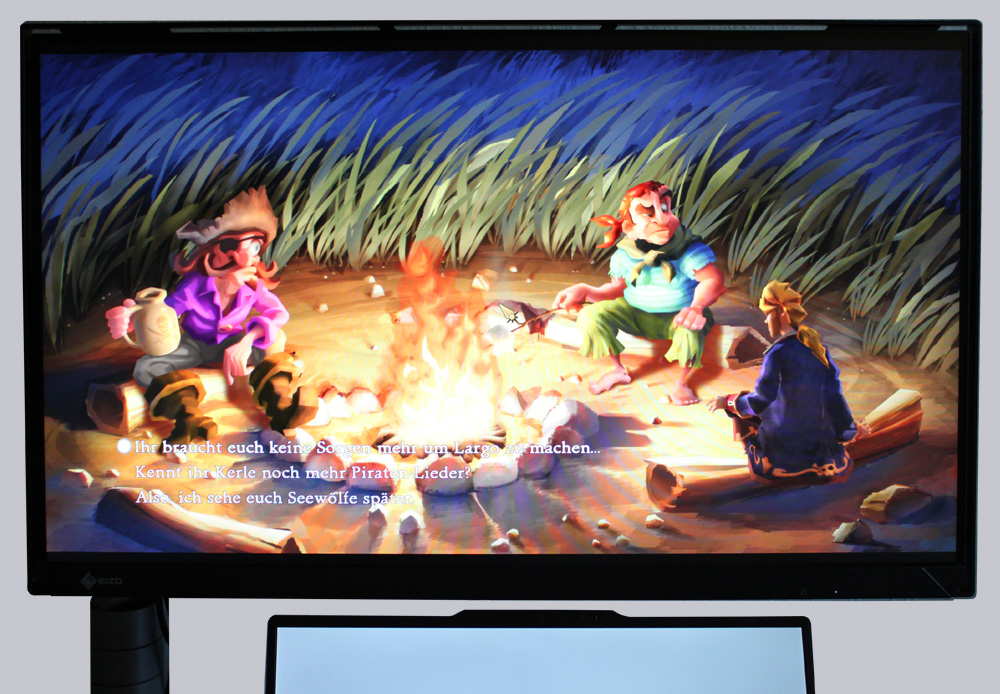
Or even a nostalgic round of point-and-click adventure.
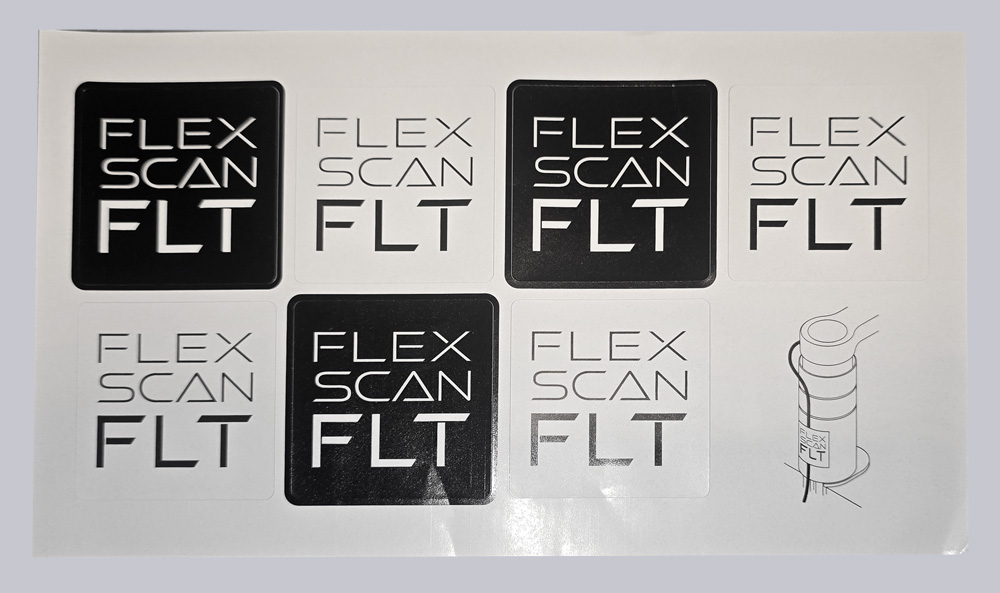
We recall the small sheet of stickers included in the delivery. According to the documentation, the stickers are intended for cable assembly. This is a case of saving in the wrong place. In our opinion, a few cents for decent cable ties or Velcro cable ties would still have been within the budget.
Let’s now move on to the conclusion.
Eizo FlexScan FLT Result and general impression …