


Practical testing …
Schnell zum richtigen Practical testing …
SSD Testsystem
SSD Firmware Update
SSD Software
SSD in practice
NVMe SSD heat generation
SSD Testsystem …
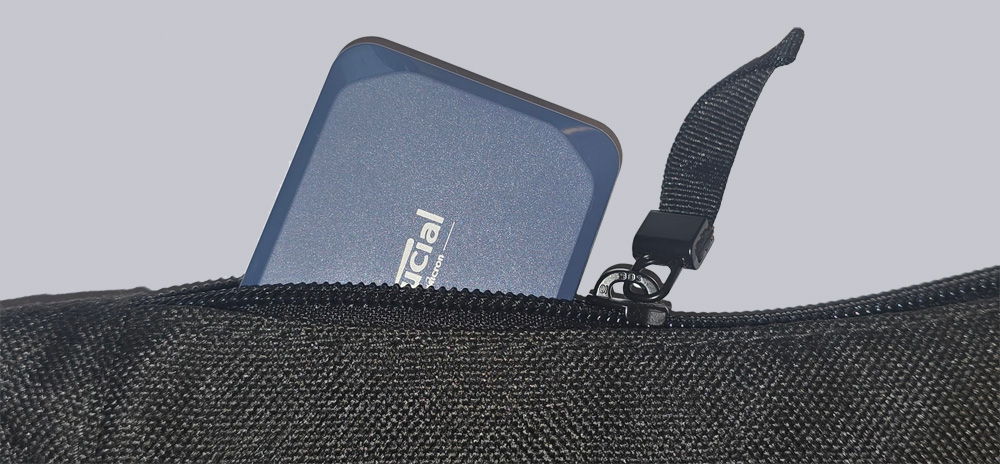
We tested the Crucial Crucial X10 Portable 2TB SSD on the following system:
| Mainboard & BIOS | MSI X670E Carbon WiFi 1.B0 AGESA 1.0.9.0 |
| CPU | AMD Ryzen 9 7950 X3D |
| RAM | Kingston Fury DDR5-6000 EXPO 2 x 32 GB |
| PSU | Seasonic Prime TX-1300 ATX 3.0 PSU |
| Case | Thermaltake The Tower 900 |
| Cooler | Custom water cooler powered by Aqua Computer + 3 case fans 120 mm |
| Monitor | LG Ultragear 34GP950G-B 3440 x 1440 @ 180 Hz Overdrive |
| Operating system | Windows 11 23H2 22631.2715 |
SSD Firmware Update …
We can deal with this point relatively quickly 😉
The Crucial X10 Portable 2TB SSD was delivered with the U3CR0B01 firmware, and Crucial provides this firmware for the X10 as the latest SSD firmware.
With the Crucial Storage Executive tool, you can update the SSD firmware relatively easily if necessary, but as always, you should back up all important data before performing a firmware update.

SSD Software …
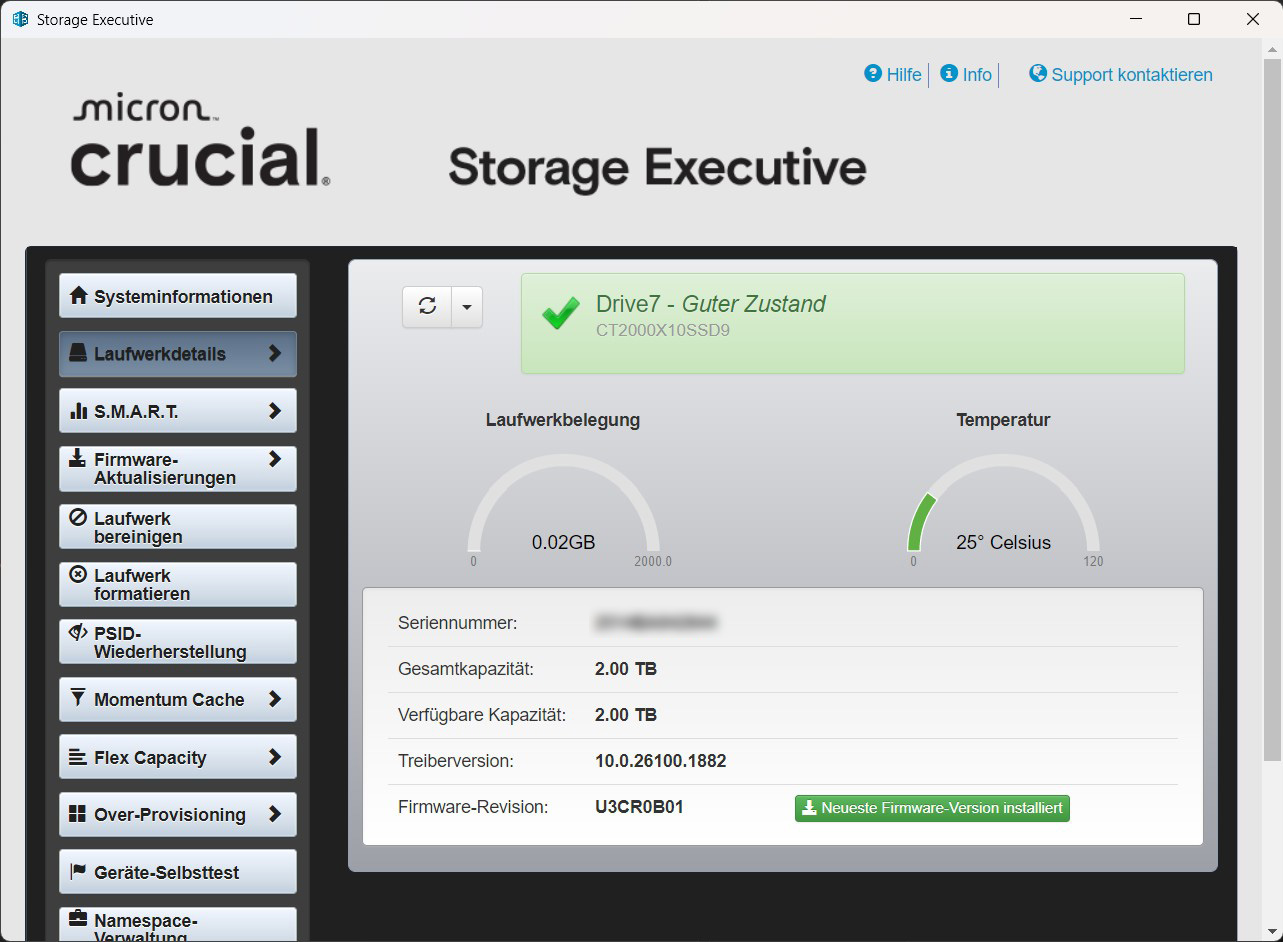
The Crucial Storage Executive Tool download can be found on the Crucial Support website. Once installed, the Crucial Storage Executive Tool clearly shows which SSDs and hard drives are installed, what the SMART values are, and, as mentioned above, updates the firmware directly if desired. It also allows you to activate the Crucial Momentum Cache option and set the over-provisioning area to adjust the SSD’s durability vs. performance. Based on the values for the PCIe interface and PCIe lane width, you can immediately see whether the PCIe SSD is connected correctly – very handy!
Our installed executive tool did not find the SSD on the first attempt. This required an update of the installed version.
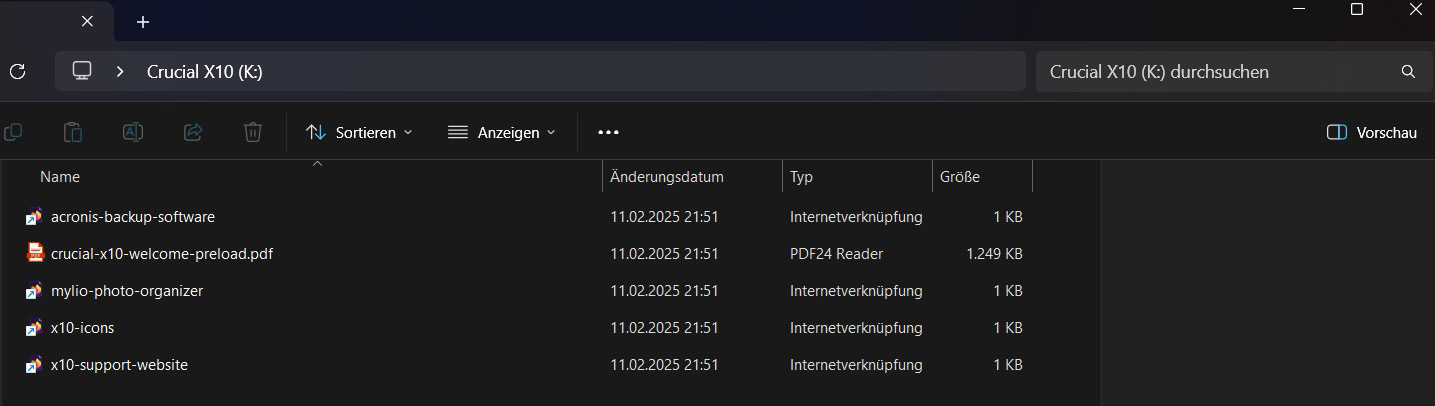
When we opened the SSD, we saw data already stored there by Crucial. Two links to Acronis Backup Tool and mylio Photo Organizer, a product PDF, and links to the Crucial website.
SSD in practice …
The use of SLC memory cells increases both speed and durability at the expense of storage density. However, attentive readers will already have noticed that the X10 only has QLC memory. Contrary to the 1 bit per cell in SLC, this holds a full 4 bits per cell. The X10 simulates SLC cells during the write process by writing only one bit to each QLC cell. However, it can only do this up to a certain limit. We have to take this into account in our results.
SSD heat generation …
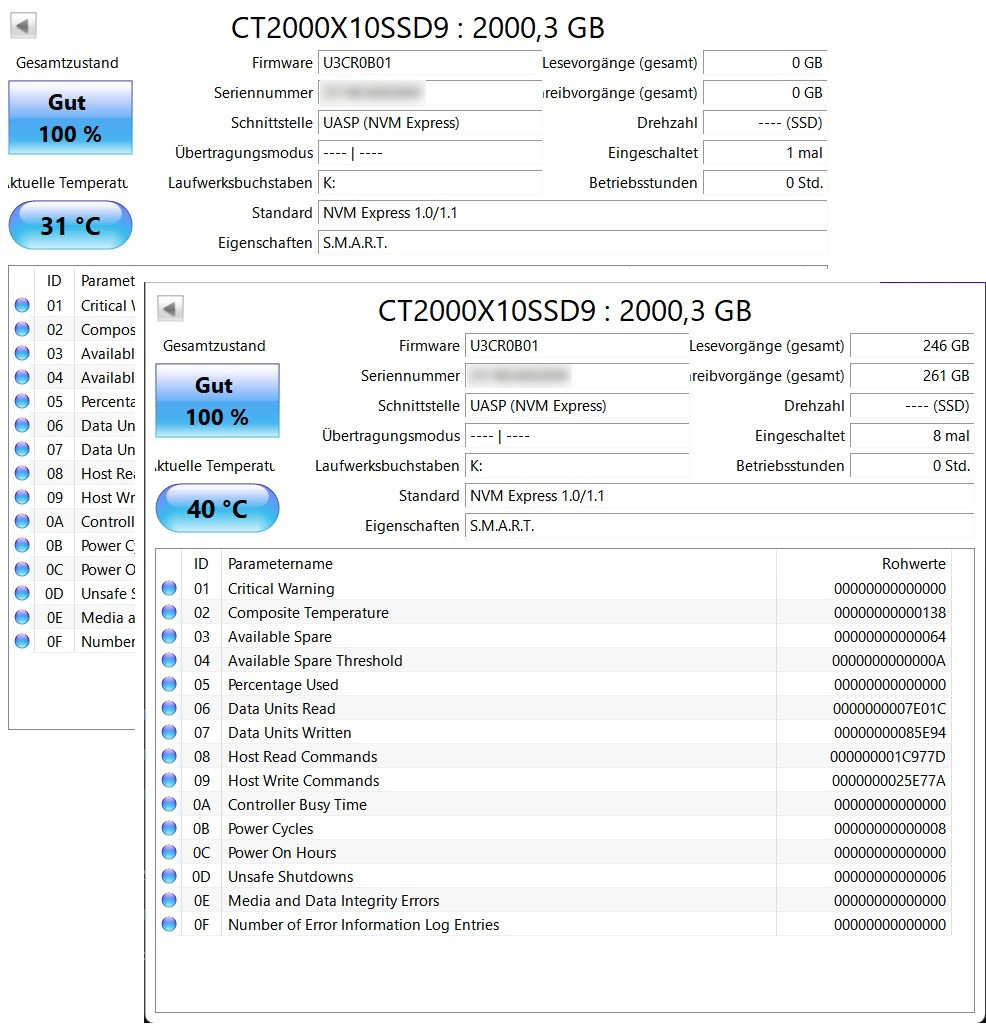
Here, too, the test results are quite manageable. When idle, the SSD reaches just 31°C. After a read/write test with large amounts of data, the temperature rose to 40°C.
Now let’s move on to the Crucial X10 Portable 2TB SSD benchmark results.
Crucial X10 Portable 2TB SSD Setup and test results …