

BIOS …
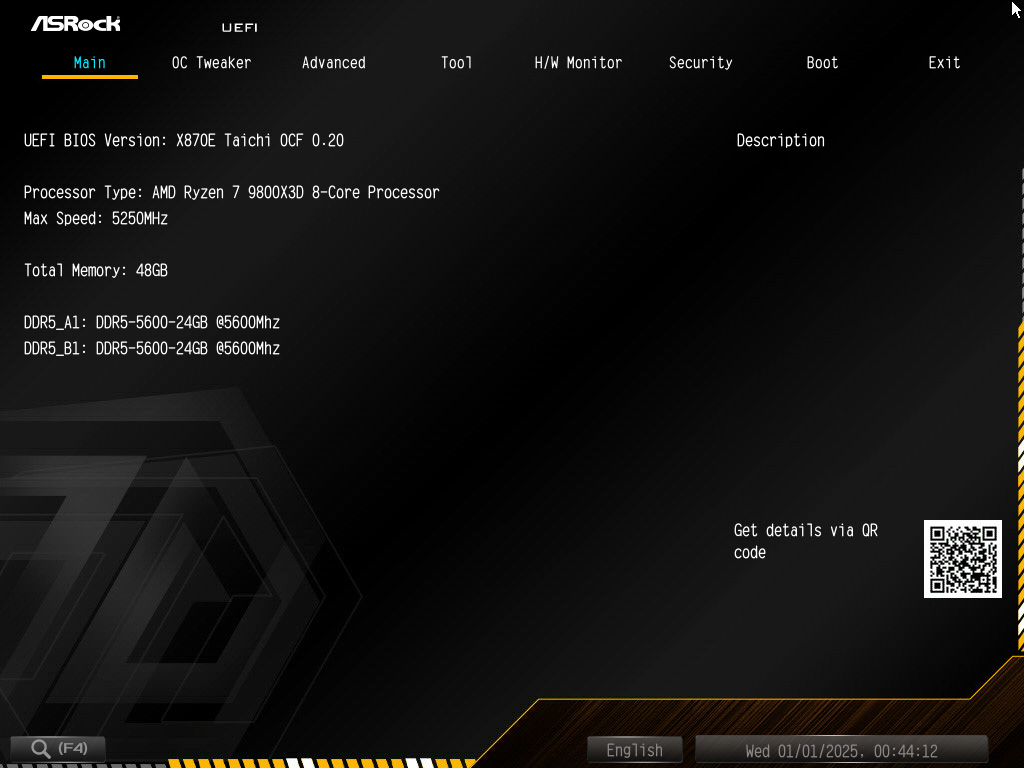
At the time of delivery, the UEFI BIOS of the ASRock X870E Taichi OCF already supported all AMD Ryzen 9000 series processors through AGESA version 1.2.0.3f, and the installed high-performance RAM was also recognized immediately, allowing us to begin our tests without delay. The start page shows the recognized Ryzen 9800X3D processor, as well as the 2x 24GB DDR5 RAM, which are controlled at the standard JEDEC speed of DDR5-5600. The useful search function takes us directly to all important BIOS functions, which saves a lot of time, as many important BIOS functions are hidden deep in the countless submenus.
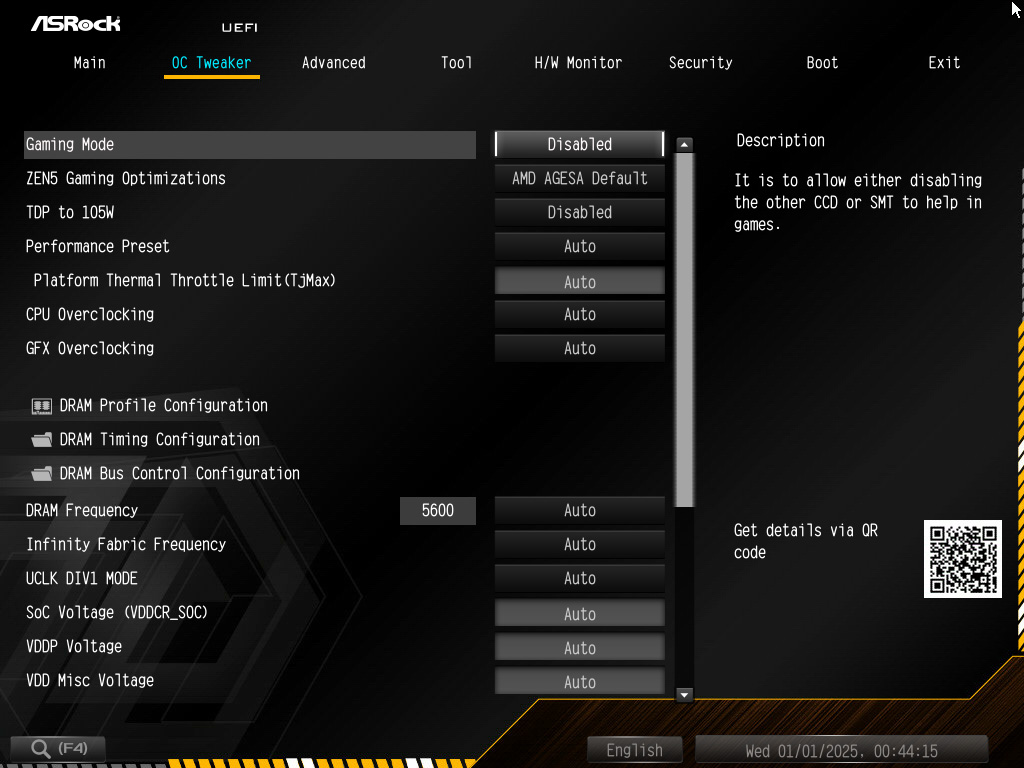
The familiar OC Tweaker menu contains most of the basic settings that affect system performance. Of course, our high-end overclocking board also offers the usual optimizations such as Gaming Mode, which uses the old Zen4 branch prediction to reduce latency, Zen5 Gaming Optimizations to disable the CCD without 3D-V-Cache of the Ryzen 9950X3D processor, the 105W TDP Mode for Ryzen 7600X and Ryzen 7700X, and the practical Performance Presets are also included, of course, to overclock the processor with one click using PBO and reduce power consumption using Curve Optimizer.
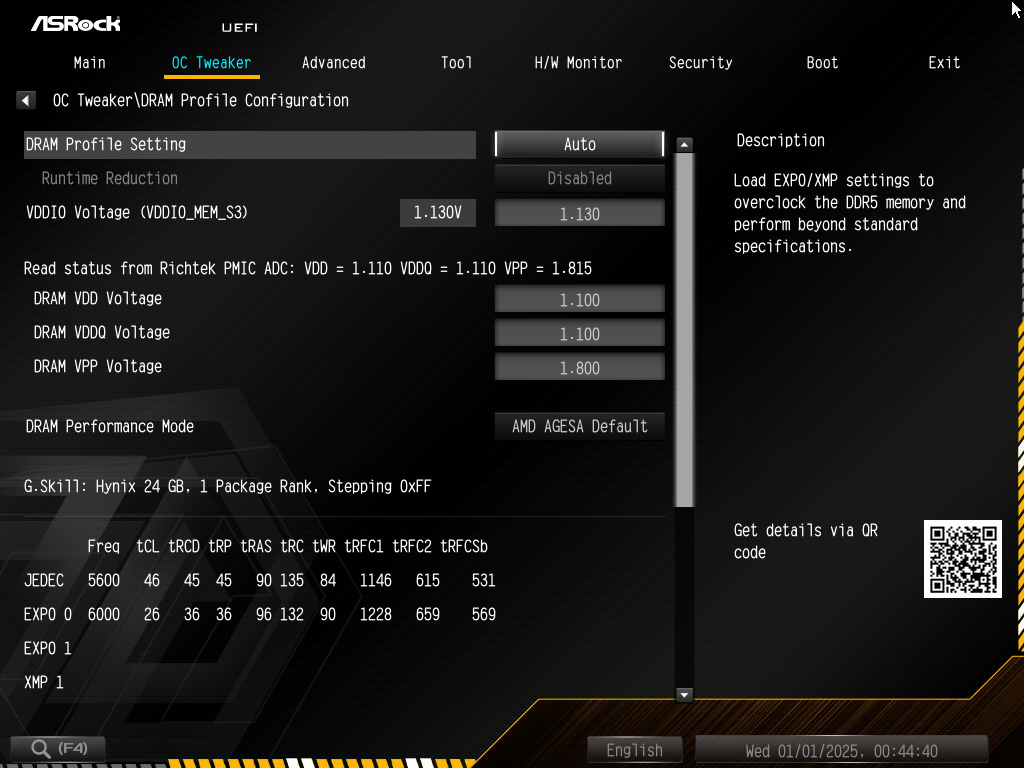
Of course, a complete DRAM tuning menu is a must for an OC board, as are options for adjusting the Infinity Fabric clock and SOC voltage. The XMP/EXPO profile can be loaded in the DRAM menu, which also contains the important RAM voltages VDD, VDDQ, and VDDIO.
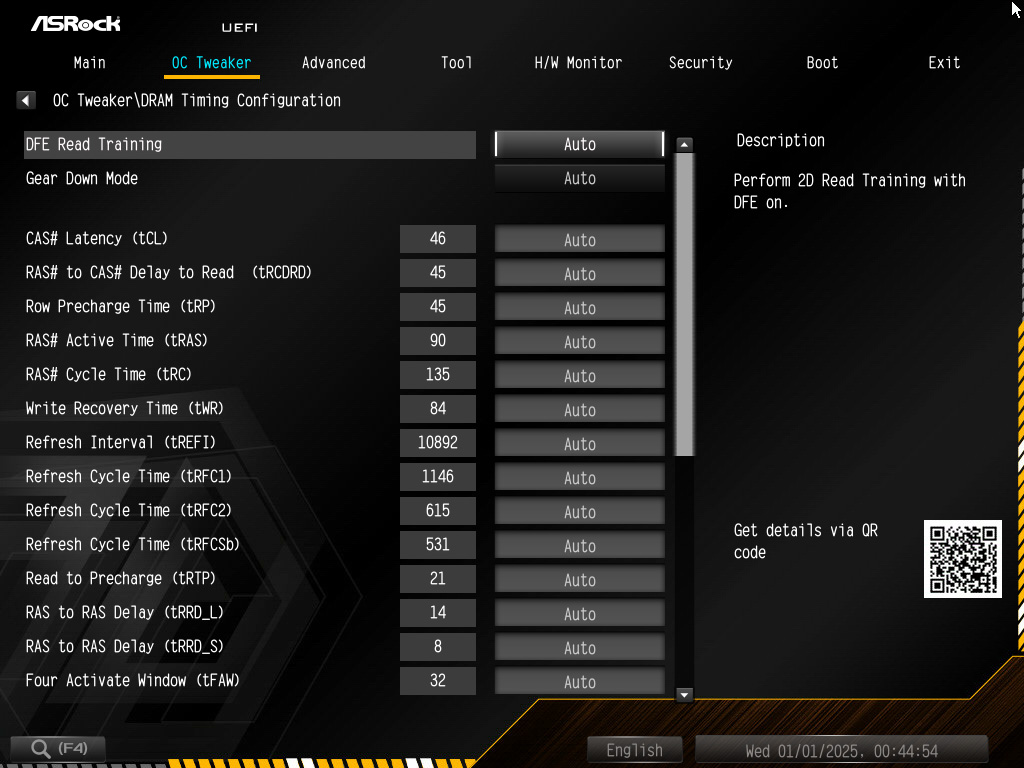
Of course, all RAM parameters can be tuned.
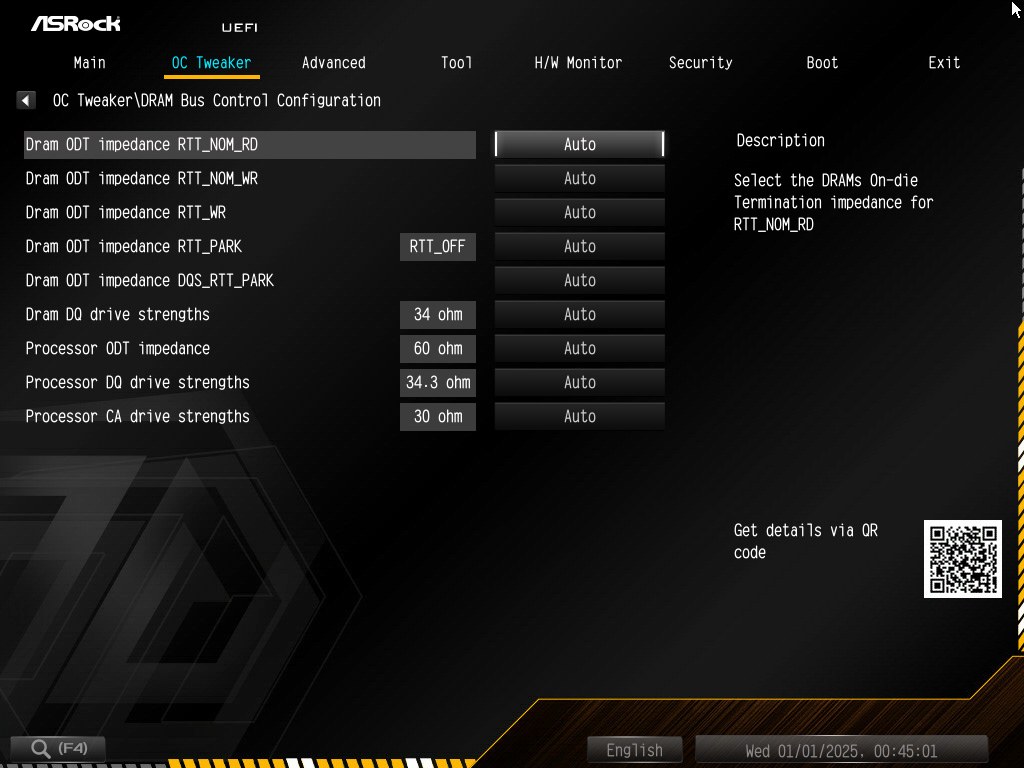
When it comes to the highest RAM clock speeds, the ability to tune the resistors is also a must.
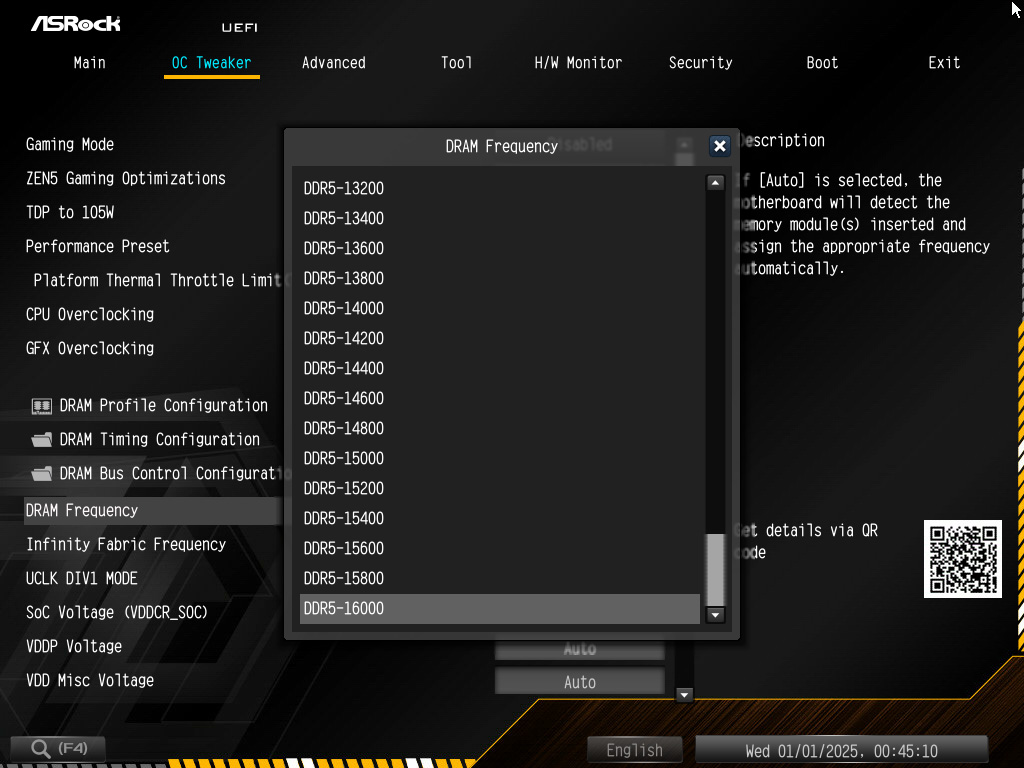
The current world record for DDR5 is DDR5-13300. ASRock is already offering the option of setting up to DDR5-16000.
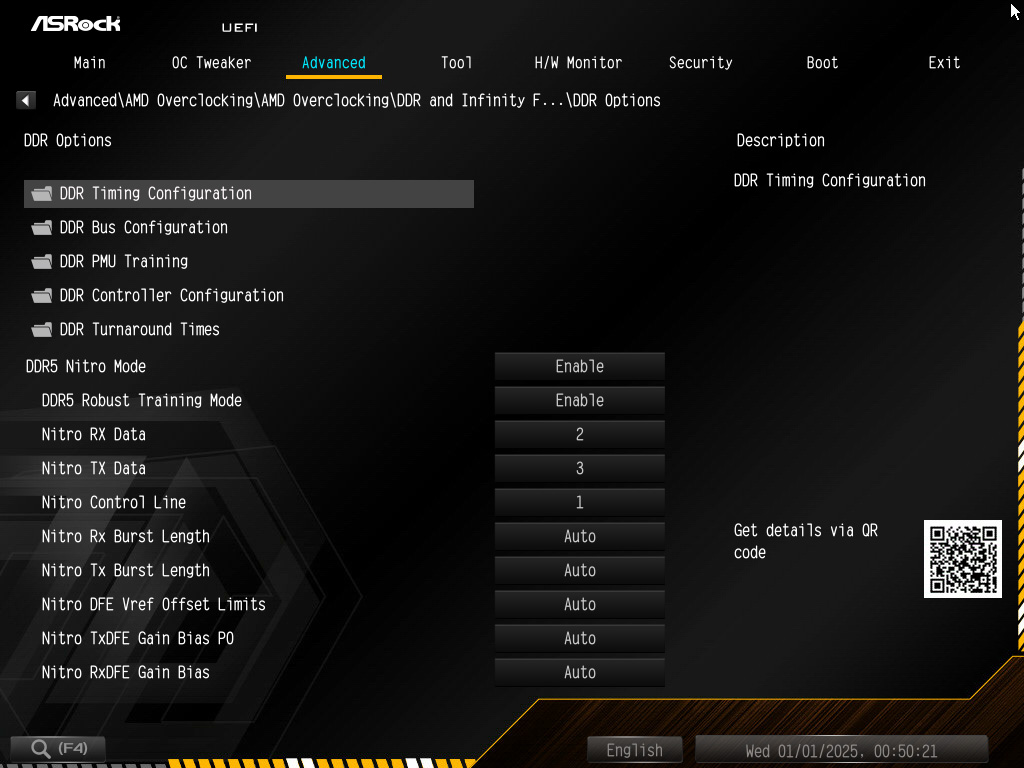
RAM training can be improved by modifying the nitro values.
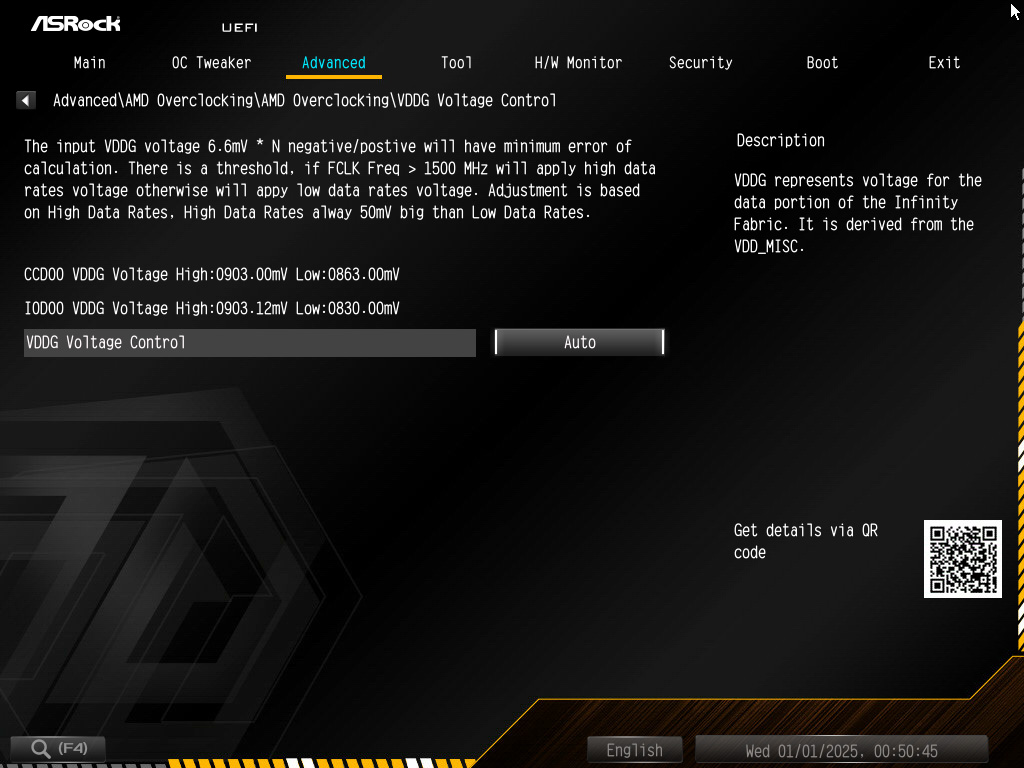
The VDDG voltage is crucial for the Infinity Fabric and helps to stabilize the Infinity Fabric at high frequencies.
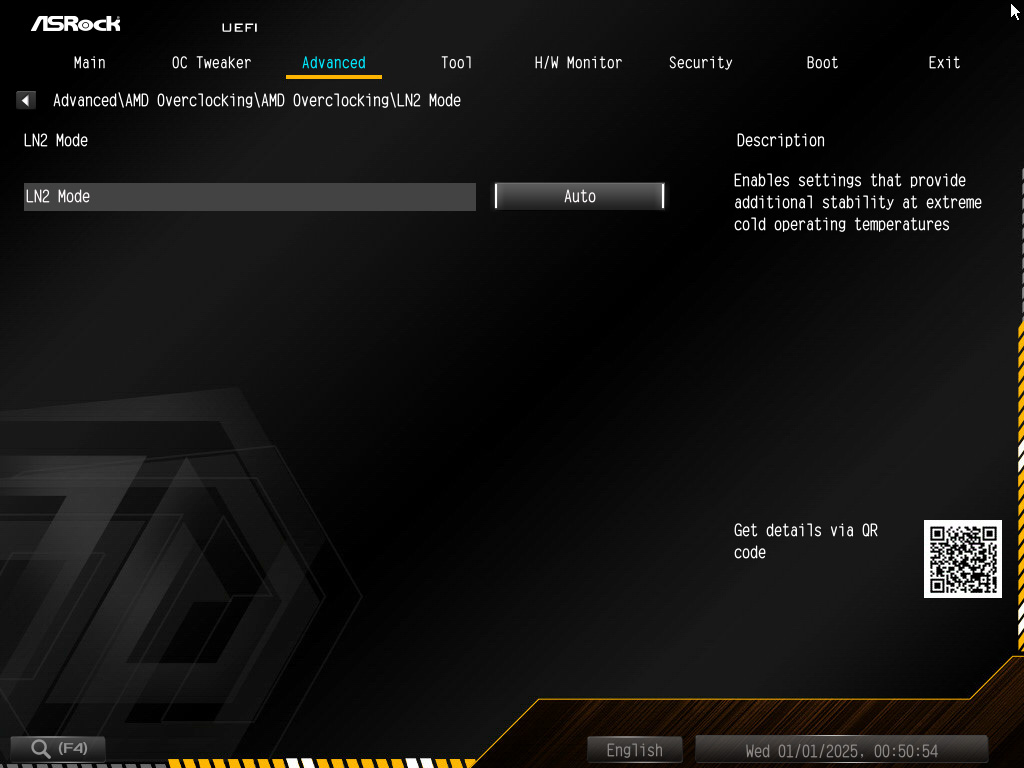
A genuine OC board must, of course, also have an LN2 mode. Activating L2 mode allows you to bypass boot problems caused by extremely low temperatures when using liquid nitrogen or helium.
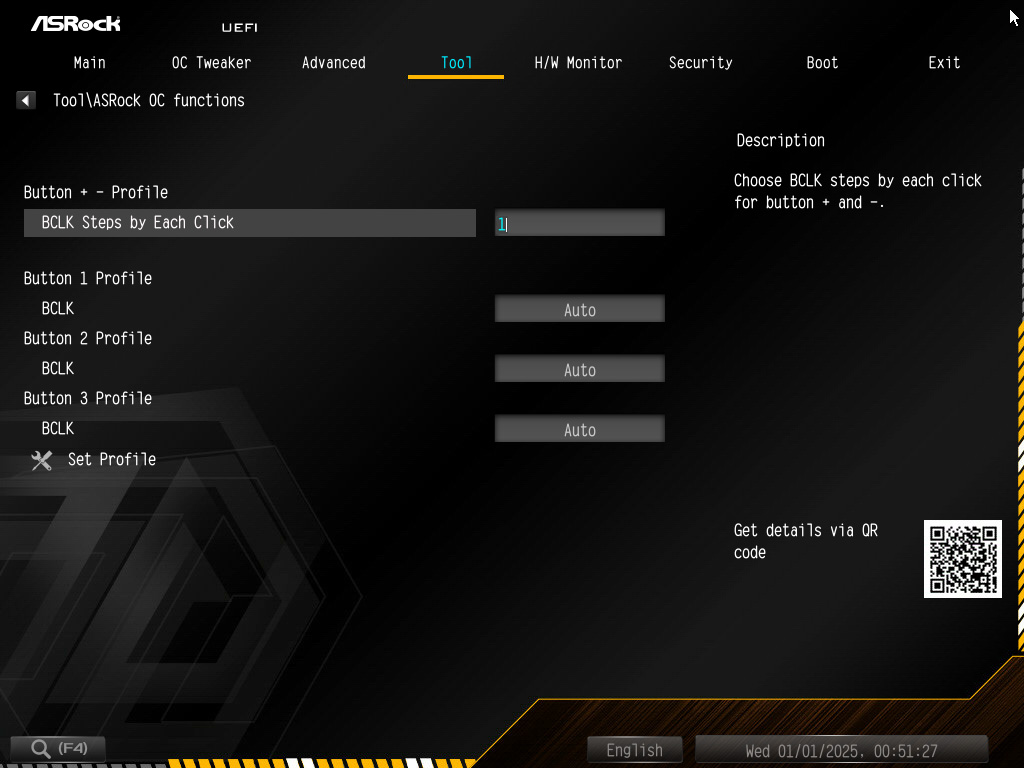
We have already introduced the special OC buttons on the motherboard. Specific BCLK frequencies can be assigned to the buttons in the BIOS.
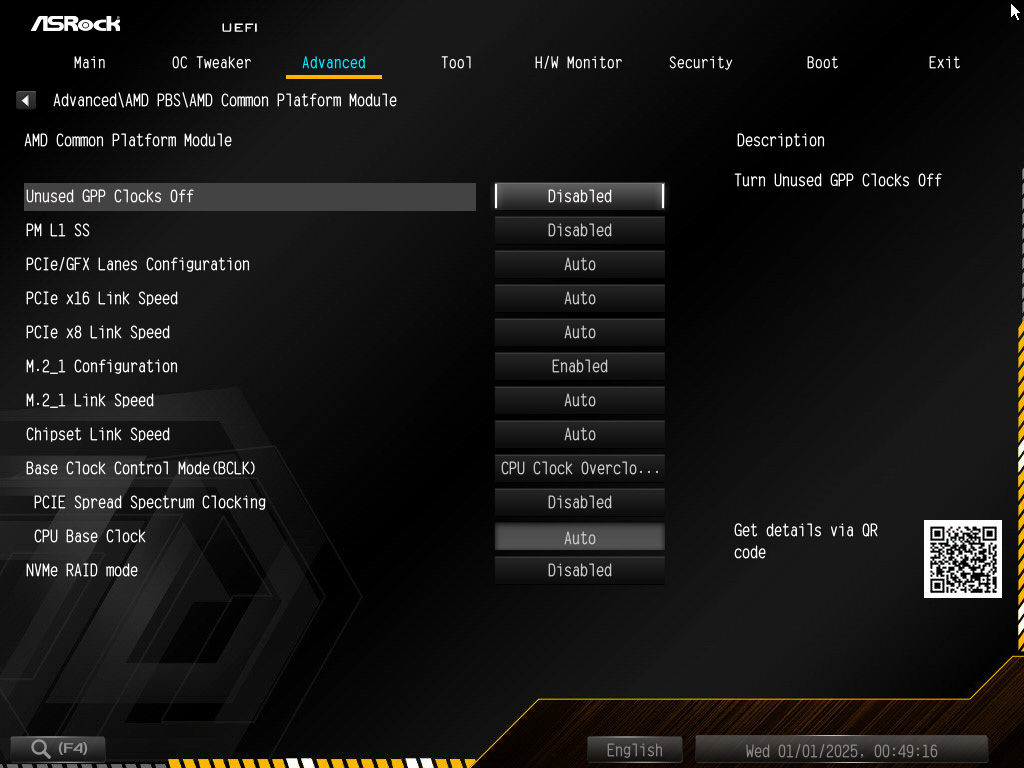
Thanks to the external clock generator for the CPU, the BCLK for the CPU clock can be set independently of the rest of the system. Increasing the BCLK therefore does not also overclock the PCIe bus, which would otherwise lead to instability at 102 MHz instead of 100 MHz.
With the X870E Taichi OCF, the four case fans can be controlled using the CPU and motherboard temperatures, the two optional thermal sensors, and the temperature of the voltage converters. This allows the case fans to be adjusted to near perfection. Monitoring the graphics card temperature would have been desirable here, as a mid-range graphics card consumes approx. 300-400W and thus generates significantly more heat than even the most powerful desktop processors.
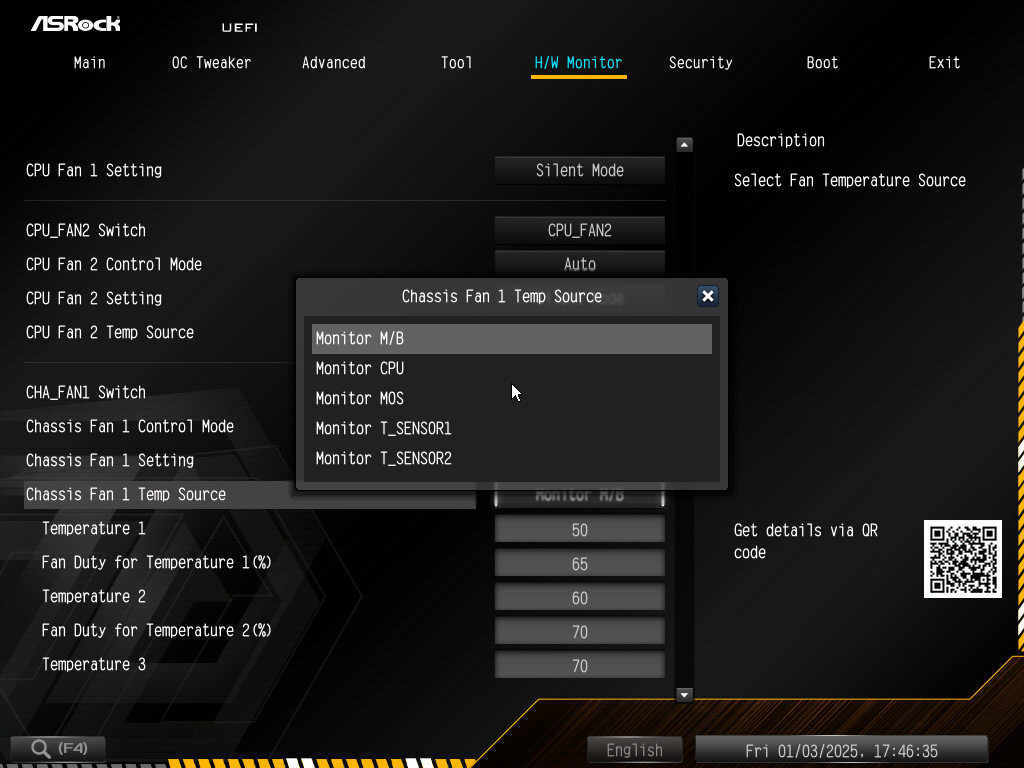
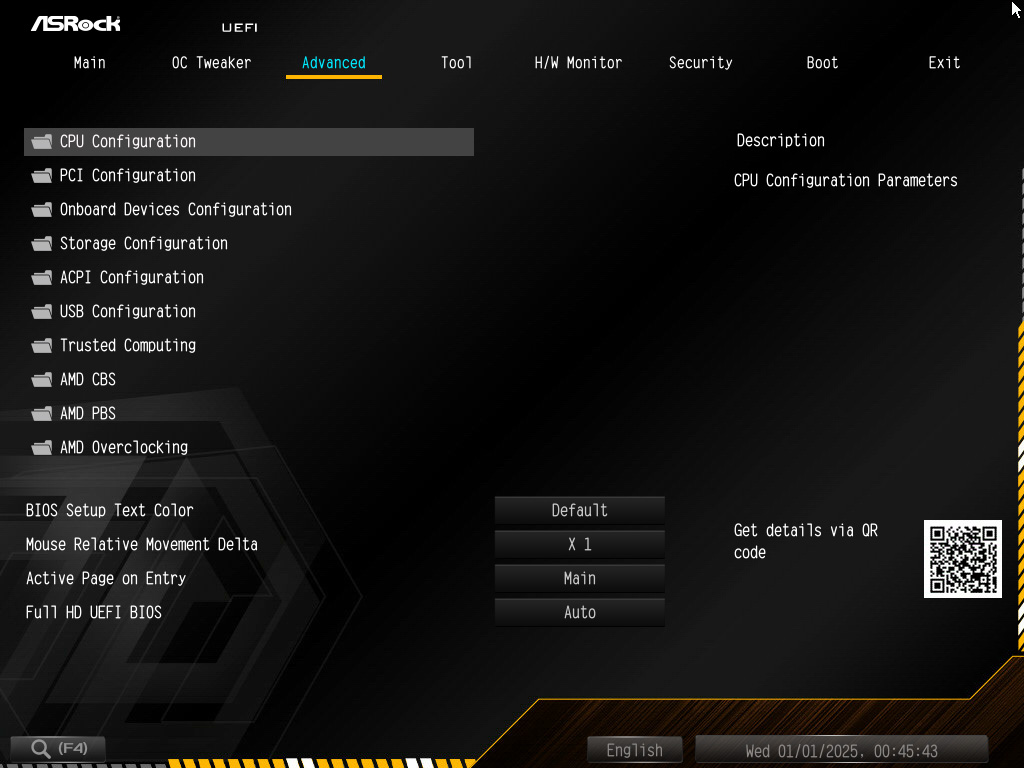
Otherwise, the X870E Taichi OCF offers all the same configuration options that motherboards usually offer. Deactivation of certain integrated interfaces and add-on modules, data carrier configuration, RGB settings, and security features such as TPM are all on board, making the ASRock X870E Taichi OCF 100% suitable for everyday use and offering no limitations compared to normal motherboards.
Overclocking …
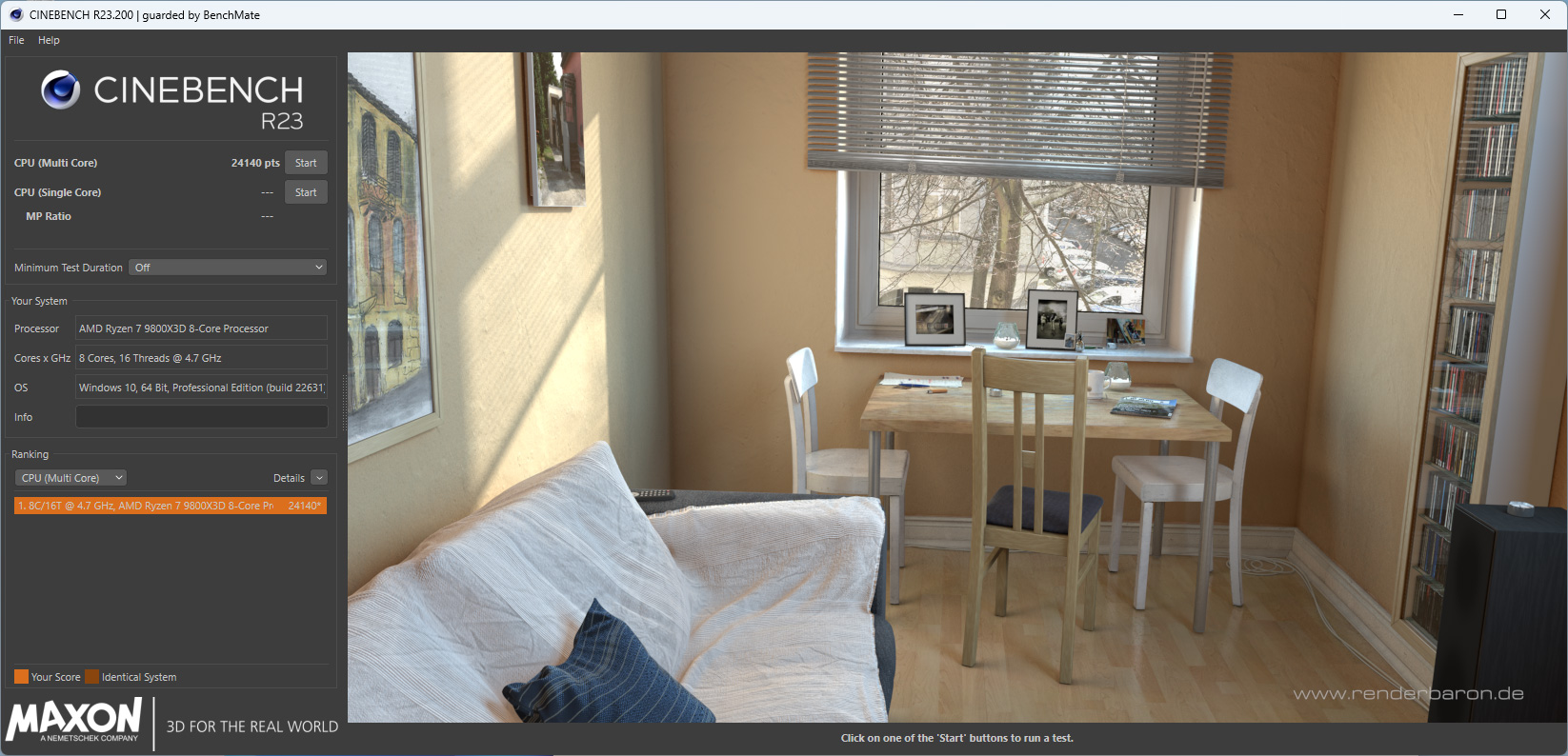
With the ASRock X870E Taichi OCF, it’s a pleasure to overclock the latest AMD processors and DDR5 memory. All the tools are easy to find and use in the BIOS, and on an open benchtable, you can even modify the BCLK at the touch of a button. Unfortunately, due to the lack of extreme cooling that would cool the processor below 0°C, we cannot attempt extreme overclocking, but we are confident that the X870E Taichi OCF would achieve the highest clock speeds by providing the greatest electrical power. The 22 smart output stages can each handle up to 110A and would rather melt the CPU socket than give way under the CPU load. Thanks to the external clock generator, the Taichi OCF also makes it possible to increase the base clock of the processor without also overclocking the PCIe bus. This makes it easy to achieve significantly higher clock frequencies with AM5 processors than with motherboards that do not have an external clock generator. Up to 5% more performance can be squeezed out of AMD processors in this way. In the Cinebench R23 test, our AMD Ryzen 7 9800X3D processor achieved an excellent 24140 points using PBO.
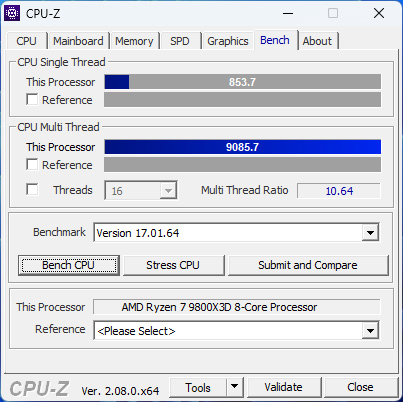
In the CPU-Z benchmark, we achieved 853.7 points on one core and an impressive 9085.7 points in multi-threaded mode with the Taichi OCF and the 9800X3D processor.
The ASRock X870E Taichi OCF offers the best conditions for overclocking DDR5 memory. With only a single DIMM slot per memory channel and a 10-layer PCB, there is no need to worry about possible signal interference from unused RAM slots and unnecessarily long conductor tracks. Using the original heat spreaders for air cooling, we achieved an excellent 8500MT/s with our high-end RAM modules, which is just under 52% above AMD’s maximum guaranteed clock speed of DDR5-5600.

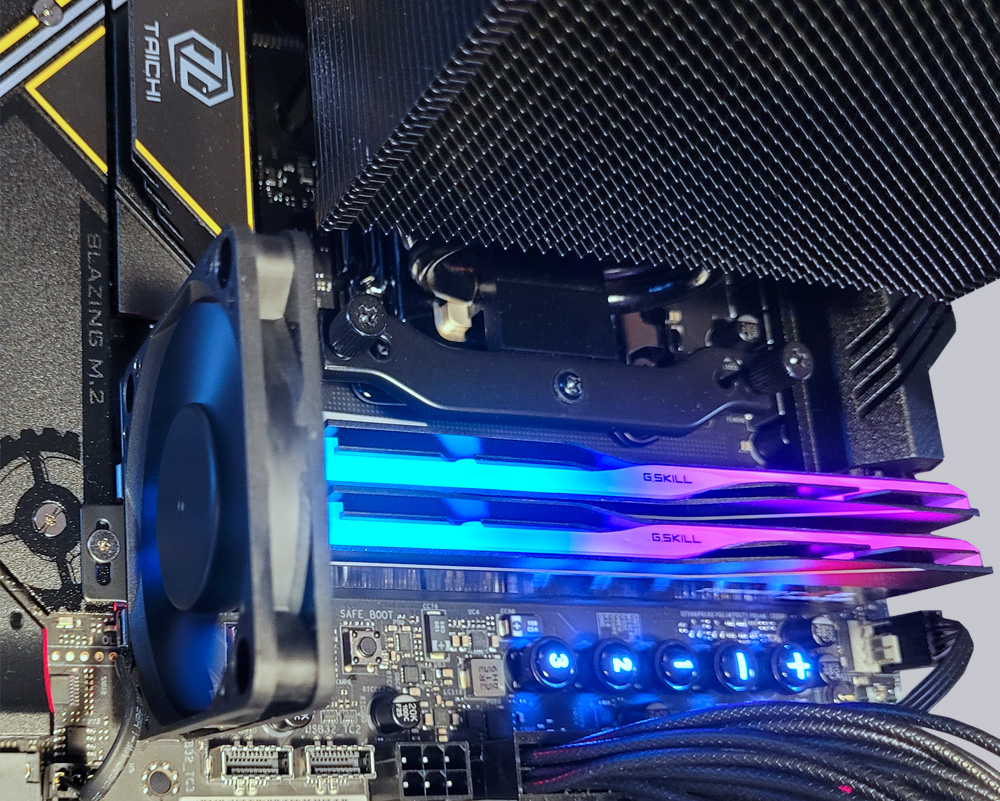
Since no higher clock frequency could be achieved despite further voltage increases to 1.9V, we assume that our Ryzen 9800X3D processor has reached its limit with DDR5-8500. Improved cooling is strongly recommended for DRAM voltages above 1.5V. If water cooling cannot be used for the RAM, the fan included with the Taichi OCF can also significantly reduce the temperature of the RAM. At up to 6000 rpm, it can be quite noisy, but it can be very useful for short-term overclocking attempts and for exploring limits. In our tests, the small power fan reduced the RAM temperature by more than 12°C, clearly demonstrating its effectiveness.
ASRock X870E Taichi OCF Energy consumption values …