


Security that fits in your pocket! Today on OCinside.de, we’re testing Kingston’s new IronKey Keypad 200C USB flash drive to see if it can deliver in real-world use. In the following review, we’ll show you how secure it is and how the IronKey flash drive performs in everyday use.

Everyone has probably been following the discussion over the past few months. Calls for the disclosure of data on travelers—or people who simply want to chat online in chat rooms—are growing louder and louder. At airports, laptops and cell phones are supposed to be unlocked to grant authorities access. But how do you transfer photos from a lively OCinside party? Kingston has already launched a series designed for exactly this scenario, which protects data in accordance with the FIPS 140-3 standard. Today, we’re introducing the IronKey Keypad 200C from Kingston.
Thanks for the support …
Thanks for the support to Marauder25 and the manufacturer Kingston.
Here you can buy the Kingston IronKey Keypad 200C. *Ad
The delivery of the Kingston IronKey Keypad 200C …
The USB drive arrived in this box. But why the battery warning? More on that later. At least the security seal wasn’t broken. At this stage, the drive is already working great. 😉

After unboxing, we see the standard blister packaging for the 32 GB model.

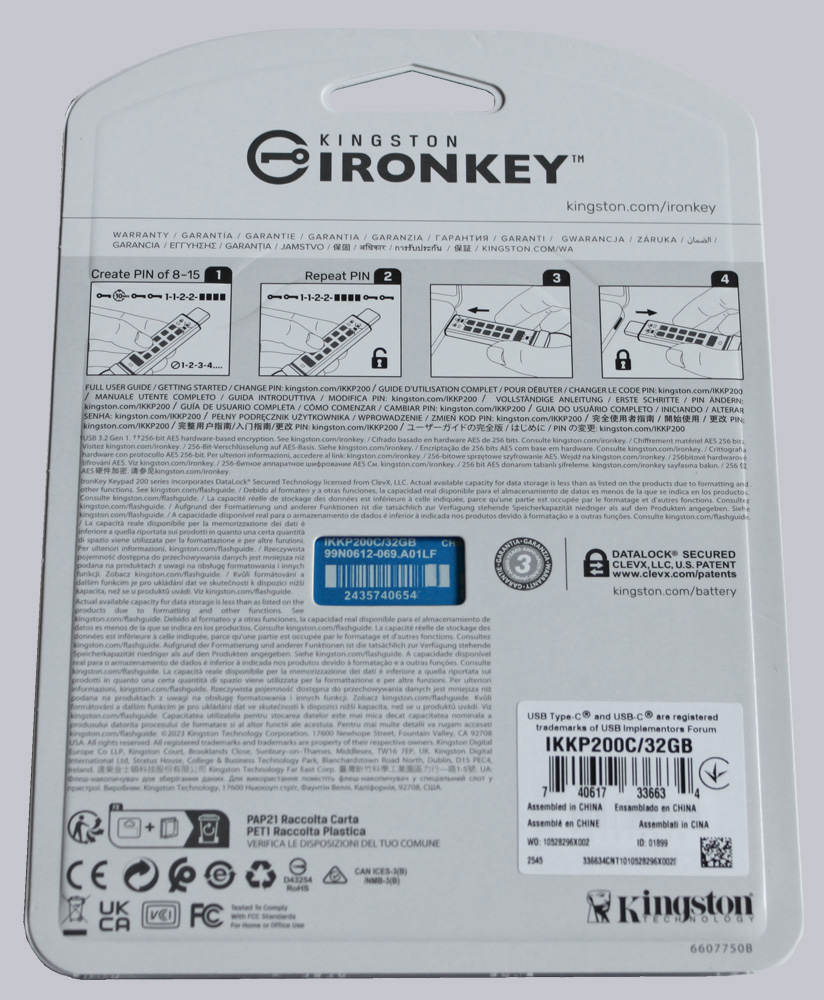
The back of the package includes very brief instructions on how to set up a user password for the first time.
This is included in the delivery package …
The contents are straightforward. The package includes the flash drive with a key ring attached, as well as a protective cap.

Let’s start by looking at the technical specifications of the USB flash drive.
Kingston IronKey Keypad 200C USB Flash Drive Technical Specifications …