

Layout, design and features exterior …
The NZXT H2 Flow is a classic mesh tower with a half-glass side panel in the Mini-ITX format; interestingly, the case is oriented vertically, and the graphics card is also installed vertically. As a result, the graphics card’s connector is located beneath the bottom of the case. This makes the case about as tall as a classic mid-tower, but only half as deep. This is particularly advantageous for desktop setup, as it leaves more space on the desk. All front, top, and side panels can be installed without tools.
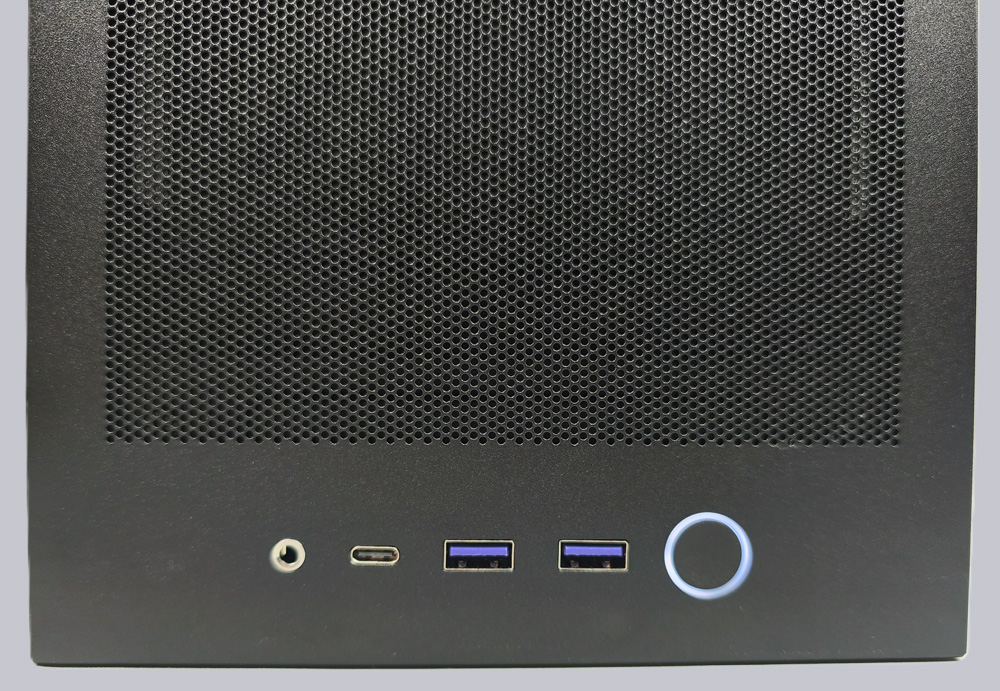
The front panel is located on the bottom of the case, and the power button is backlit in white, as is typical for NZXT. Unfortunately, SSD/HDD activity is not displayed here. To the left of it are two USB 3.2 Type-A ports and one USB 3.2 Gen2x2 Type-C port. There is also a 4-pin headset jack here.
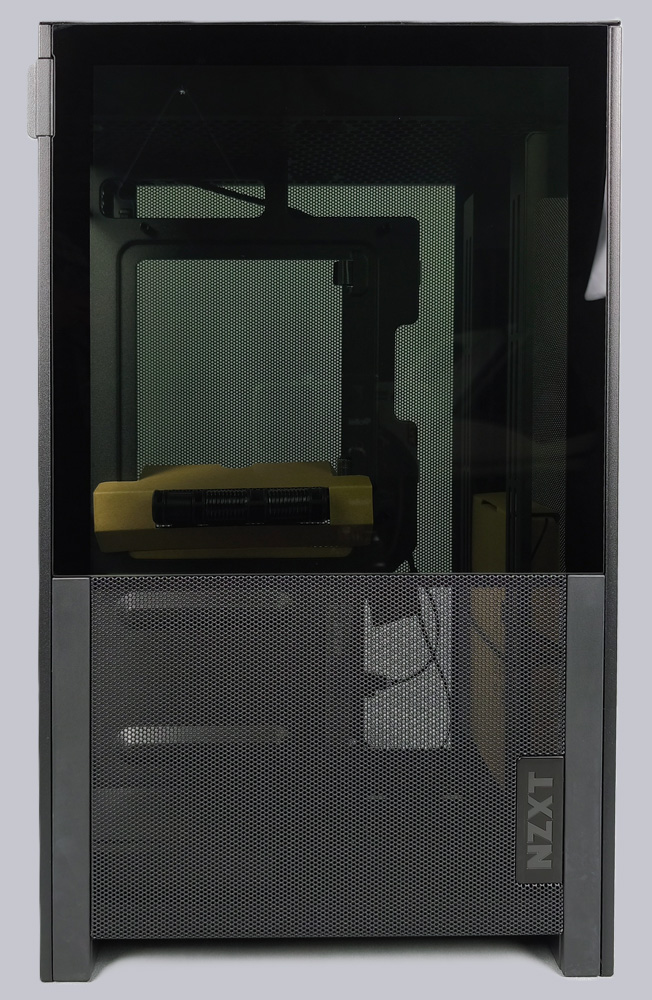
The upper two-thirds of the left side panel is made of glass, and the lower section consists of a mesh cover. Both can be removed independently of each other. It makes perfect sense that the lower section is made of mesh. This is because the power supply is located behind it; it draws in fresh air through the mesh and expels it out the back.
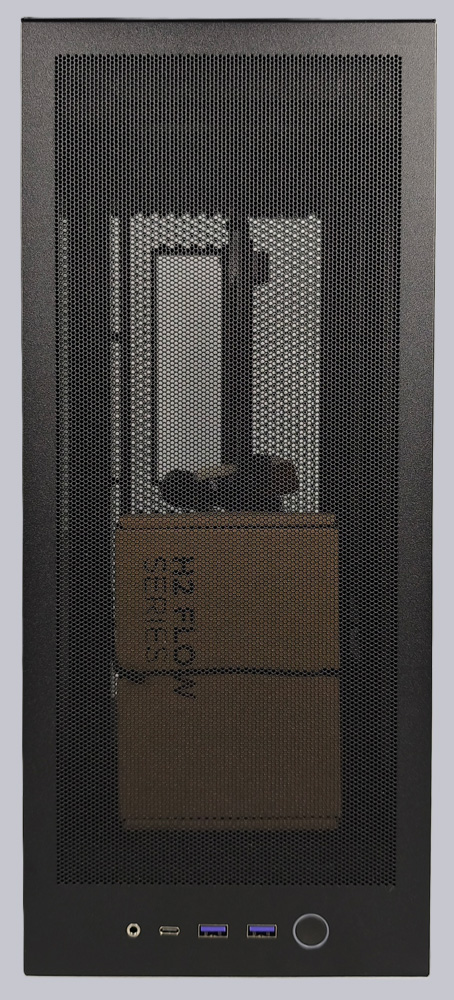
The right side panel also features a very fine mesh structure. The graphics card is mounted vertically there and also draws fresh air directly through the mesh.
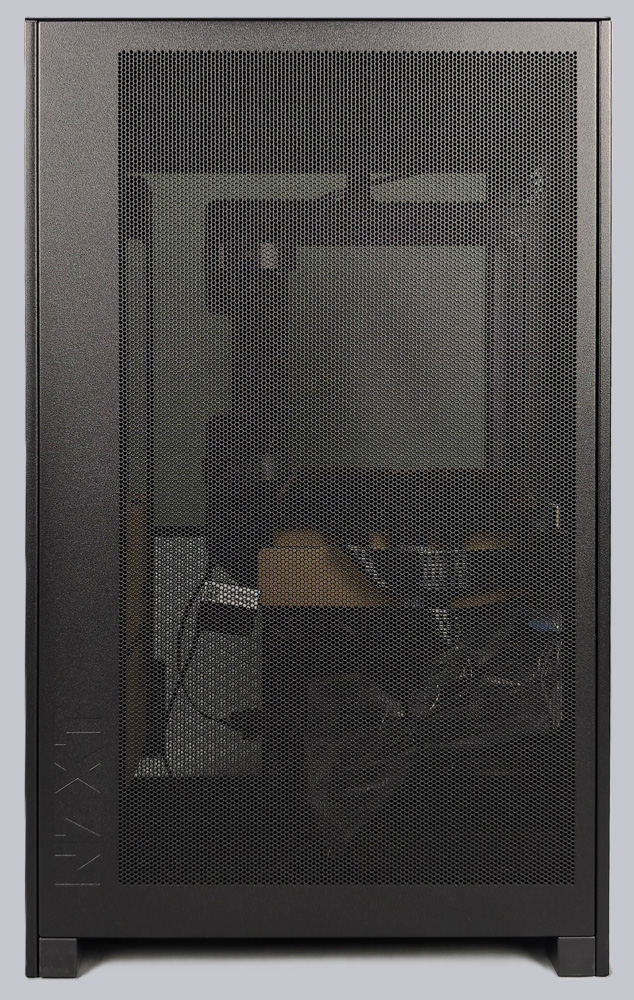
The rear view has a functional design, with cutouts for the power supply and the I/O panel, and ample ventilation is also provided.
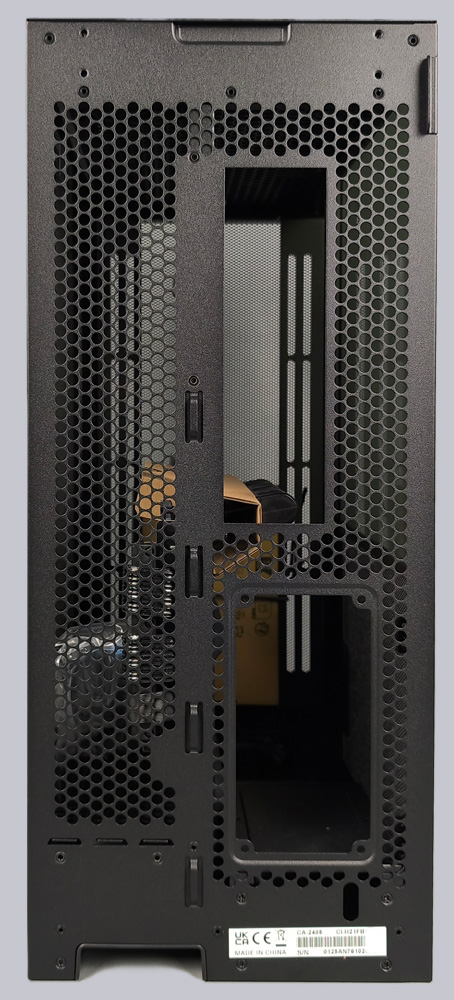
The lid was also fitted with a very fine mesh, since the fans underneath need to provide proper airflow.
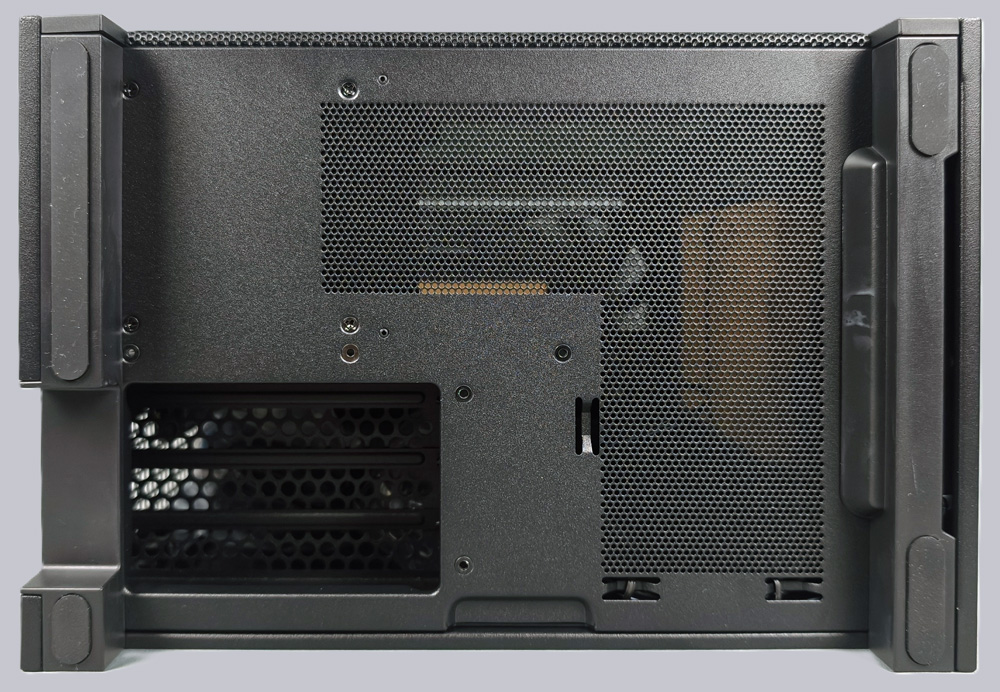
On the underside, there is a cutout for three PCIe brackets, since the graphics card is installed vertically in this location.
NZXT H2 Flow Layout, design and features interior …