

Installation und Practical testing …
Installation …
Once you plug in the USB dongle and turn on the keyboard, the connection is established automatically. The backlighting turns on immediately, bathing the keyboard in a rainbow of colors. Since the keys are translucent, they are easy to see even in the dark.
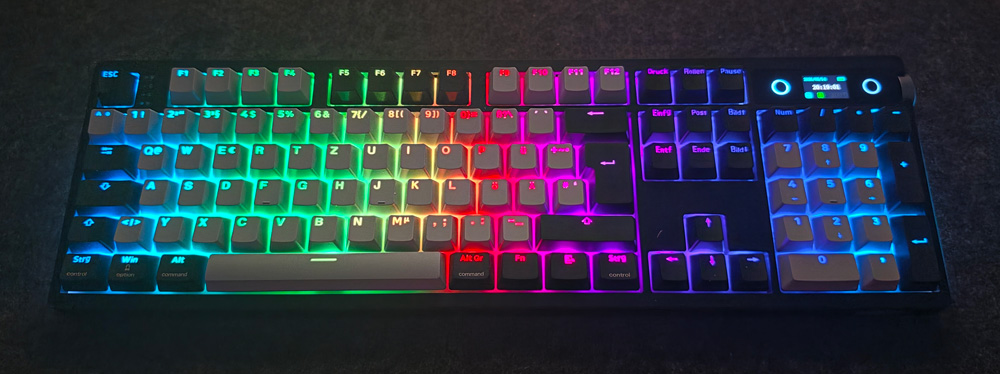
Many settings-mainly those related to lighting-can be adjusted directly on the keyboard.
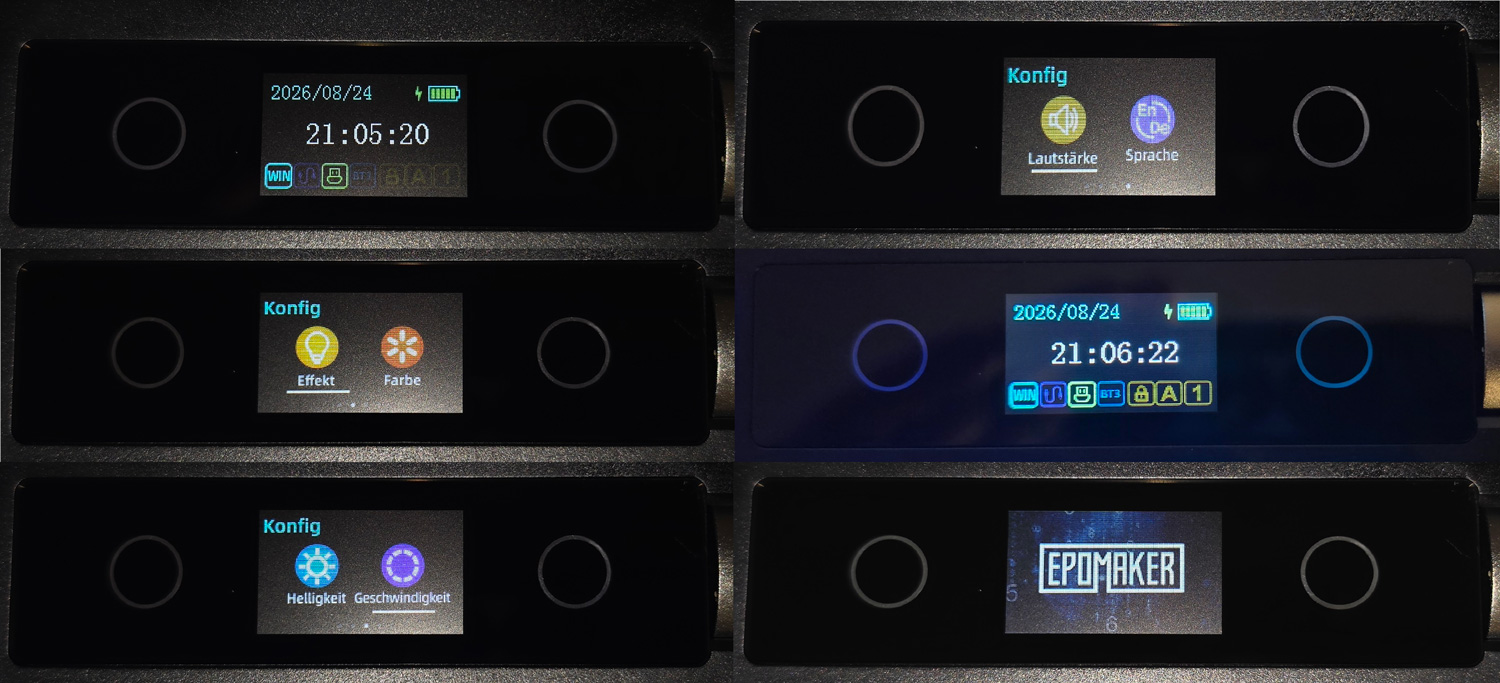
Many settings-mainly those related to lighting-can be adjusted directly on the keyboard.
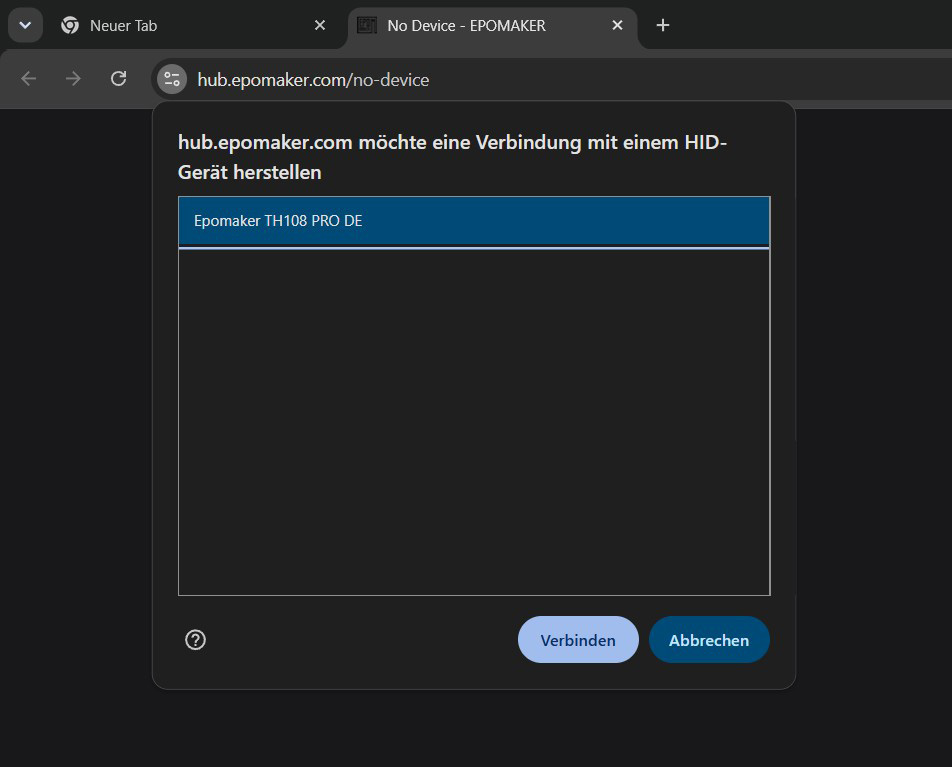
We are not happy with this approach. If the web-based software is no longer available, it will no longer be possible to adjust certain settings on the keyboard, most notably the time.
Web interface …
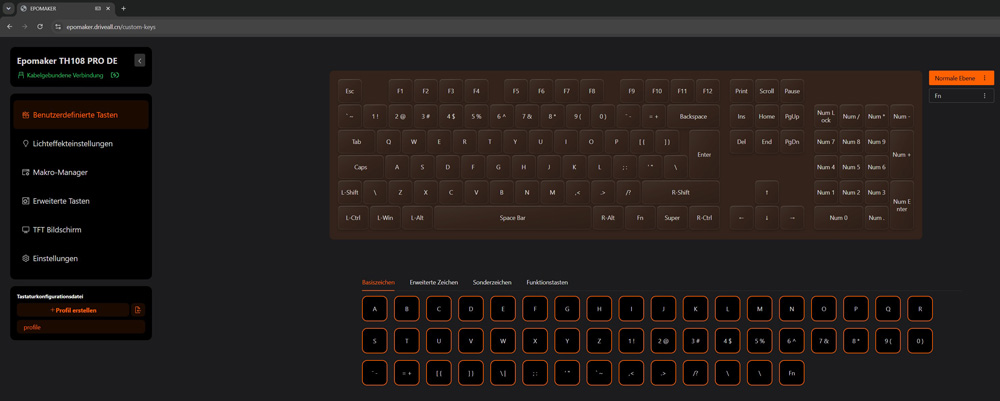
But let’s take a look at the interface. On the home screen, we can already freely assign any button.
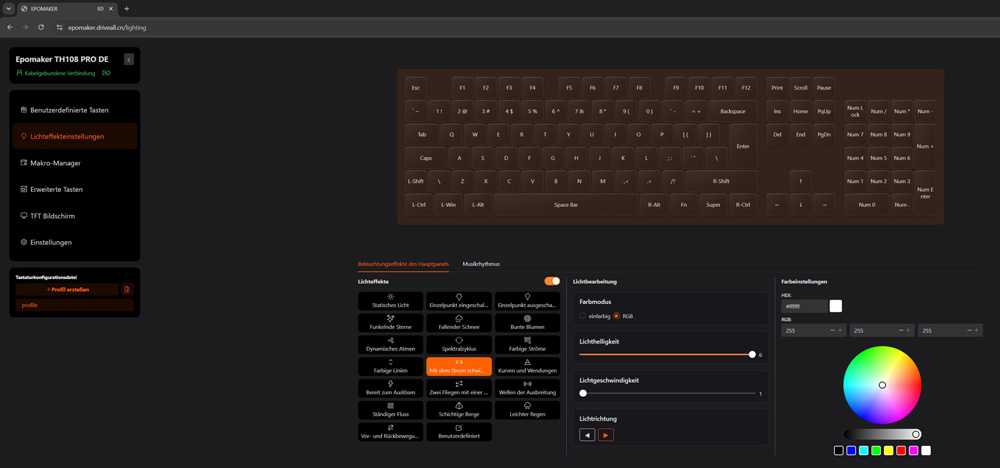
The second tab allows us to customize the lighting.
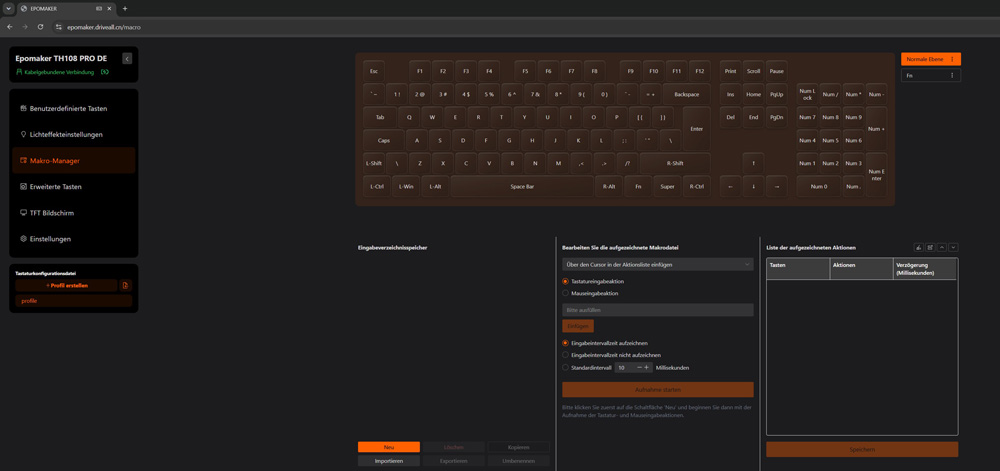
In the next tab, we can create macros that are likely to be of interest mainly to gamers.
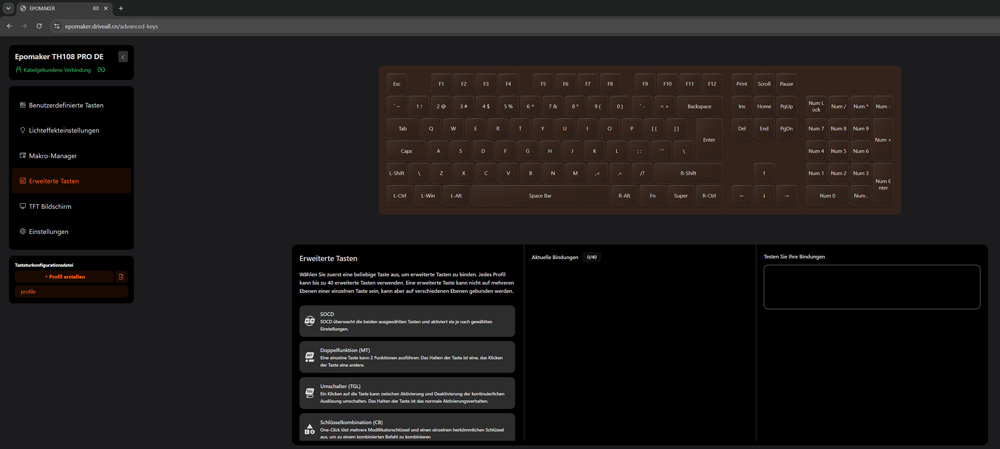
The special functions control how the keyboard should respond to key conflicts or when a key is pressed twice.
Displays on the TFT screen are configured here. Here, you can create or upload an animation and synchronize the time.

In the settings, you can change the system language, adjust the double-press delay, and update the firmware for the TH108 Pro keyboard.
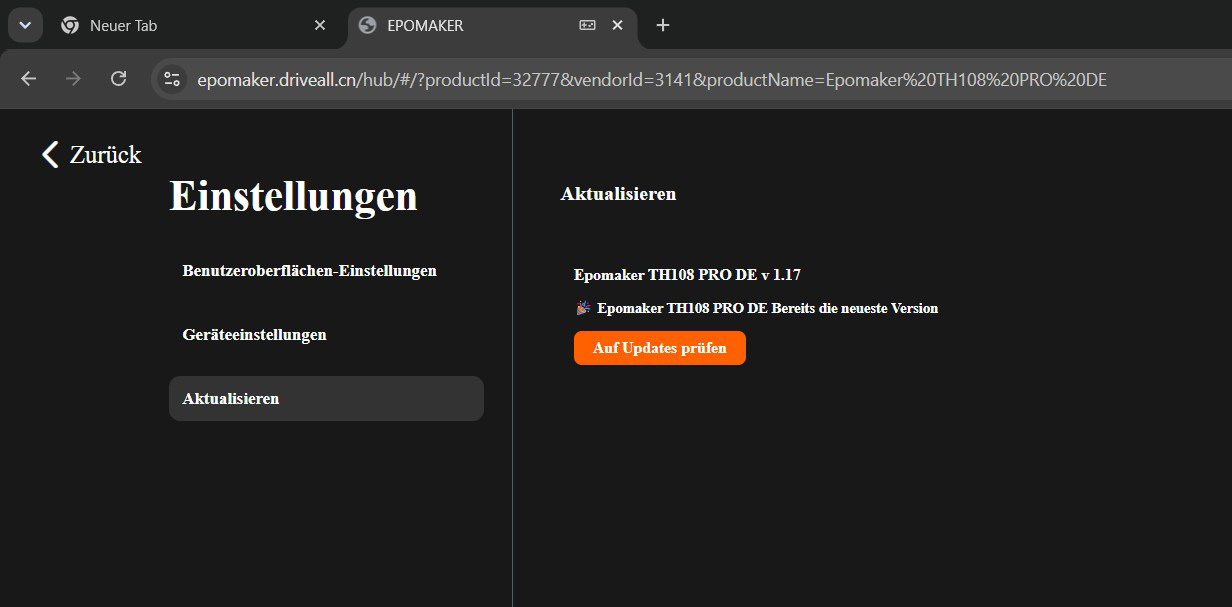
Of course, we can also create profiles for our settings and save them locally.
Practical testing …
Now let’s move on to the practical testing of the EPOMAKER TH108 Pro keyboard. One thing that impressed us right from the very first keystroke is the sound. Even the audio recording doesn’t do justice to the “creamy thock” this keyboard produces. It’s a very pleasant typing sound that definitely deserves a spot in an ASMR video.
Did we promise too much? The only thing that could use a little more attention is the space bar. Small, glued-in weights could noticeably dampen the sound of keystrokes here. But other than that, EPOMAKER has simply done a great job here. Let’s take a look at how the keyboard performs when typing. A solid 284 keystrokes per minute and a great typing experience speak for themselves.

Gaming …
We all know that friend who always sends a one-word message in the evening… Want to game? Sure! How about a classic first-person shooter? A soft, smooth clicking sound accompanies our metallic police officer as he makes his way through the world.
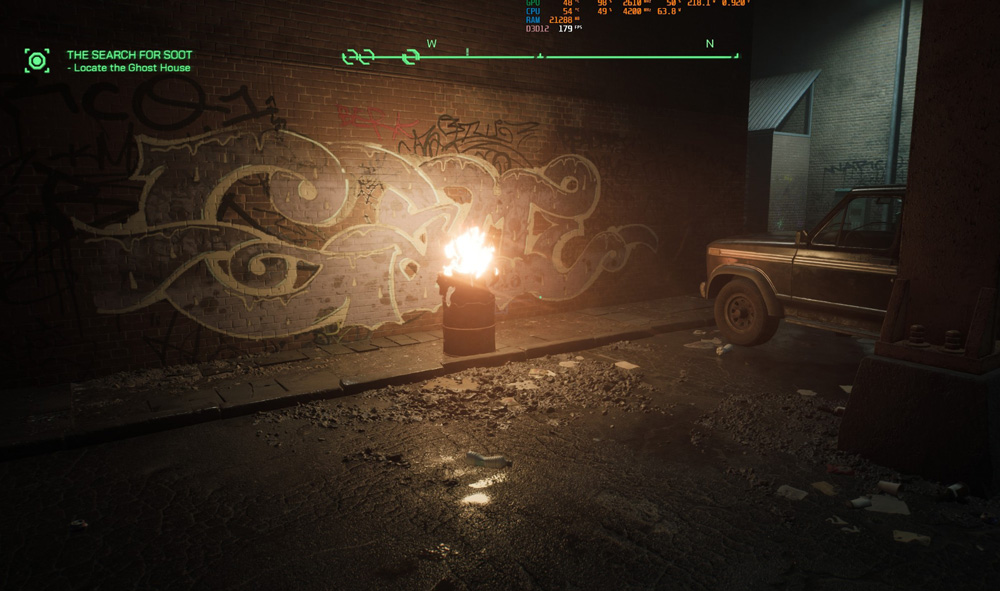
An oldie but a goodie. Games like Trackmania are controlled entirely with the keyboard and are still a ton of fun, whether you’re playing alone or in multiplayer.

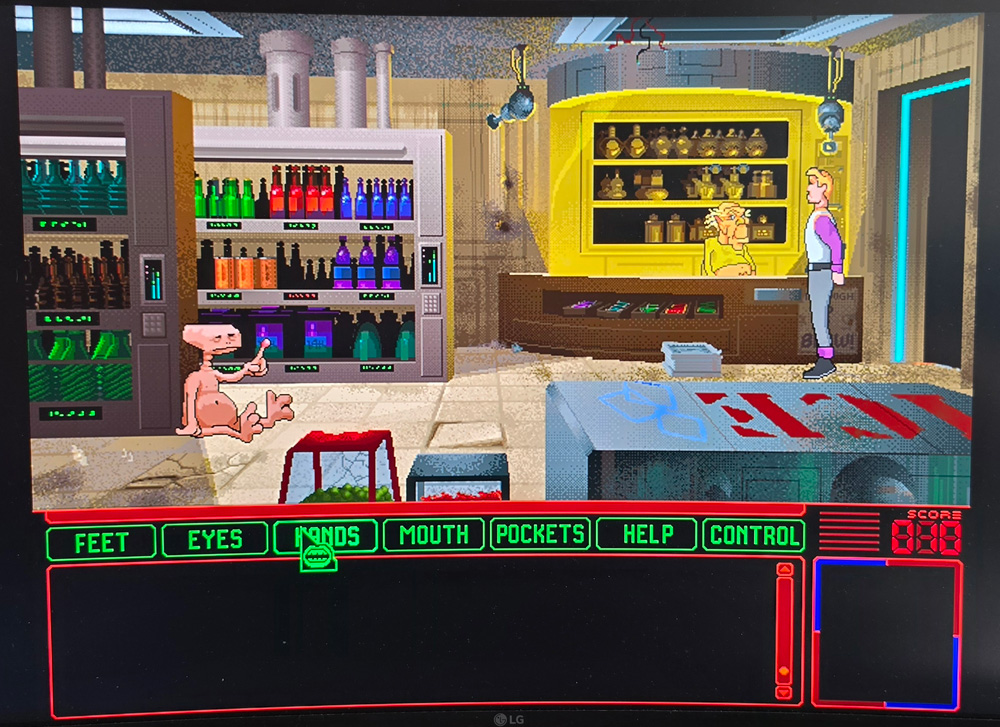
Roger! You’re controlled with the mouse. So would you please move out of the way?
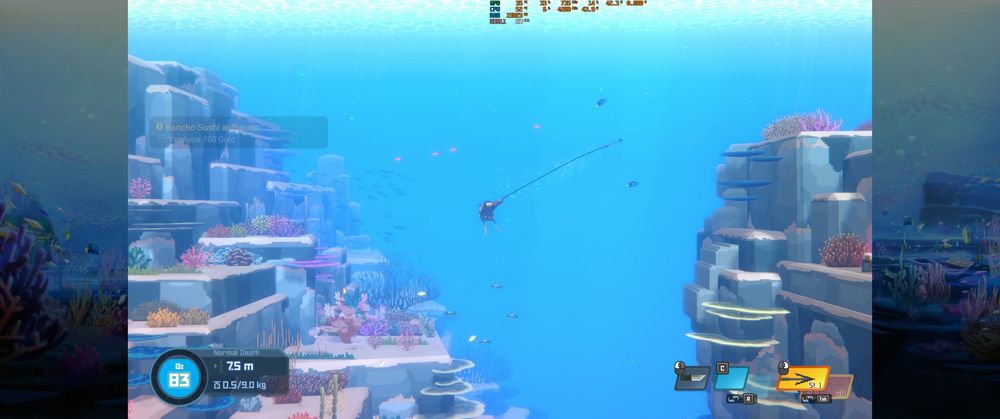
Dave the Diver is a charming little gem of a video game. The TH108 Pro handles the combined mouse-and-keyboard controls just as effortlessly as our Razer Basilisk V3 Pro.
If you’re someone who loves listening to truck stop music, drives a car with a trailer, and has a 6-voice fanfare mounted on your SUV, we’ve got just the thing for you!
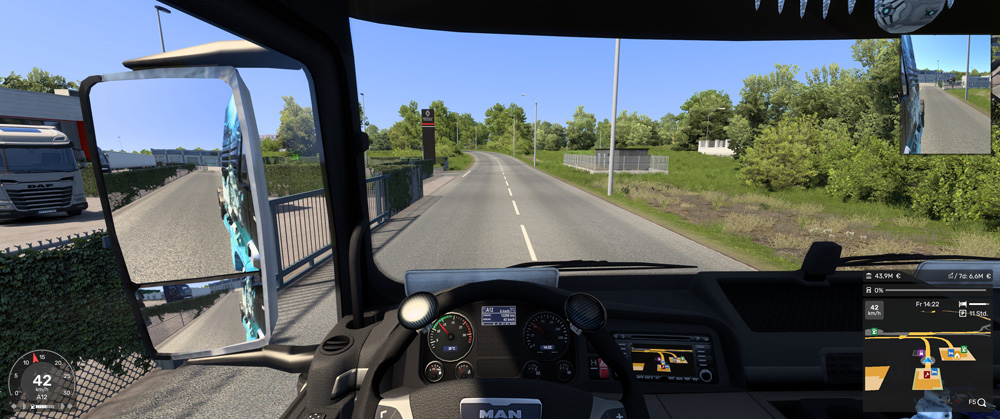
It’s really fun to both work and play with this keyboard. But we still have one more highlight up our sleeve.

These are keycaps from the Human Fall Flat series.
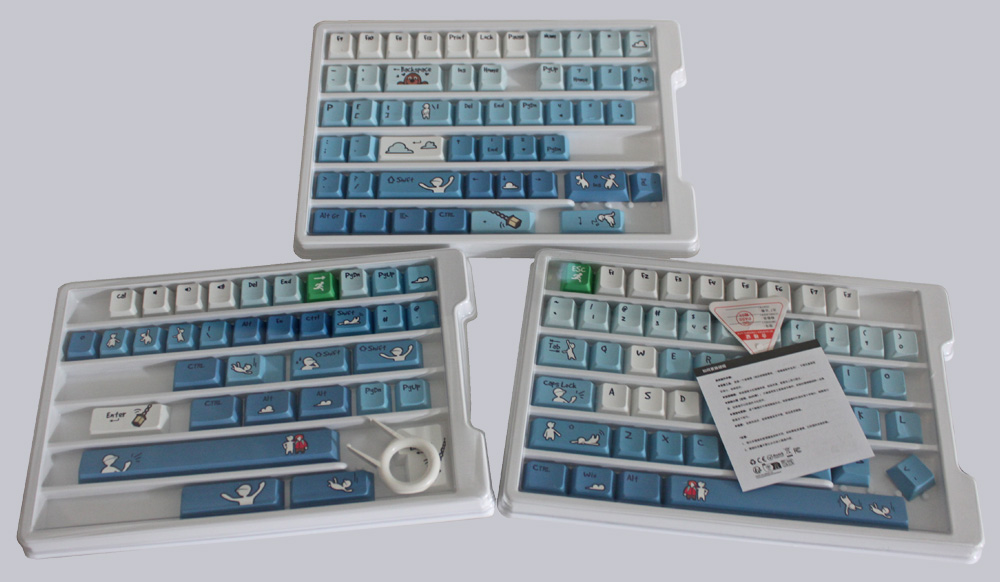
Human Fall Flat Fallen Series Keycap Set …
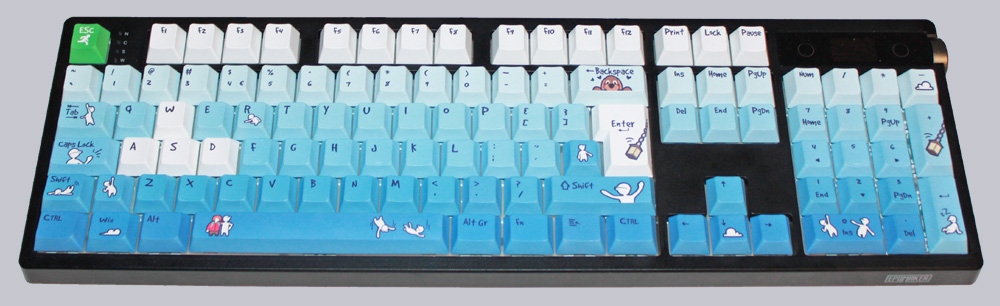
We’ve got all the caps packed up and ready to go, so we can replace every key on the TH108 Pro keyboard. And what can we say? They look absolutely wonderful! Unfortunately, the caps are currently only available with an ANSI (US) layout, and they aren’t transparent. But given how great they look, that second point is at least easy to overlook.
Epomaker Sea Salt Silent Switches …
Was that not enough? Okay, okay. We tested another version of the same keyboard from Epomaker featuring Silent Keys. Visually 100% identical, this TH108 Pro features Epomaker Sea Salt Silent Switches with a yellow actuator, which differs slightly in mechanical feel from the Creamy Jade Switches.
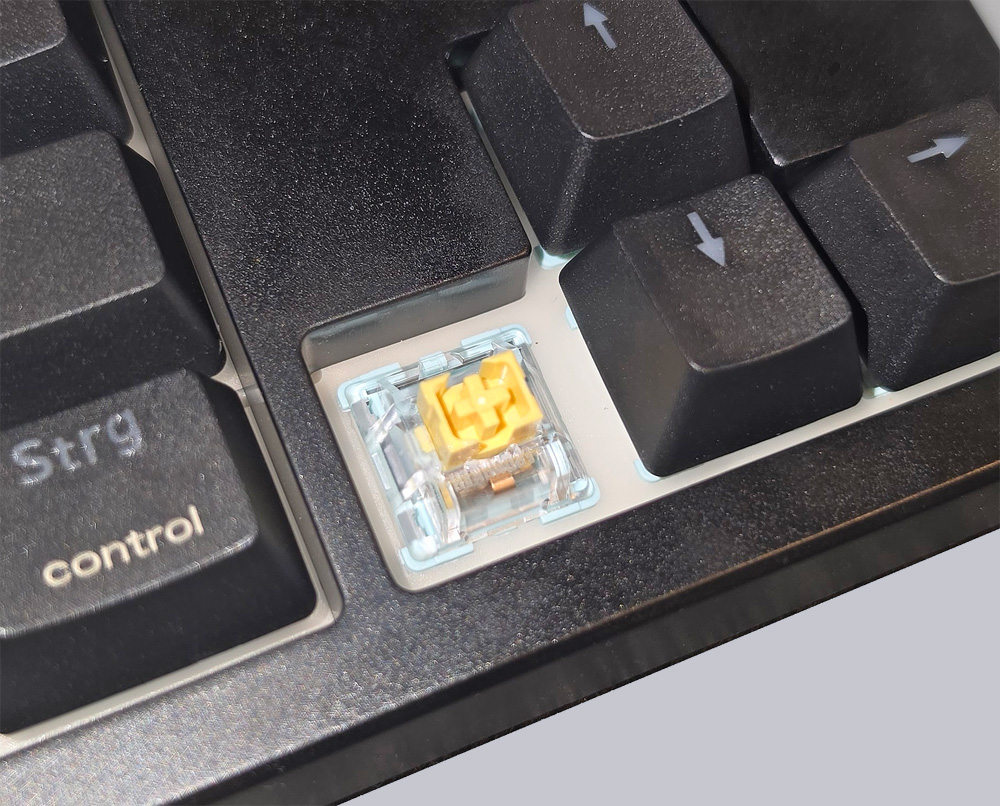
Here, too, we don’t want to deprive you of the sound-which, admittedly, was very difficult to capture. The keystrokes are silky smooth and truly very quiet.
So if you can do without the Creamy Thock, the Sea Salt Silent version offers a keyboard that’s very quiet and also has a great key feel.
Here you’ll also find the Epomaker TH108 Pro video, complete with a demonstration of the lighting and a sound sample of the Creamy Jade switch.
Note: Please allow our cookies first to see this external content!
And that brings us straight to the conclusion.
Epomaker TH108 Pro Result and general impression …