

Layout, design and features …
Let’s start by taking another look at the fully assembled monitor.
A look at the back reveals the asymmetrical pentagon, behind which the lighting is also concealed.
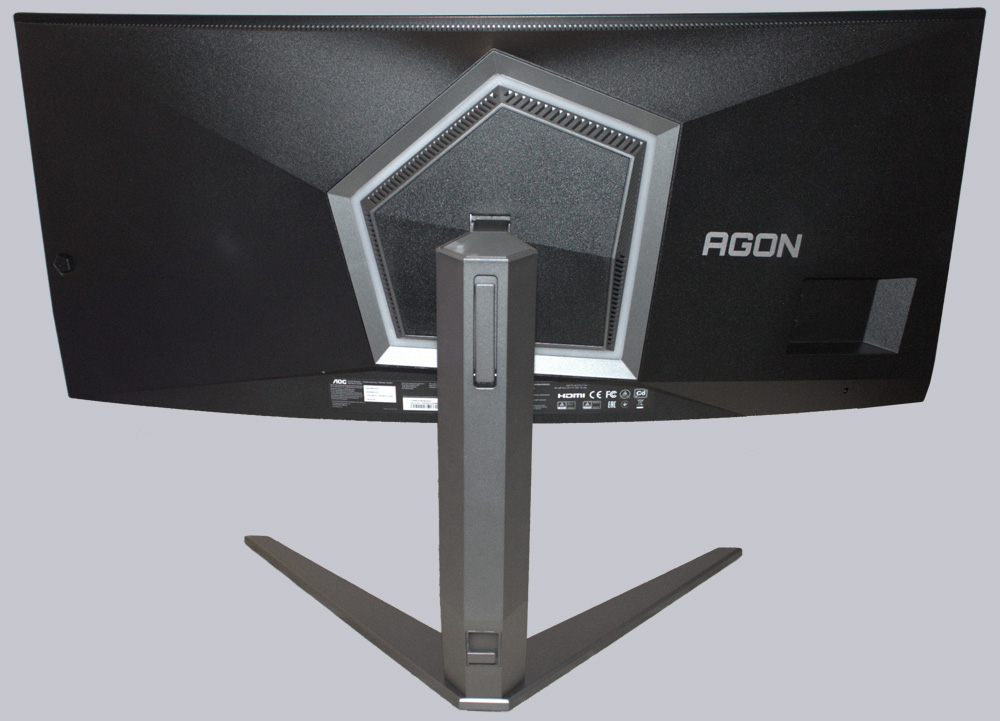
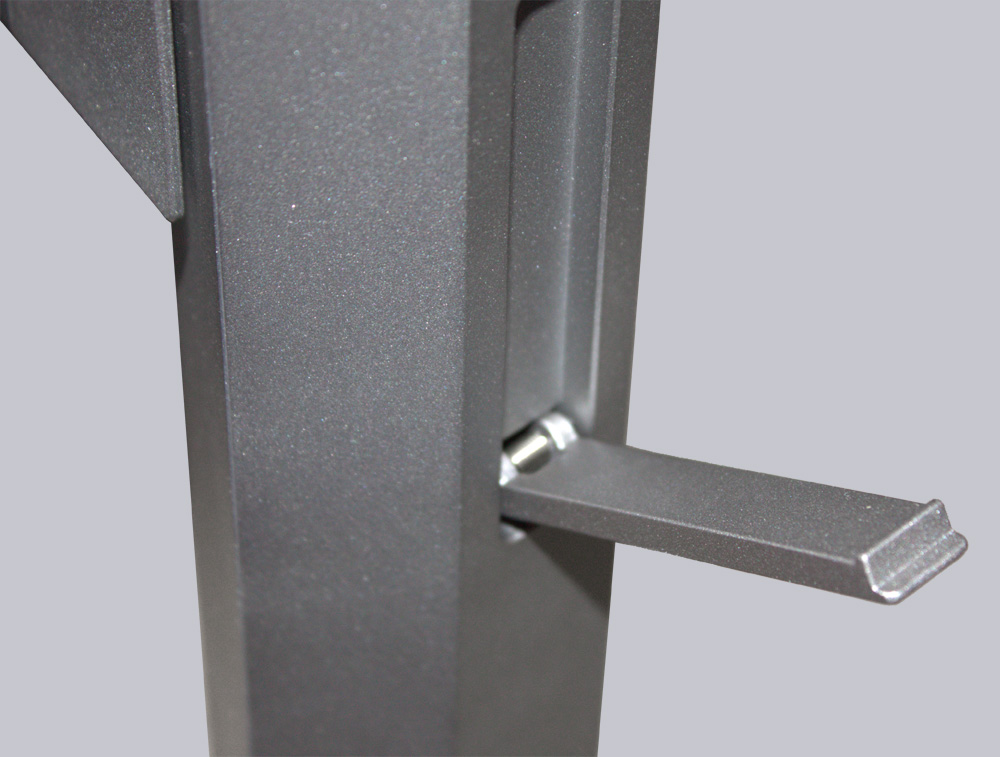
The fold-out mount on the back is designed to hold a headset. The placement isn’t ideal. This mount would have been much better suited on the side of the monitor.
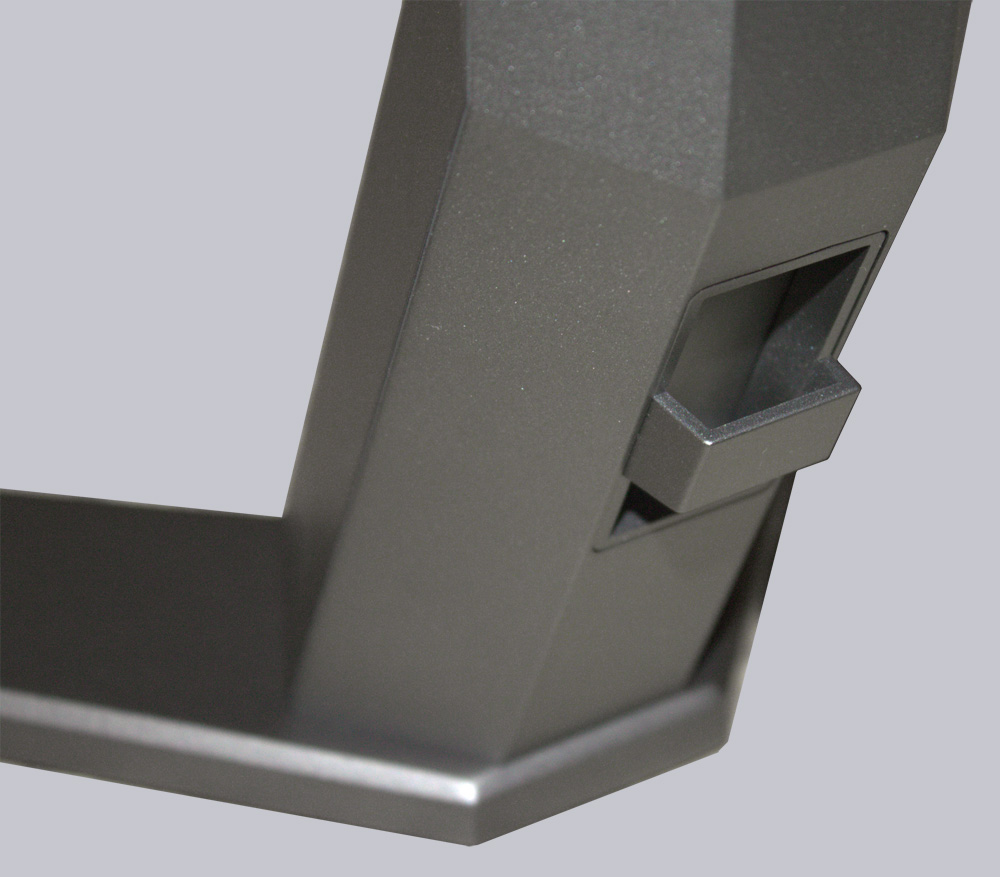
In addition, the mount features a cable guide that allows for neat cable routing.
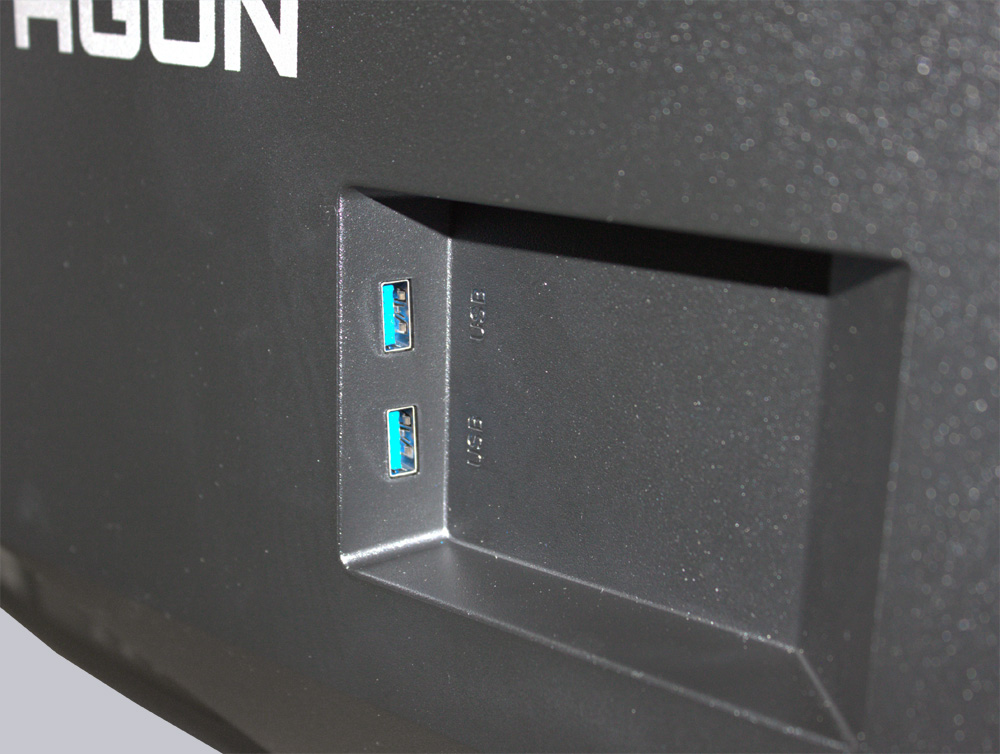
In the recess on the right side, we can see the two USB-A ports, which allow us to connect a mouse or keyboard.
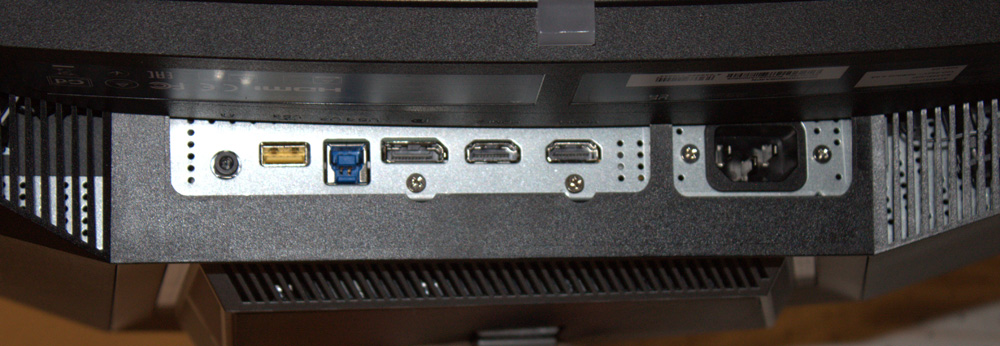
At the bottom, we can see the connectivity options. The monitor features two HDMI ports, a DisplayPort, a 3.5mm audio jack, a USB uplink port, and another USB 3.2 port. Since the Agon AG346UCD has a built-in power supply, a single power cord is all that’s needed for power.
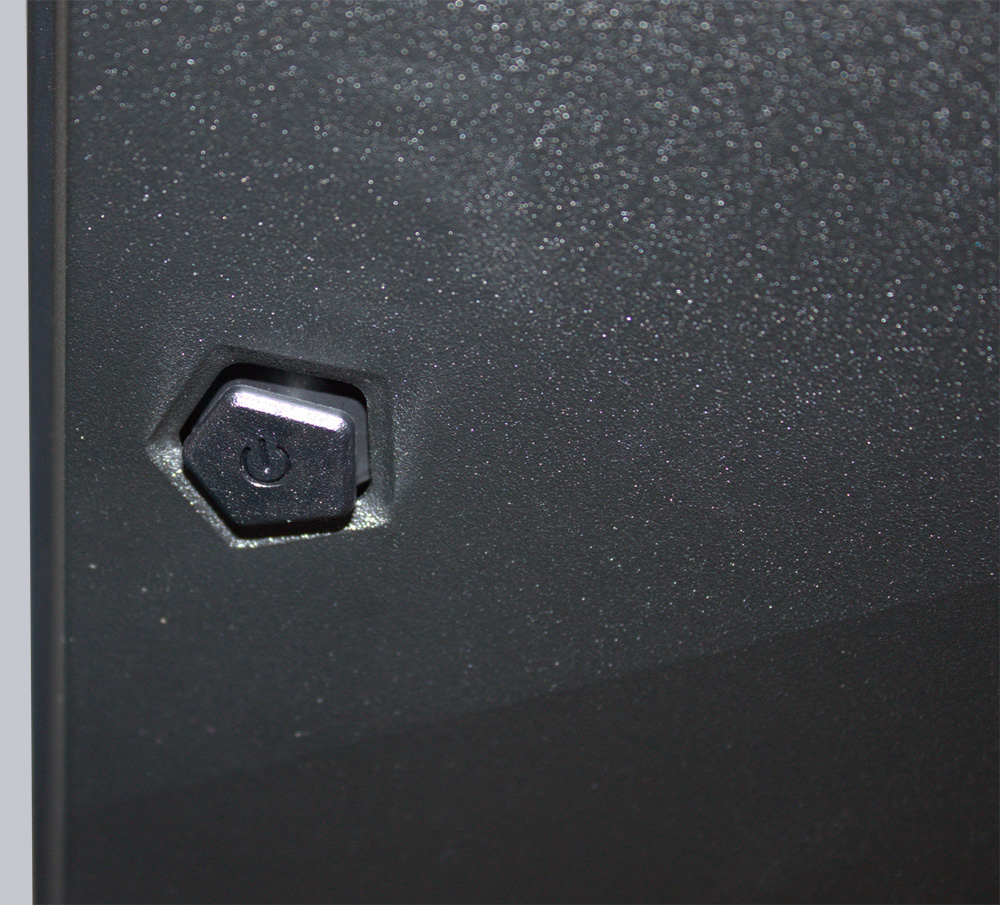
On the left edge, we find the power button combined with the navigation button. This button also has the pentagonal shape of the light cover.
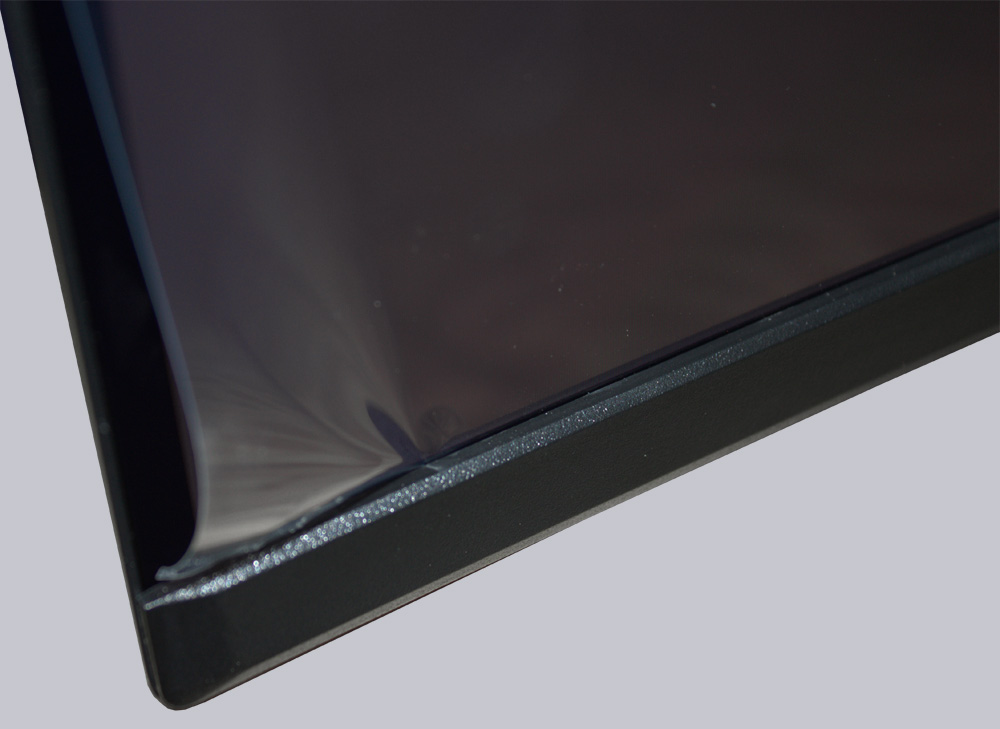
At first, we were a little unsure about the display. Is the protective film on it removable or not? Why did we ask ourselves that question? There was no tab to pull the film off with (Edit: According to AOC, there’s usually a yellow label there for removing the film). And once you manage to peel the film off at one corner…
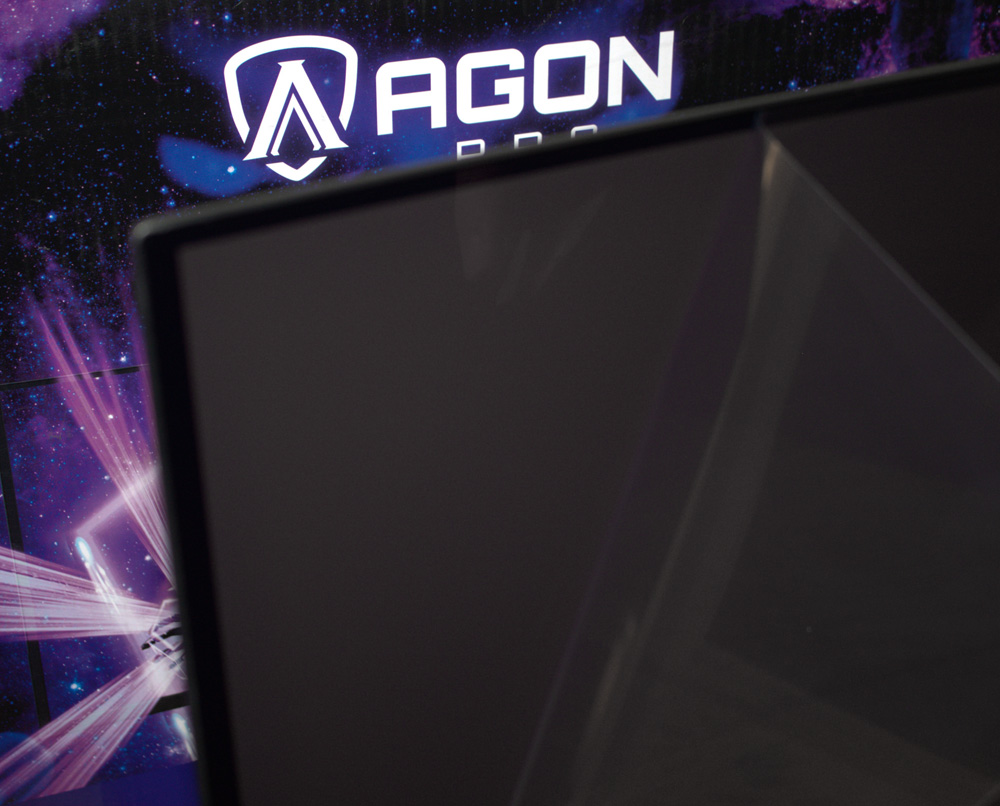
… you’ll quickly notice that the film is wedged between the display and the bottom bezel. So you have to be very careful when peeling it off. (Edit: According to AOC, this shouldn’t usually be a problem.)
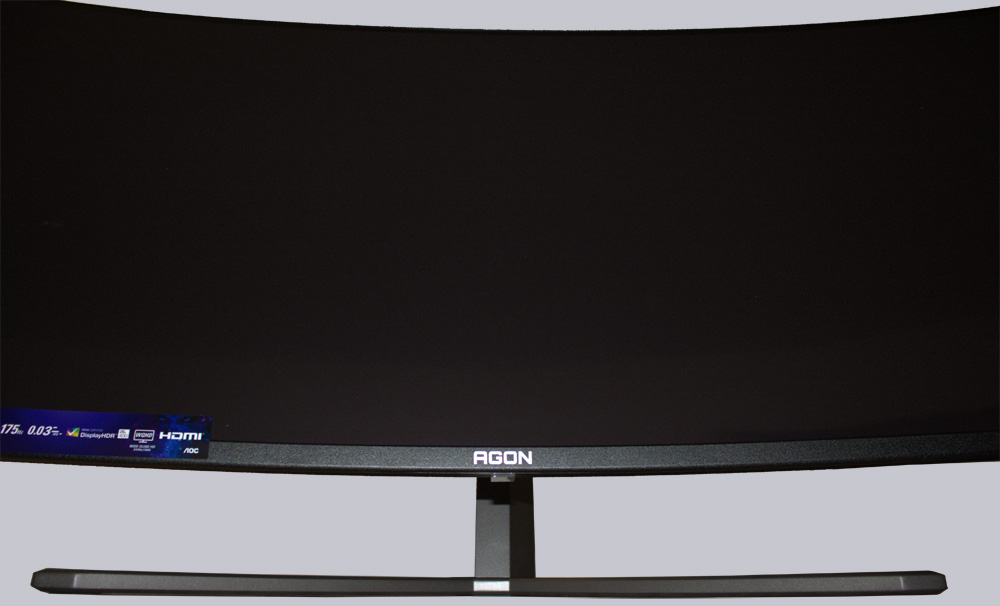
Despite the 1800R curvature, the display’s bend is still within reasonable limits. Even using Office or web applications shouldn’t be a test of patience.
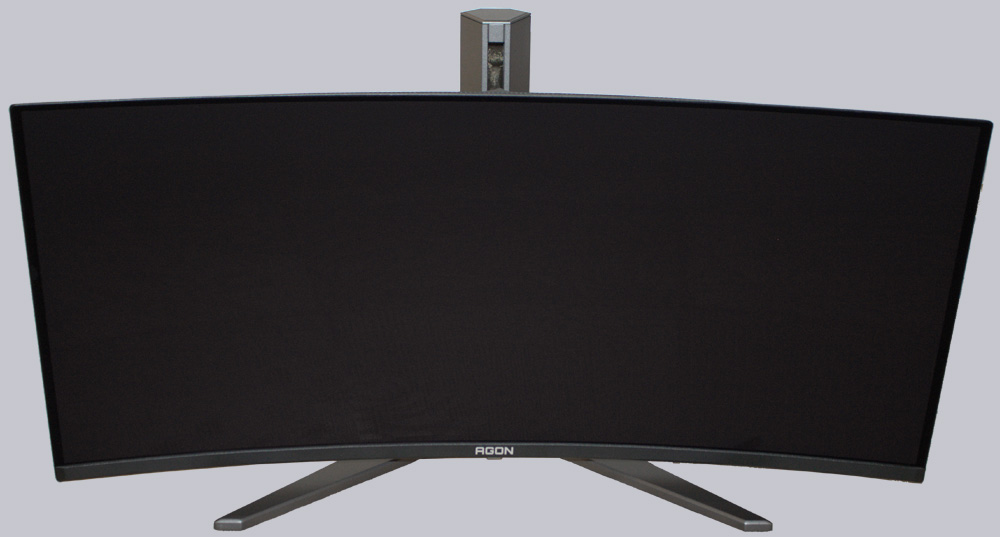
When it comes to ergonomics, the AOC Agon AG346UCD isn’t exactly top-notch. However, the height adjustment is perfectly fine.
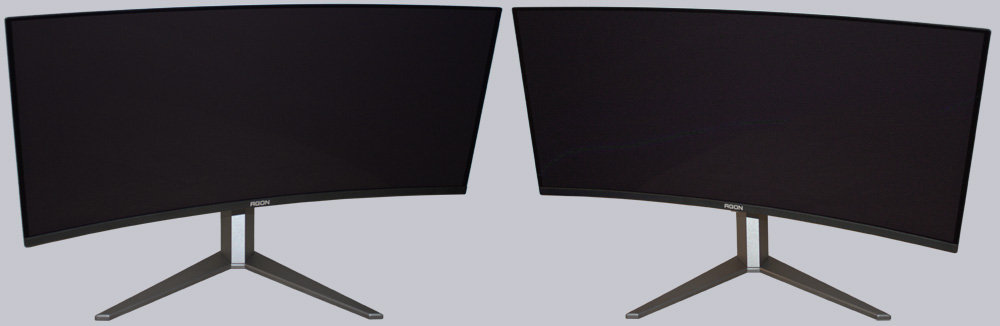
However, the side-to-side tilt is a bit too limited. It would be better to be able to rotate the monitor along with its stand.
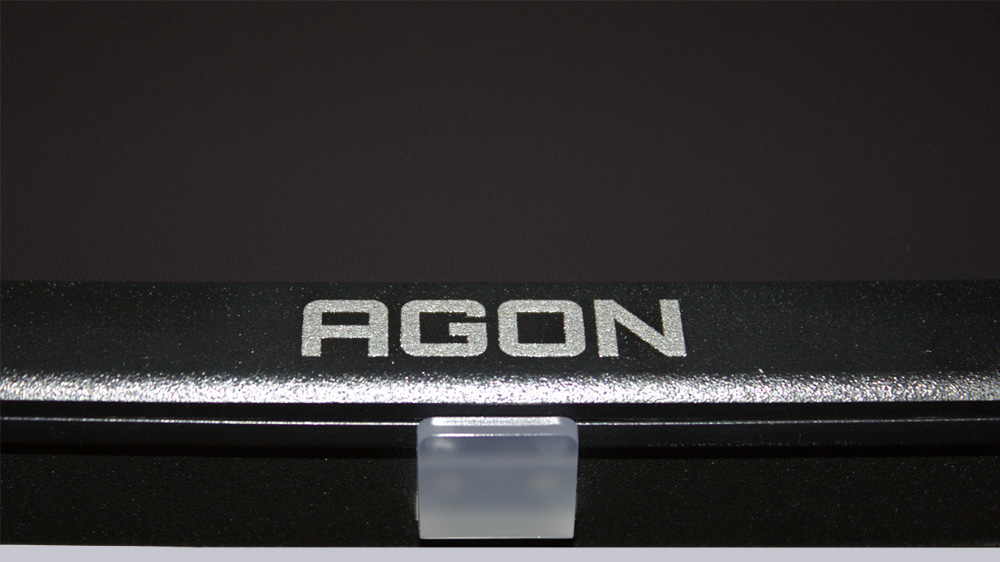
At the bottom, we can see a small status LED and the model name.
Thanks to the included VESA mount, you can also mount the monitor on a wall bracket. But now let’s connect the monitor and take a look at the Agon in our practical testing.
AOC Agon Pro AG346UCD Practical testing …