

Practical testing …
Mounting …
Assembly is, as usual, quite simple, though attaching the base without additional tools presents a minor challenge. Unfortunately, the included screwdriver isn’t sufficient to tighten the screws, whose threads are coated with a bit of blue threadlocker. You’ll need a decent screwdriver on hand for this.
Connection …
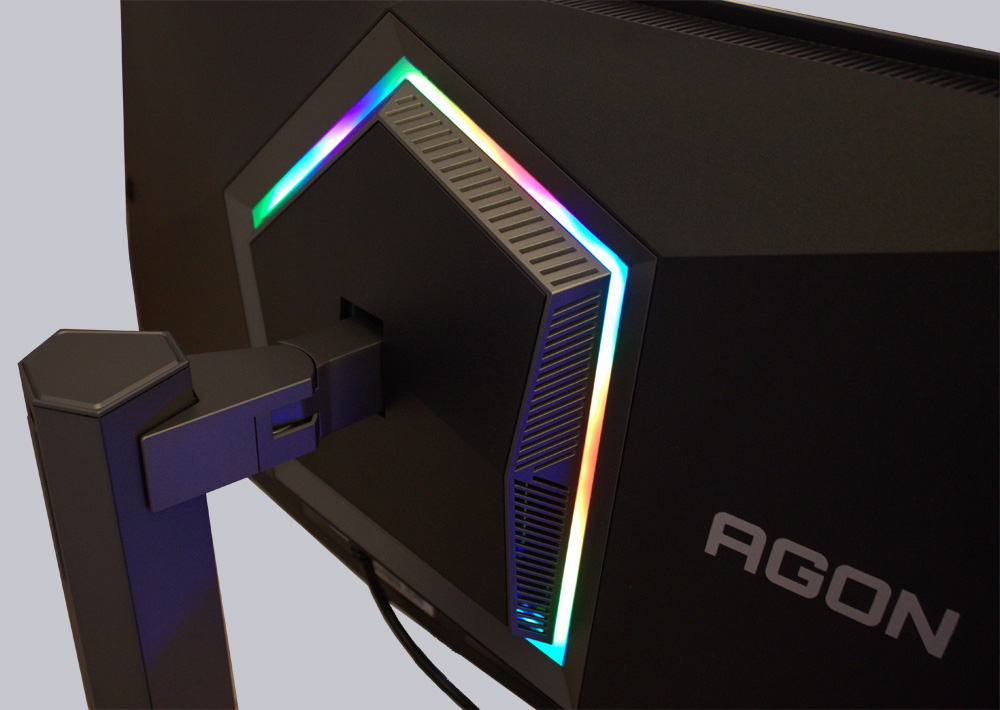
After connecting the monitor using the included DisplayPort cable, the status LED immediately lit up white. But the real magic was on the back.
Lighting …
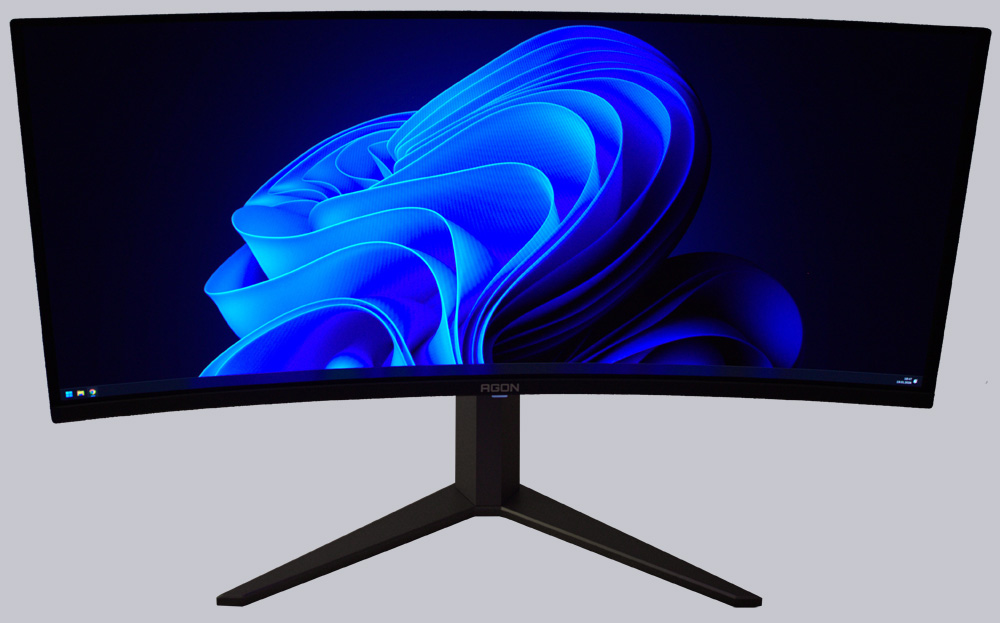
If you place the monitor close to a wall, the backlighting creates a bit of ambiance around it. But the picture quality also put a smile on our faces. Rich colors, sharp resolution, and the deep blacks that OLED displays are known for.
Operation …
You can access and navigate the OSD using the multifunction button on the back.
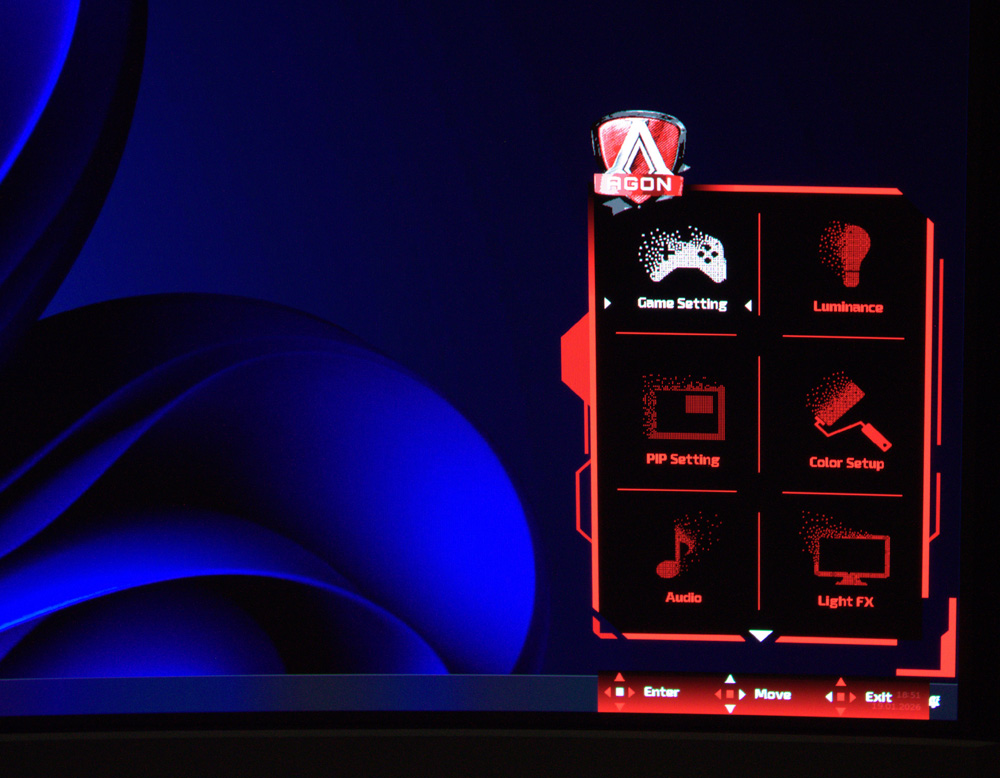
In addition to the extensive game settings …
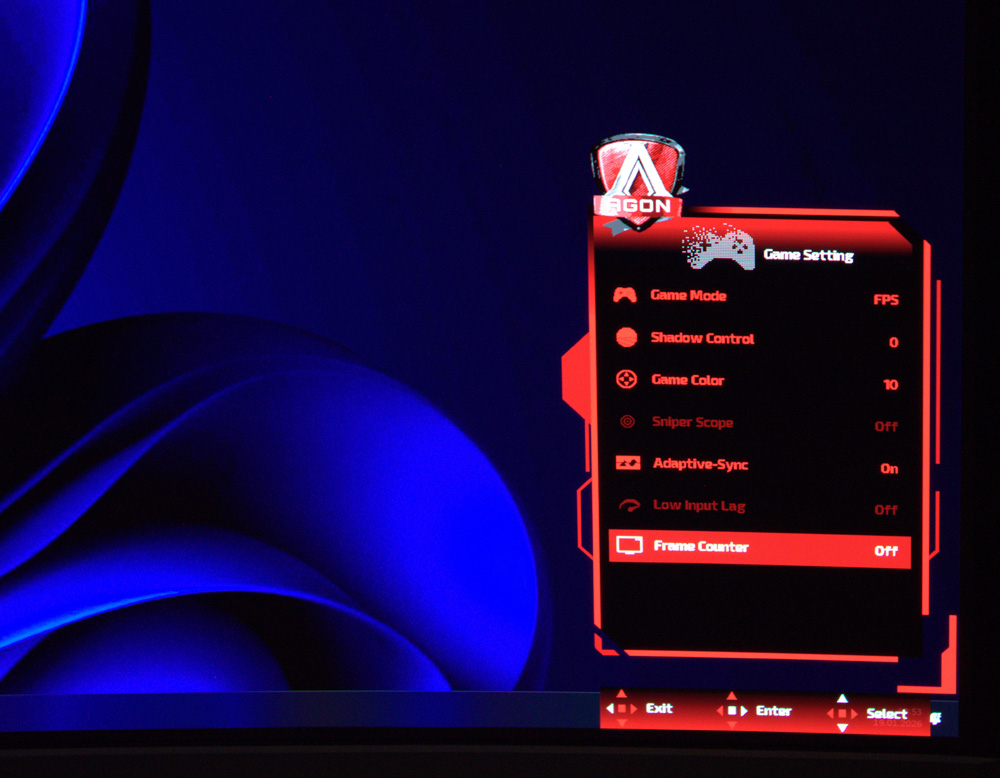
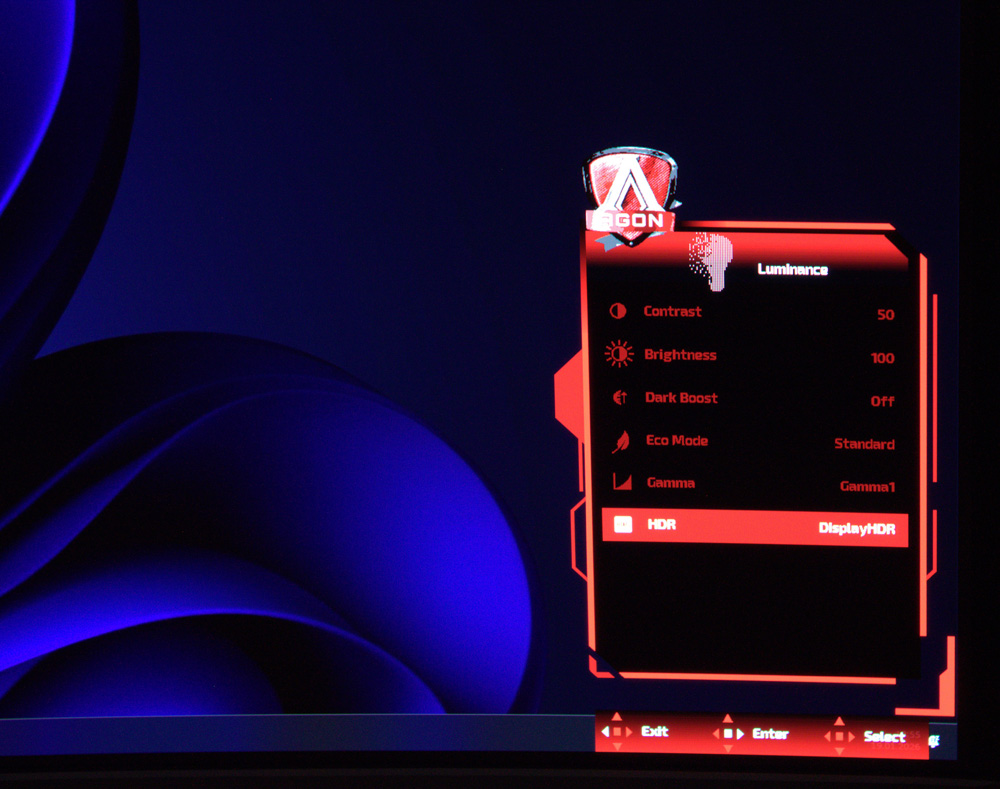
… you can also adjust the image quality and HDR settings here.
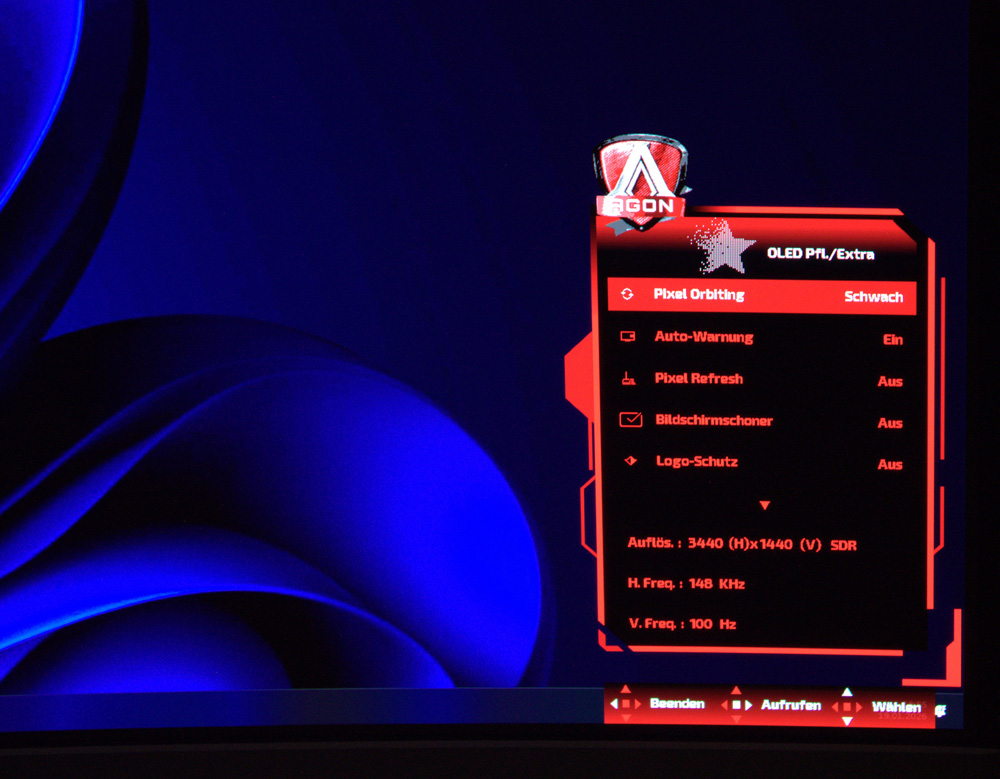
Of course, an OLED display must include various protective mechanisms that help prevent image retention.
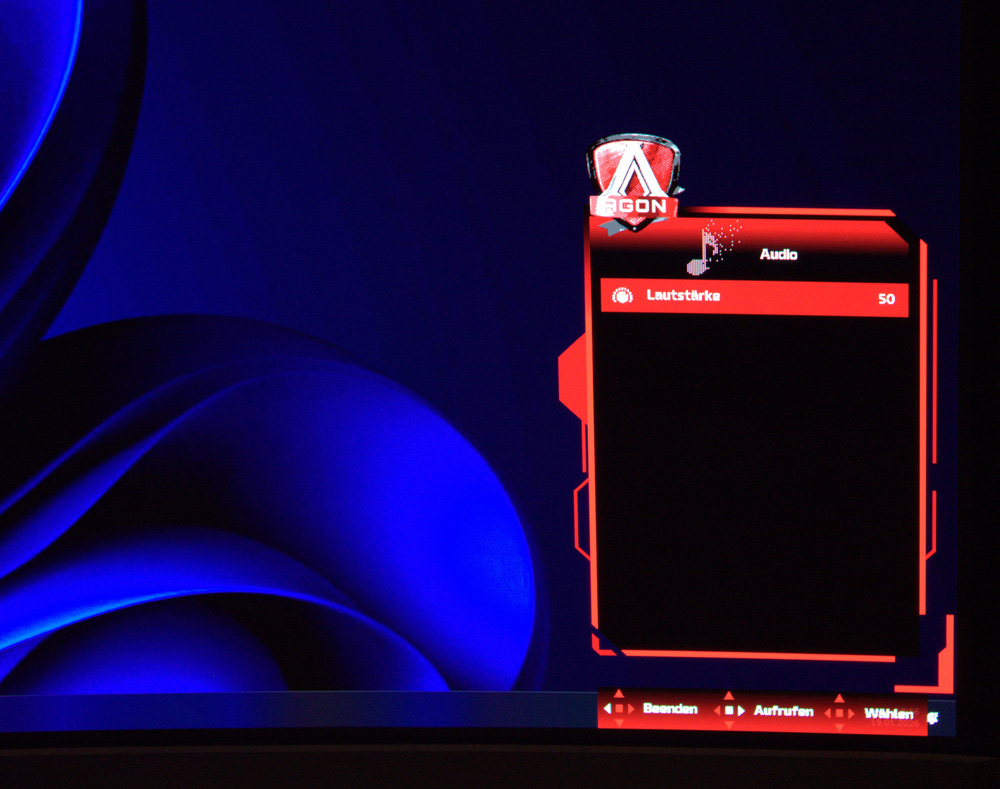
And let’s not forget the volume control for the built-in speakers. It could have used a few more settings, but all the essentials are there.
Sound …
Let’s get right to the sound. The Agon AG346UCD actually surprised us a bit in this regard. We’re all familiar with—and have come to expect—the usual take on built-in monitor speakers, which often doesn’t go much further than “they’re just there.” In this case, however, we can say that the sound is actually quite decent. A few more settings in this area would have been nice, but overall, it’s perfectly adequate.
Practical testing …
Now let’s get down to business…
Gaming …
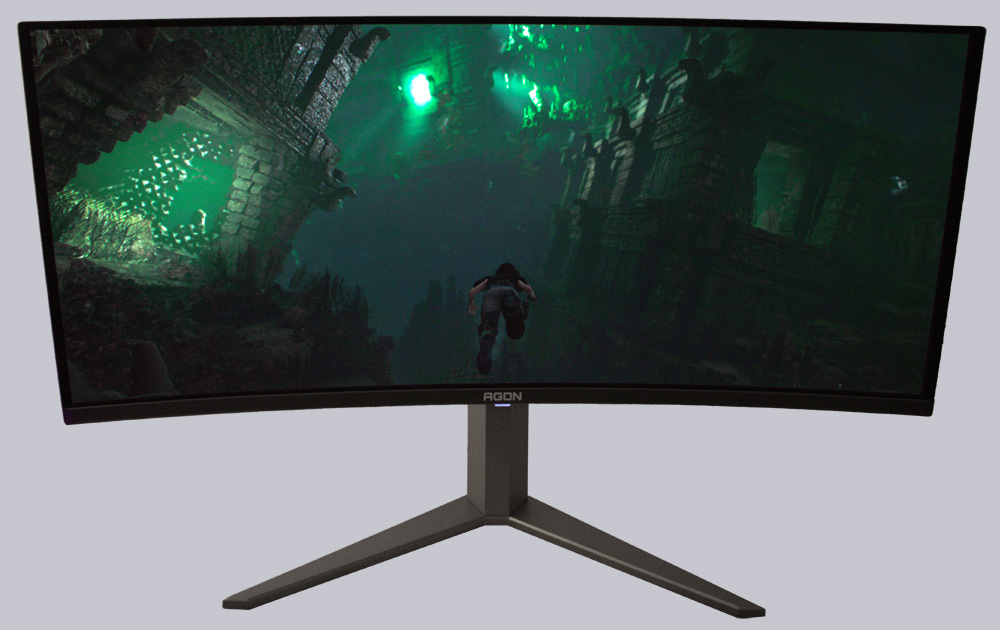
First, Lara Croft whisked us away into her world. This is a natural choice, as the frequent dark sections here really highlight the monitor’s capabilities.
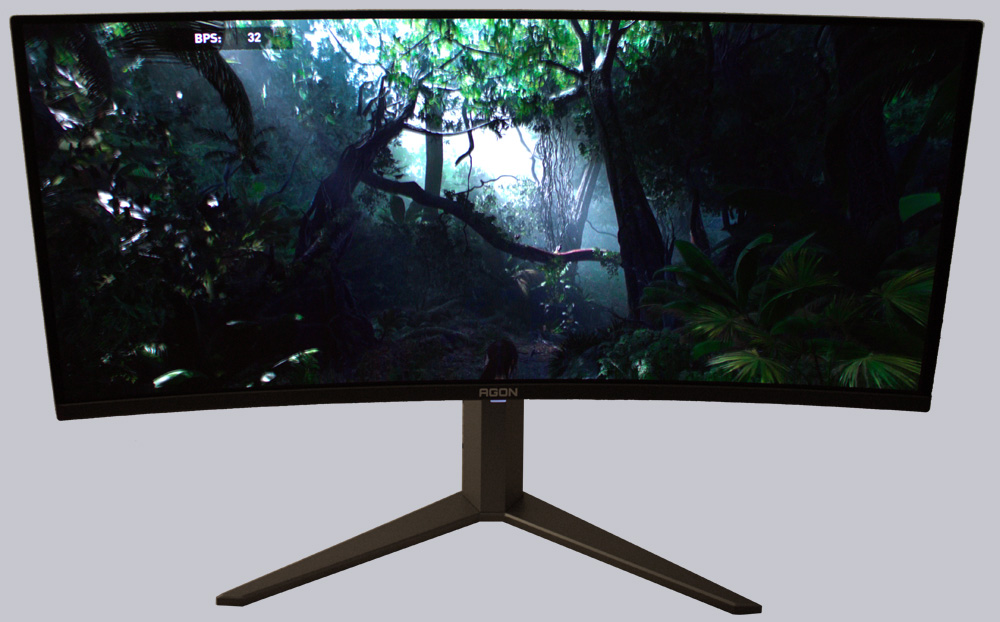
But the benchmark’s shadow effects are also impressive.
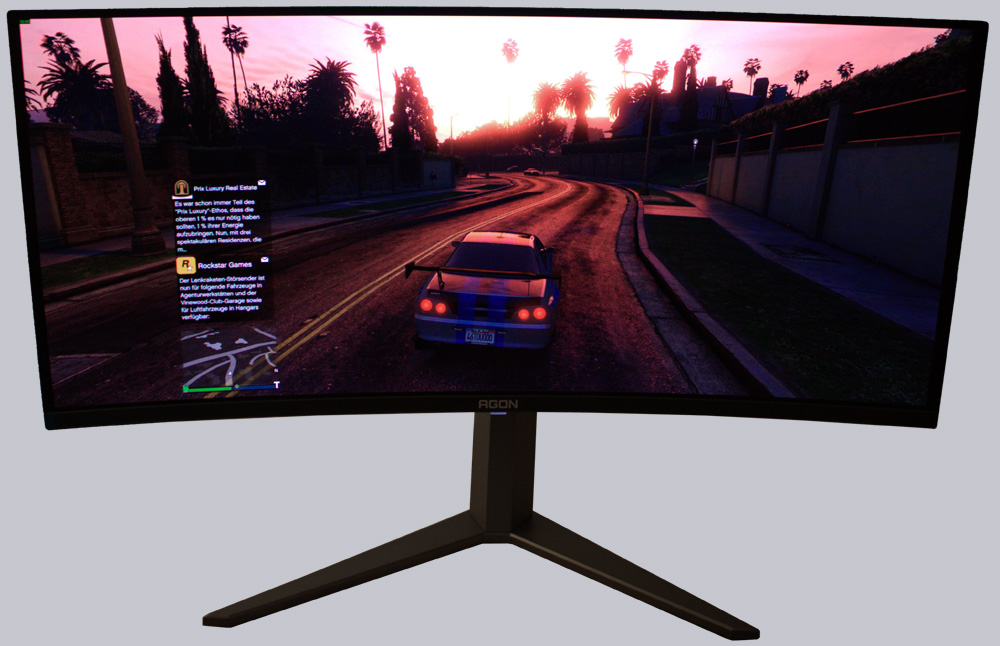
What really won us over, though, was the sunrise in GTA 5. It was like a flash of lightning, yet still rich in color and sharp. Thanks to the monitor’s very low latency and Adaptive Sync, we didn’t notice any motion blur at all.
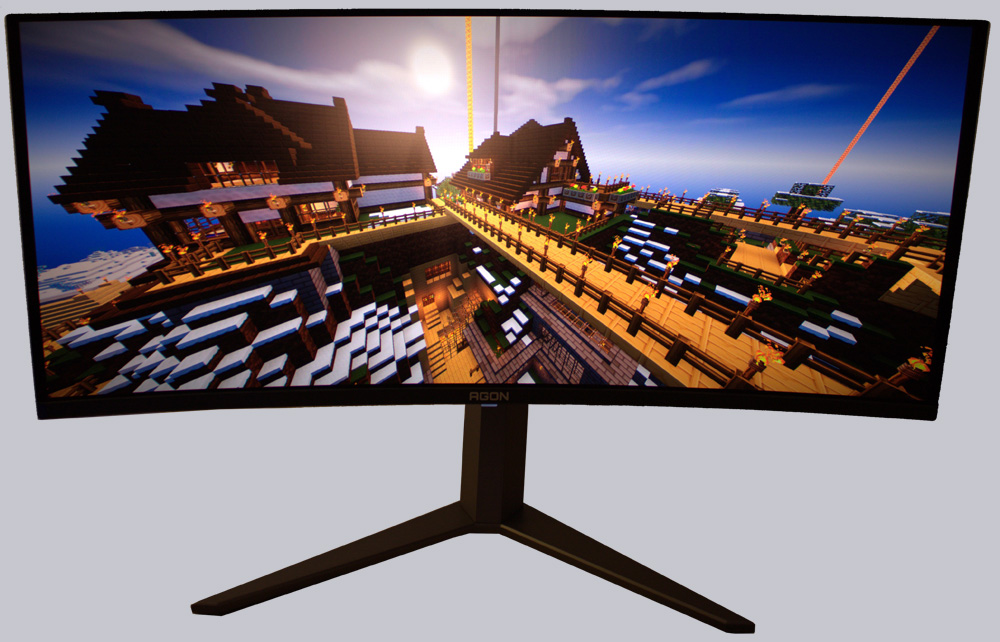
And even though it might look that way in the following image, the large yellow spot isn’t a camera flash—it’s the sun enhanced by HDR, which Minecraft shows us here thanks to the shader mod.
Linux …
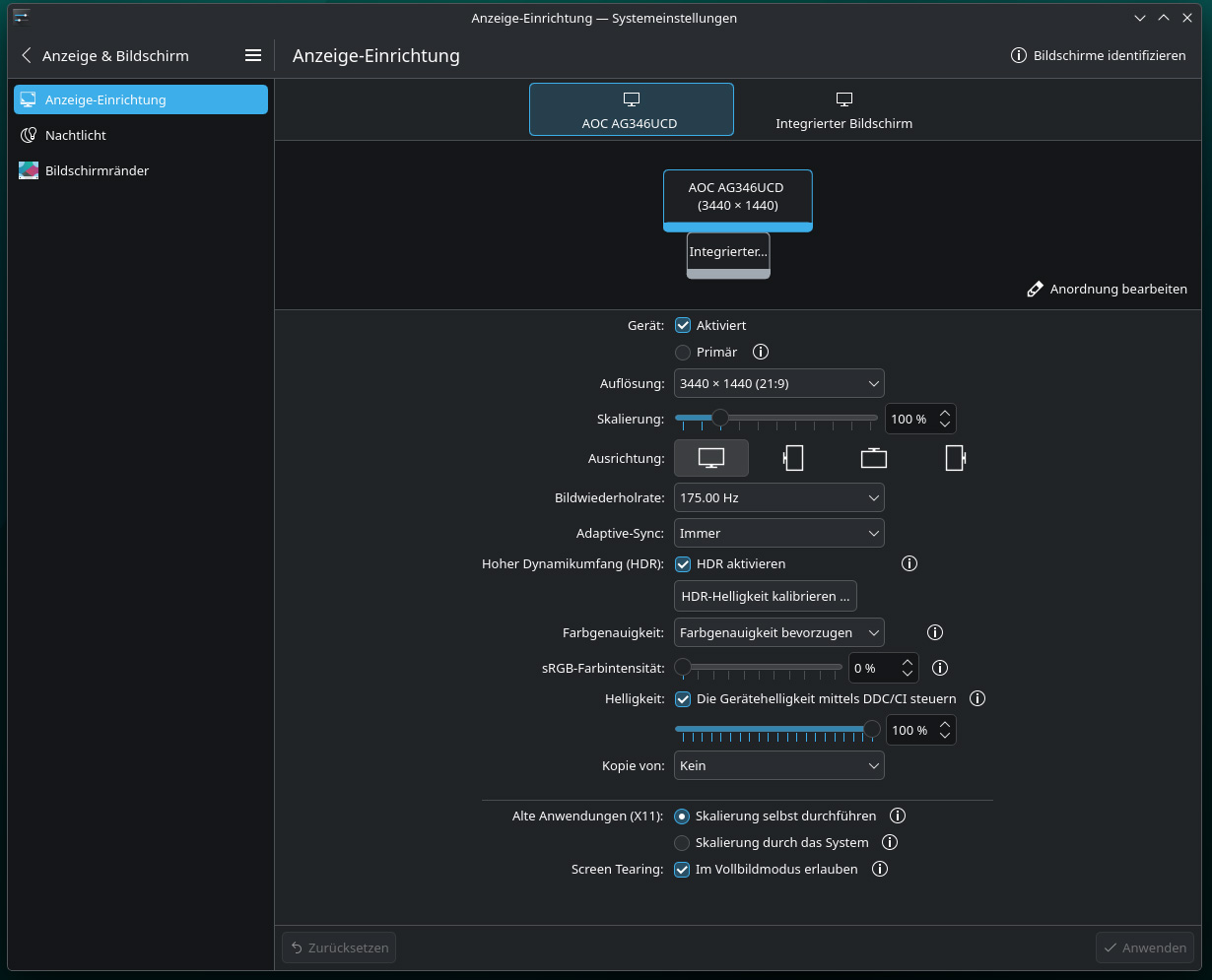
The monitor also performs well on Linux. It was detected without any issues, and all settings were immediately accepted by CachyOS.
Here is a small table listing all the important resolutions in 16:9 format, so you can quickly compare the different resolutions for monitors and TVs:
| 16:9 HD Monitor resolutions | |||
| Name | Short form | Description | Resolution |
| High Definition | HD | 720p | 1280×720 Pixel |
| Full High Definition | FullHD | 2K / 1080p | 1920×1080 Pixel |
| Wide Quad High Definition | WQHD / QHD | 1440p | 2560×1440 Pixel |
| Ultra High Definition | UHD / UHD-1 | 4K / 2160p | 3840×2160 (4096×2160 4K2K) |
| Full Ultra High Definition | FUHD / UHD-2 | 8K / 4320p | 7680×4320 Pixel |
| Quad Ultra High Definition | QUHD | 16K / 8640p | 15360×8640 Pixel |
AOC Agon Pro AG346UCD Result and general impression …