

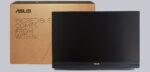
Installation …
The ZenScreen has three setup or mounting options.
Operation with mounting bracket …
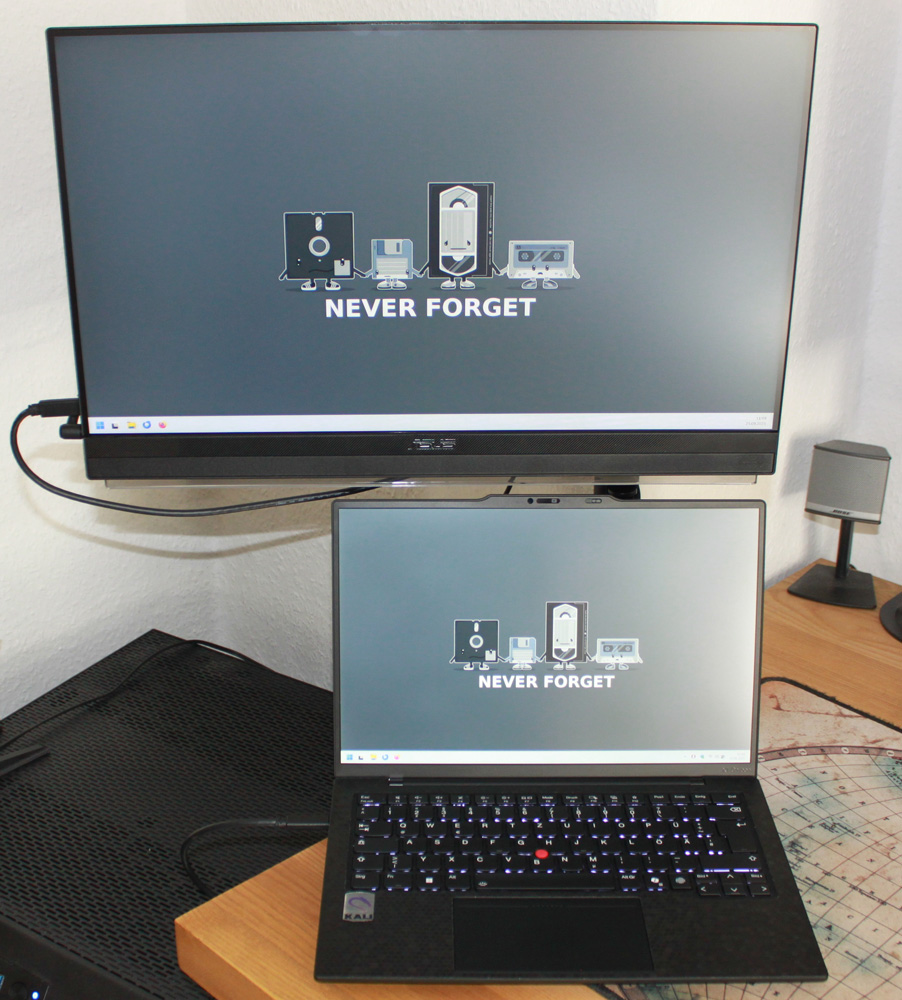
The first option simply requires unfolding the stand, which has an additional rubber coating to prevent it from slipping on the table. The second option is to mount it on the table mount supplied. The monitor is attached to the mount with a slide & click mechanism, which is secured to the mounting tube with a screw. Unfortunately, the mounting tube on the C-clamp cannot be rotated for even greater flexibility.
Operation with monitor mount …
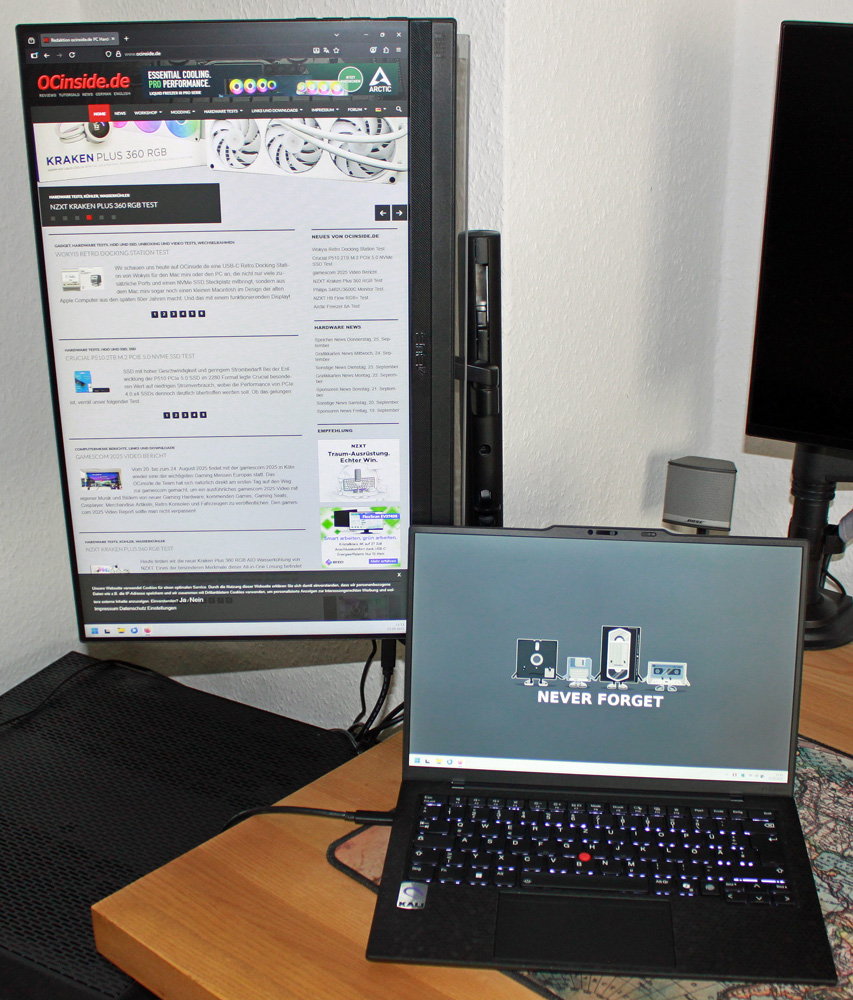
Thanks to the swivel monitor mount, the ZenScreen can be rotated 90° in both directions, enabling comfortable “pivot working.”
Operation with hooks …
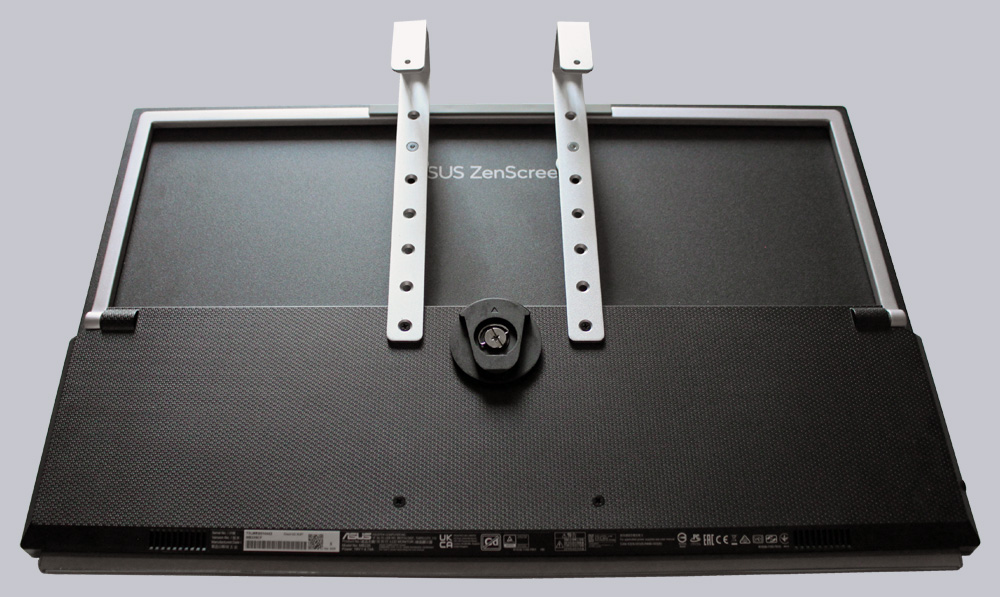
The last mounting option is required when using the product on partition walls, for example in an open-plan office. To do this, the two hooks and spacers are mounted and can be used flexibly depending on the hole spacing. Wall mounting allows for a maximum thickness of 40 mm. The partition wall should not be thicker than this.
USB-C PD …
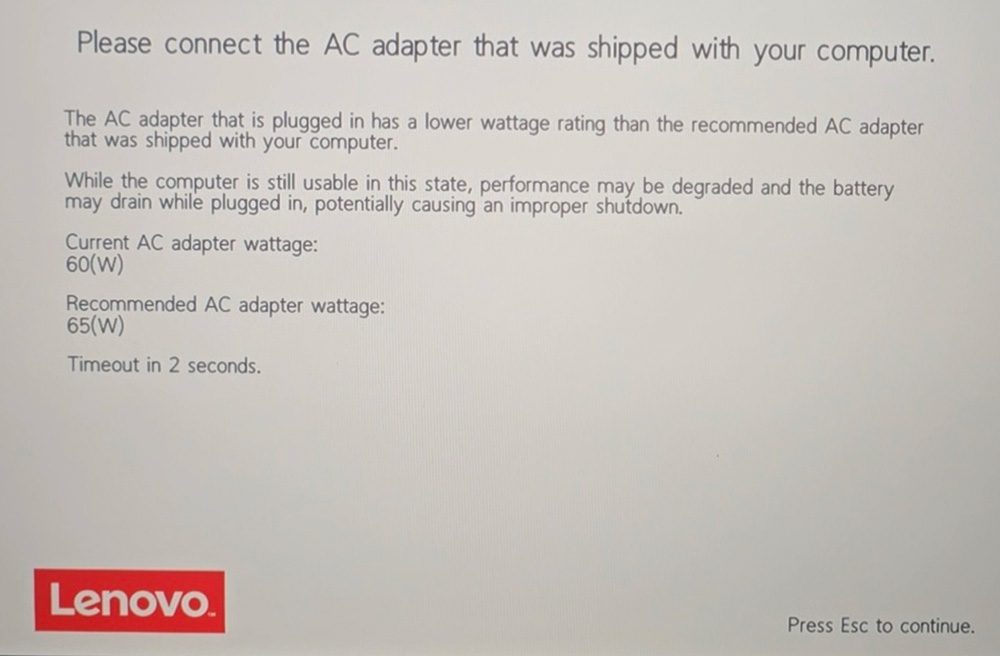
If the monitor is connected to the laptop via USB-C only, it automatically reduces the refresh rate to 60 Hz and dims the brightness slightly. This is perfectly adequate for office use. If you then connect the supplied 90 W power adapter, you can also power your laptop via USB-C Power Delivery. This worked perfectly with the HP Elitebook 845 G9. The second test device, a Lenovo X1 Carbon G13, was not satisfied with the 60 W provided and therefore only charged at reduced power.
Practical testing …
The HDMI connection worked without any problems and also delivered a very good picture. In general, however, the low pixel density is somewhat noticeable. This is particularly noticeable with text, but can be improved somewhat with the settings.
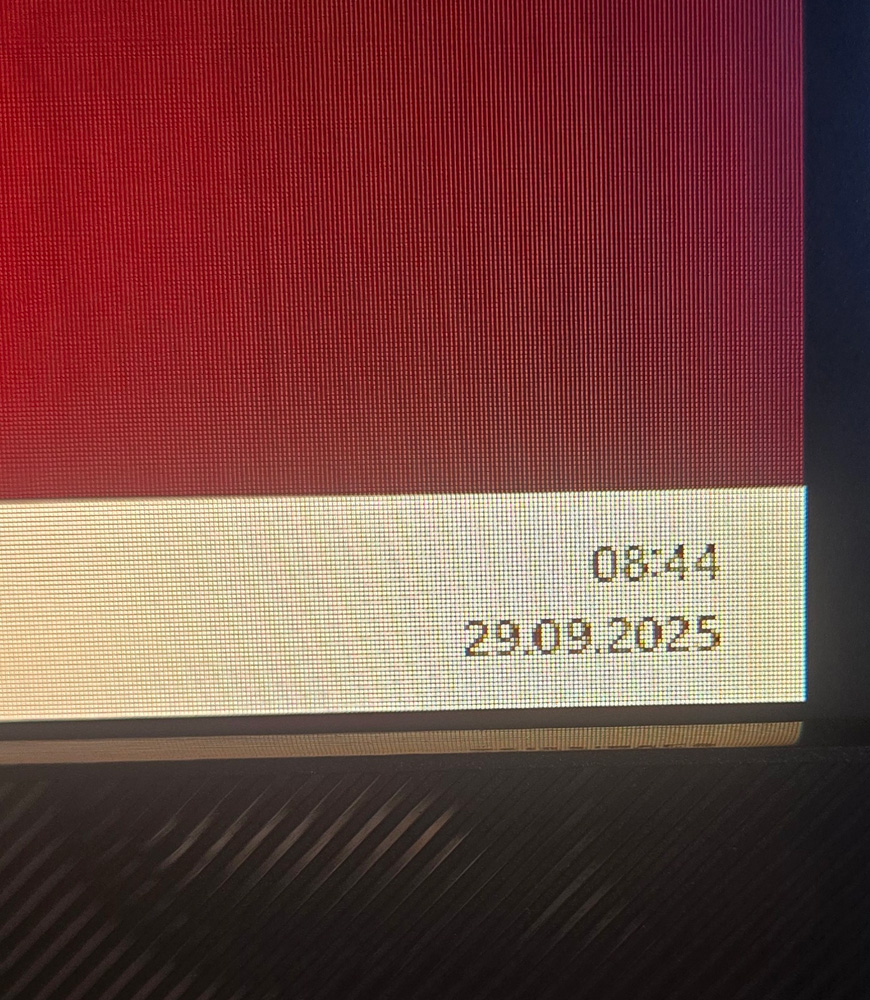
However, this does not interfere with normal work in Excel, Word, or PowerPoint. Websites are also easy to read. The 100 Hz refresh rate is also very pleasant, of course.
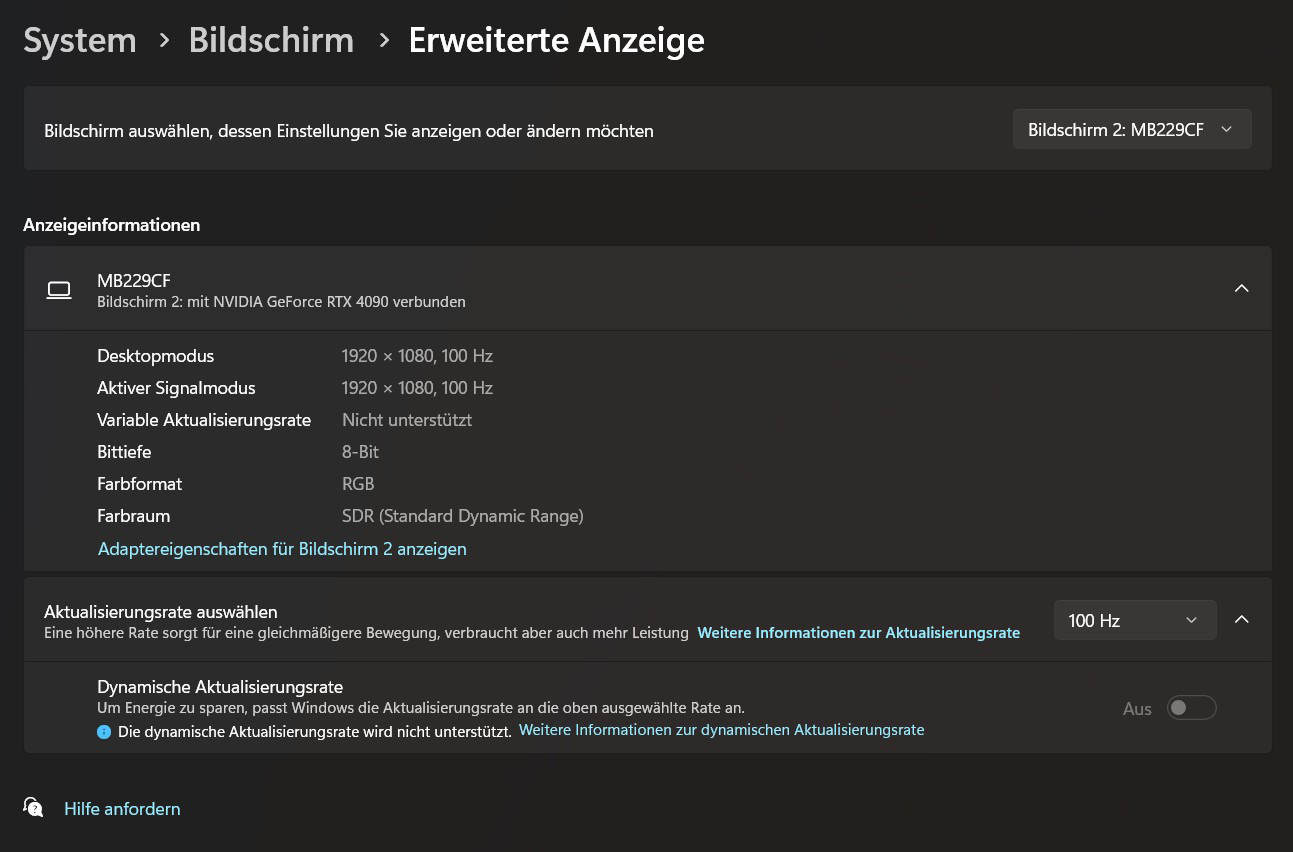
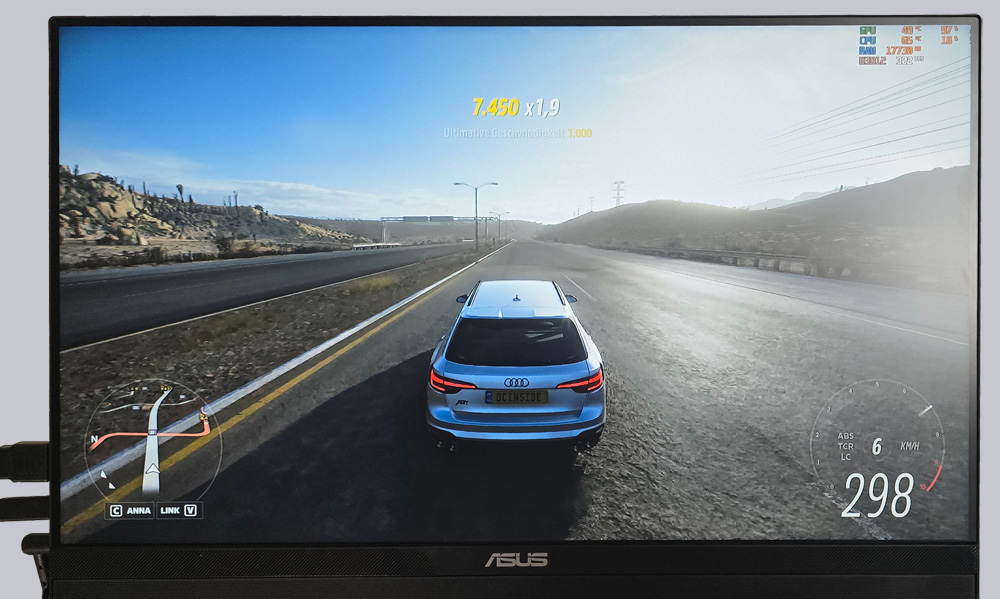
This invites you to play a little game on the ZenScreen. During your lunch break, of course. 😉 However, you quickly notice that the ZenScreen has its limitations. While the speed is still very pleasant thanks to the 100 Hz, the pixel pitch is also clearly visible here. But it’s definitely enough for a quick round of Forza 5.
Sound …
The sound is fine, but again, don’t expect home theater quality. The monitor is advertised as having a 2.1 system, which in theory includes a subwoofer and two speakers.
Now let’s get to the conclusion of the Asus ZenScreen MB229CF.
Asus ZenScreen MB229CF Result and general impression …