

Find the Right Hardware Quickly …
Layout, design and features
NZXT N7 B850 chipset
NZXT N7 B850 voltage regulators and heatsinks
NZXT N7 B850 expansion cards
NZXT N7 B850 memory modules
NZXT N7 B850 M.2 Slots
NZXT N7 B850 Drive connectors
NZXT N7 B850 USB
NZXT N7 B850 Network / Wireless
NZXT N7 B850 Sound
NZXT N7 B850 RGB lighting
NZXT N7 B850 Fan connectors
NZXT N7 B850 POST Status Checker
NZXT N7 B850 PC System
Let’s take a closer look at the NZXT N7 B850 Black.
Layout, design and features …
The NZXT N7 B850 is built on a high-quality, high-density, 8-layer fiberglass PCB and supports all processors released by AMD for the AM5 socket to date, ranging from the entry-level Ryzen 7000 series to the latest Ryzen 9000 processors with 3D V-Cache, such as the AMD Ryzen 9850X3D. NZXT focused on understated elegance in the design, which is why much of the motherboard is covered with plastic covers—giving the board a clean look without drawing attention to flashy accents. The white version of the N7 B850 features white covers, but the PCB, slots, and connectors remain black.
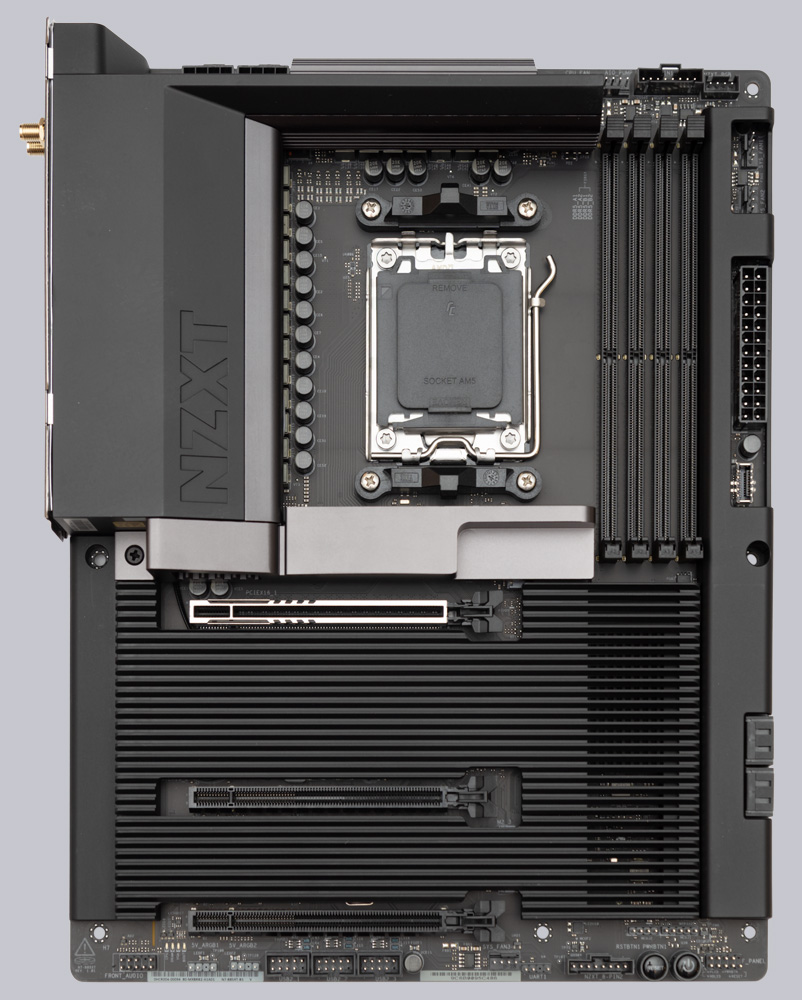
Chipset …
AMD’s B850 chipset (PCH), featuring the Promontory 21 chip, forms the basis for the NZXT N7 B850. It is connected to the CPU via a PCIe 4.0 x4 interface. Through this connection, the motherboard provides the lower PCIe slots, the right M.2 slot, the 4 SATA ports, the LAN port, the Wi-Fi port, the USB headers, as well as the three USB 3.2 Gen 1 ports and the USB 2.0 ports on the rear I/O panel.
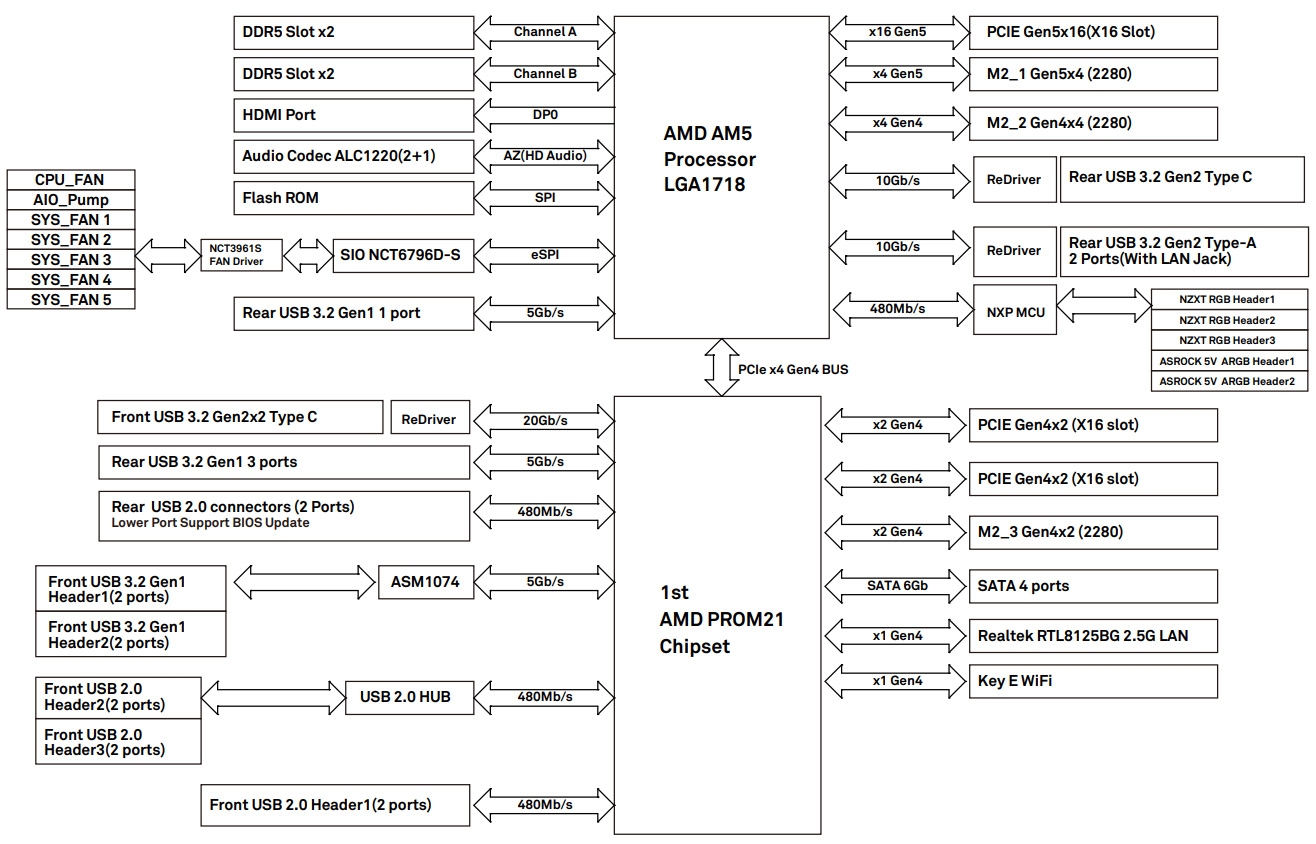
Below is an overview of how AMD has designed the interface connections. Board manufacturers may implement these differently.
| AMD AM5 chipset comparison | ||||||
| Chipset | PCIe total | PCIe Gen5 | USB 3.2 Gen1 | USB 3.2 Gen2 | USB 3.2 Gen2x2 | SATA |
| X870E | 44 | 24 | 2 | 12 | 2 | 8 |
| X670E | 44 | 24 | 2 | 12 | 2 | 8 |
| X670 | 44 | 8 | 2 | 12 | 2 | 8 |
| X870 | 36 | 24 | 1 | 6 | 1 | 4 |
| B650E | 36 | 24 | 1 | 6 | 1 | 4 |
| B850 | 36 | 4 | 1 | 6 | 1 | 4 |
| B840 | 34 | 0 | 2 | 2 | 0 | 4 |
| B650 | 36 | 0 | 1 | 6 | 1 | 4 |
| A620 | 32 | 0 | 2 | 2 | 0 | 4 |
With its PCIe 5.0 x16 slot, the NZXT N7 B850 exceeds AMD’s specifications and is therefore fully compatible with the NVIDIA RTX 5090, which is the first graphics card to feature a PCIe 5.0 interface. Unfortunately, the N7 B850 motherboard does not support USB4.
Voltage regulators and heatsinks …
With a configuration of 16+2+1 80A Dr. MOS power stages, the N7 B850 features a powerful power delivery system that can handle even an overclocked Ryzen 9 9950X processor with ease, as heat is also dissipated via large aluminum heatsinks. Another large heatsink is mounted on the Gen5 M.2 slot.
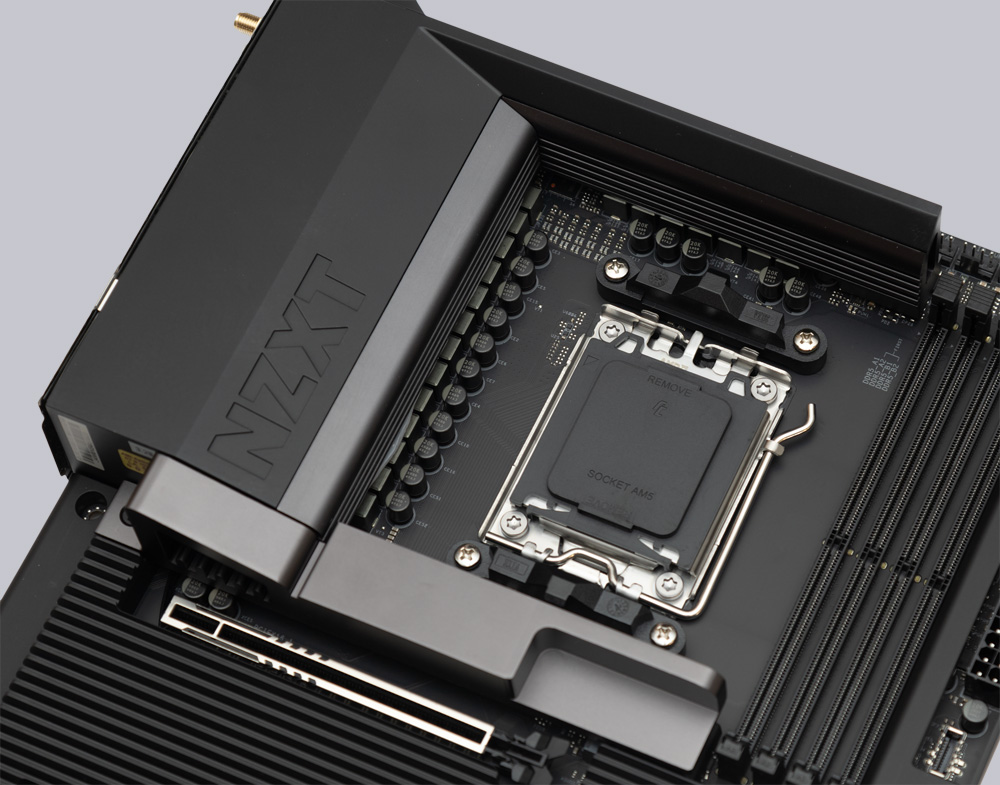
Neither the chipset nor the VRM cooler has a fan, which helps when building a particularly quiet PC.
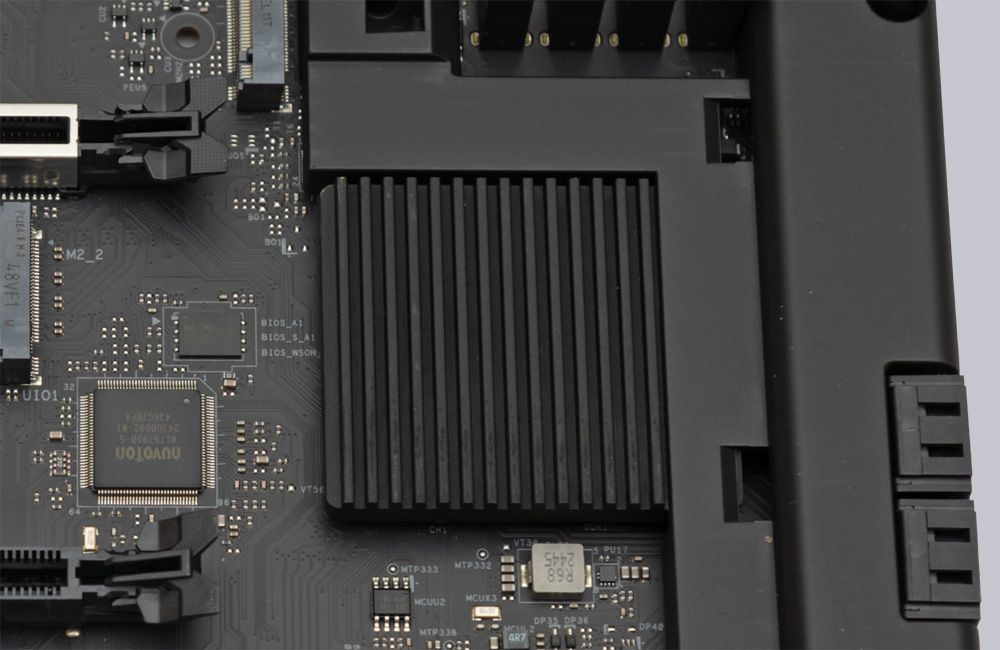
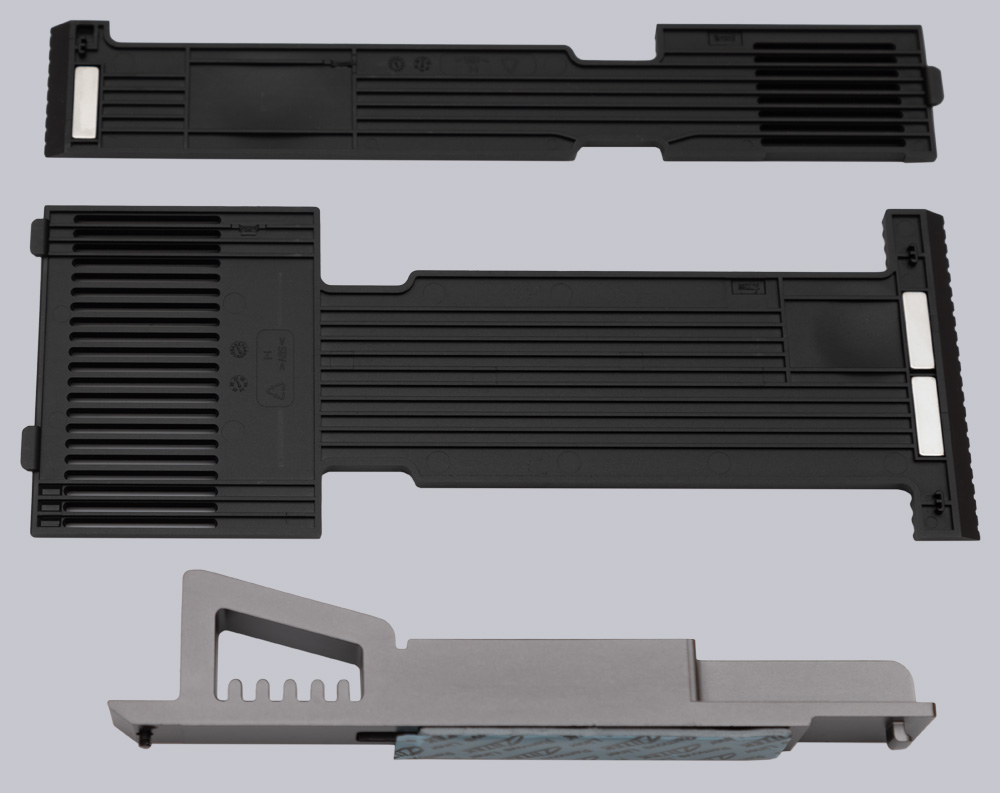
The covers over the M.2 slots are made entirely of plastic and tend to hinder the cooling of NVMe SSDs rather than aid it. Additionally, there are no ventilation slots in the area of the M.2 slots, which can lead to heat buildup under the covers.
Expansion cards …
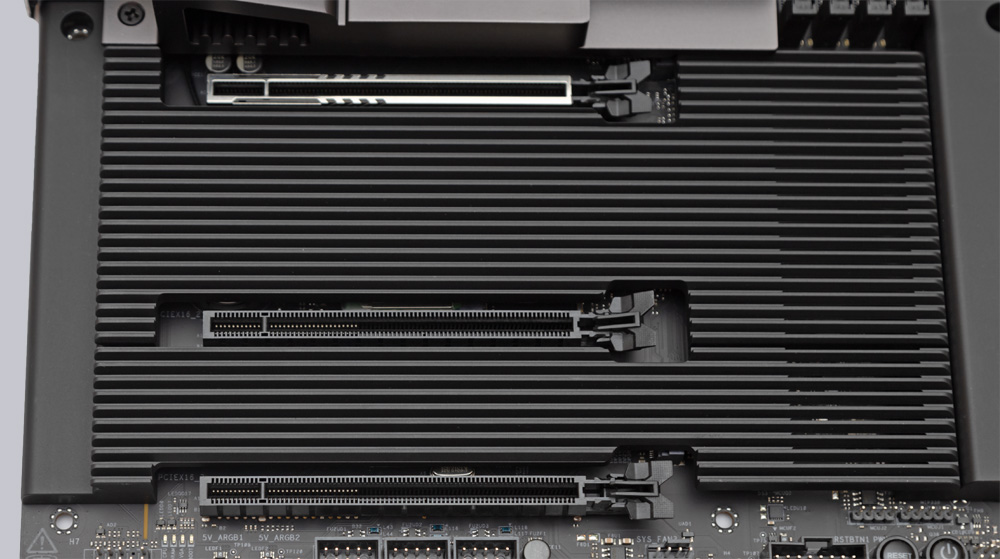
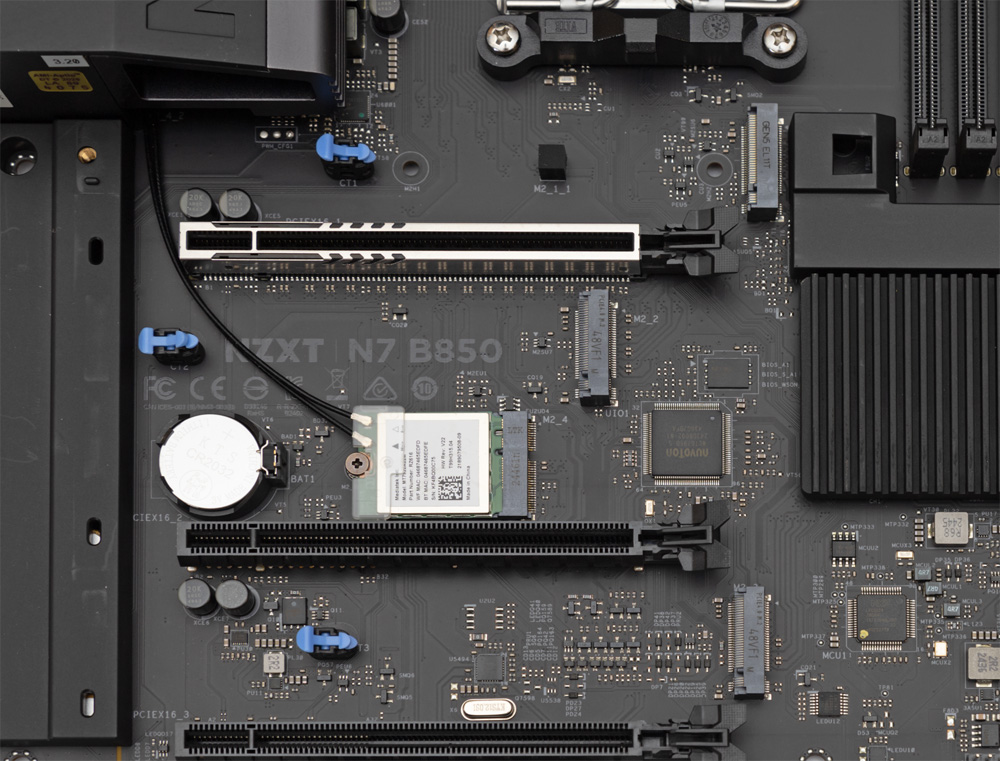
The graphics card slot is connected directly to the CPU via PCIe 5.0 x16, which is by no means a given on B850 motherboards, since AMD’s specifications only require PCIe 4.0. This makes the N7 B850 compatible with the most powerful graphics cards currently available. An optimized mechanism for releasing the slot latch would be desirable for removing large graphics cards, but NZXT has unfortunately omitted this feature. The bottom two PCIe x16 slots are each connected with only two lanes, which is sufficient only for operating simple PCIe expansion cards. Even using adapter cards for M.2 SSDs would result in a 50% speed reduction for the installed SSDs.
Memory modules …
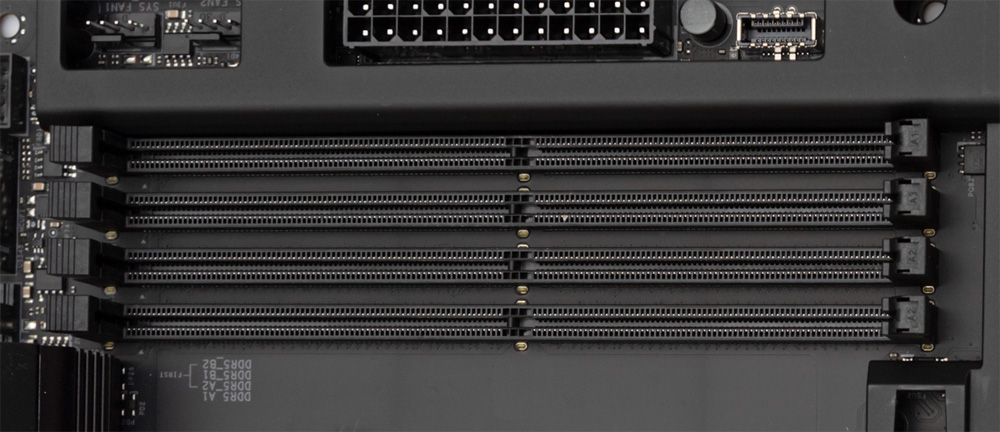
Currently, the NZXT N7 B850, with its 4 DIMM slots, supports up to 256GB of DDR5 RAM. Thanks to its high-quality 8-layer PCB and support for XMP and EXPO profiles, there’s nothing standing in the way of high memory frequencies well above the JEDEC specification.
M.2 Slots …
The N7 B850 can accommodate up to three M.2 SSDs compliant with the NVMe standard and even operate them simultaneously. The top slot allows the fastest consumer SSDs currently available to run at full speed. However, the third M.2 slot is connected to the CPU via the chipset with only 2 PCIe lanes, which in any case results in at least a 50% reduction in the potential transfer speed of the SSD used. If you install a PCIe 5.0 SSD in this slot, it will only achieve about 25% of its potential speed. The fourth M.2 slot, which features Key E encoding and comes factory-equipped with the Wi-Fi module, is conveniently easy to access. SSDs cannot be installed in this slot.
Drive connectors …
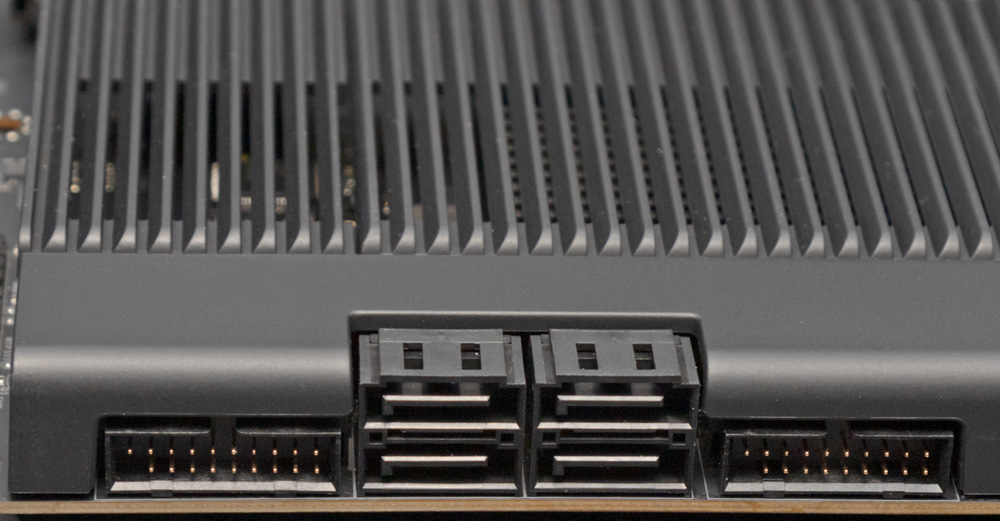
A total of four angled SATA 3 ports with 6 Gb/s are available for optical drives and hard drives/SSDs, all of which are controlled by the chipset. RAID modes 0, 1, and 10 are supported on both the SATA ports and the M.2 ports.
USB …
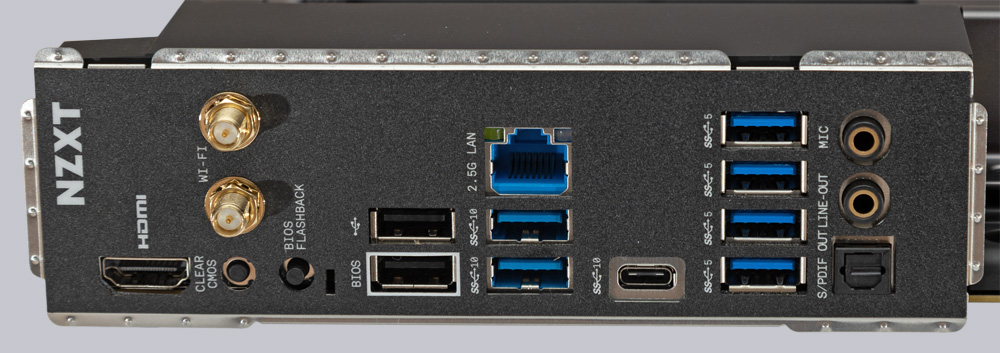
NZXT has omitted USB4 on the N7 B850, which doesn’t bother us much on a mid-range motherboard, since USB4-compatible devices are still few and far between. However, owners of VR headsets will be sorely disappointed by the lack of any fast-charging ports. The rear I/O panel features a total of 8 USB-A ports: 2x USB 3.2 Gen 2 (10 Gbps), 4x USB 3.2 Gen 1 (5 Gbps), and 2x USB 2.0 (480 Mbps), one of which can be used for the BIOS Flashback feature. There’s also a USB 3.2 Gen 2 (10 Gbps) USB-C port on the rear I/O panel.
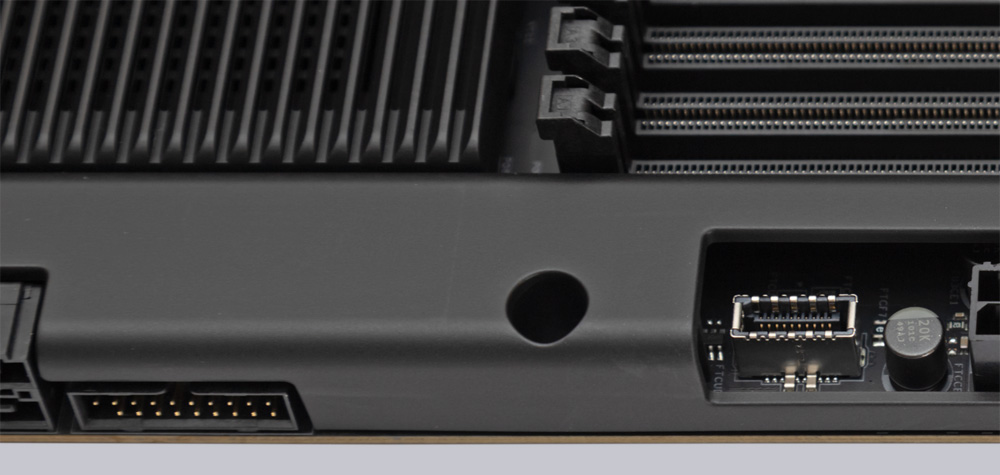
The number of available USB ports can be significantly expanded using internal headers. The board features 3 pin headers for a total of 6 USB 2.0 ports, 2 pin headers for a total of 4 USB 3.2 Gen1 (5 Gbps) ports, and a header for a USB 3.2 Gen2x2 front USB-C port with 20 Gbps. At maximum capacity, this provides up to 20 USB ports, which should be more than sufficient for any application.
Network / Wireless …
The 2.5 Gb/s LAN port lets you navigate your home network quickly. Wi-Fi 6E, with 6 GHz support and a 160 MHz channel width, is also fast, but it doesn’t use the latest standard. It also comes with Bluetooth 5.2.
Sound …
For audio, the Realtek ALC1220 chip supports up to 7.1 HD audio. Connectivity options include a gold-plated 3.5mm headphone jack for headphones with an impedance of up to 600 ohms and a 3.5mm microphone jack; an optical S/PDIF digital port is also located directly on the rear I/O panel.
RGB lighting …
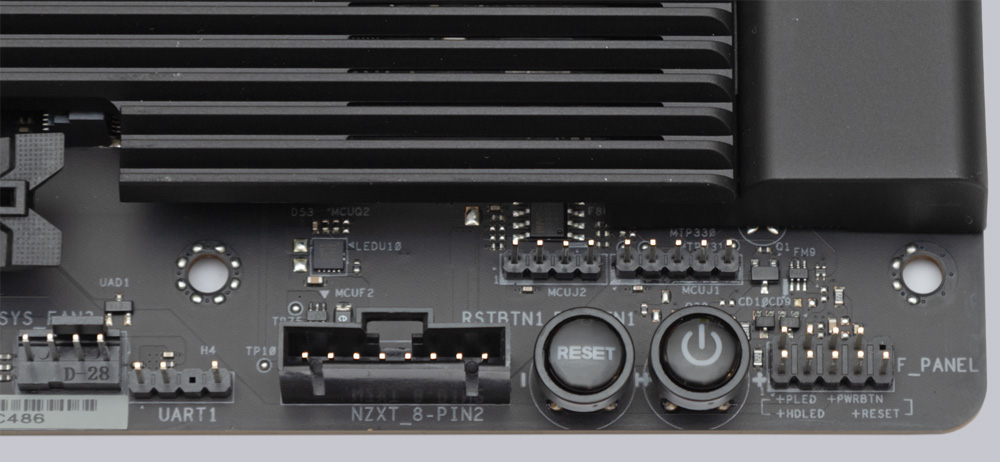
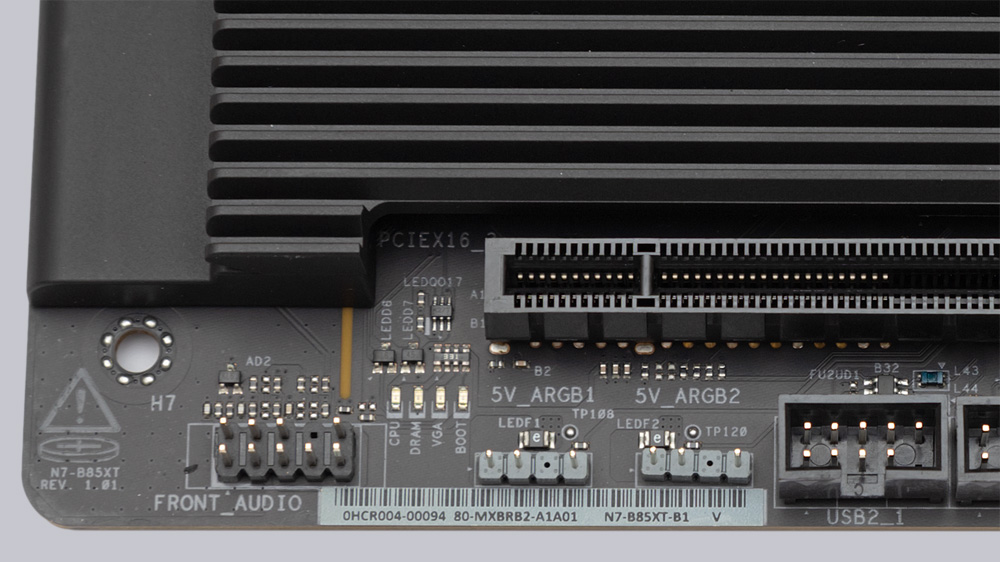
The N7 B850 motherboard features two 5V A-RGB headers, one NZXT RGB header, and two NZXT 8-pin combo connectors for fans and RGB. Using the free NZXT CAM software, you can configure a wide range of RGB effects that significantly surpass standard RGB systems. However, there are no LEDs for lighting built directly onto the motherboard.
Fan connectors …
One notable feature of the N7 B850 motherboard is that all five 4-pin PWM fan connectors can handle up to 3A, allowing a large number of high-performance fans to be powered directly through the motherboard without any issues.
POST Status Checker …
If your PC ever fails to start up, the POST Status Checker in the upper-right corner of the motherboard can help you troubleshoot the problem. In the event of a problem, 4 LEDs will indicate where the issue lies during the PC’s startup process.
Test System …
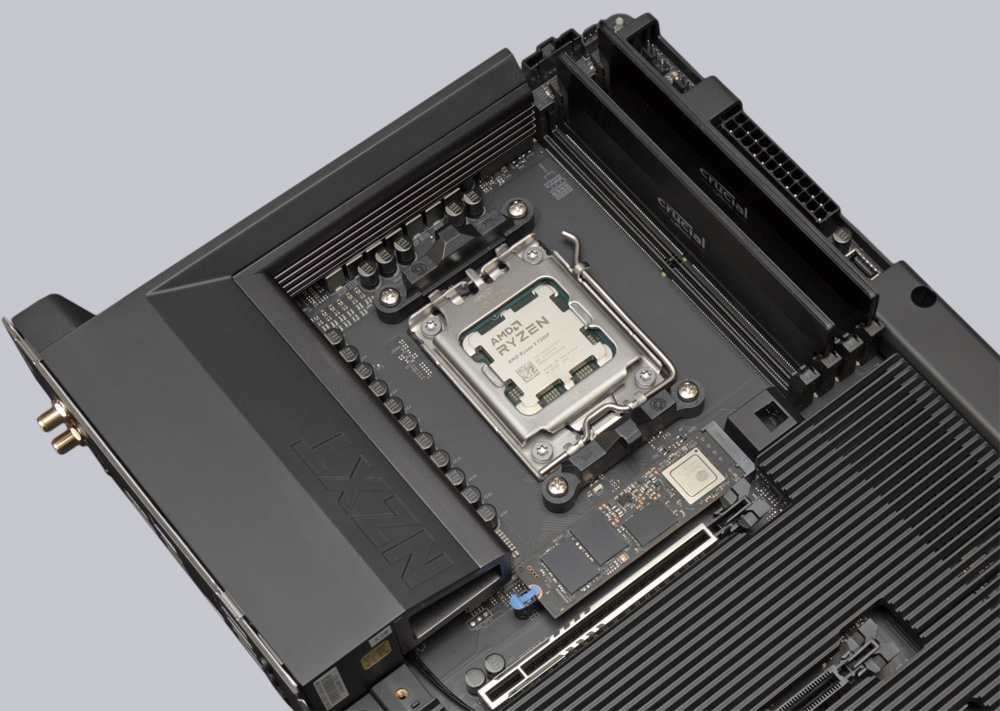
For our review of the NZXT N7 B850 motherboard, we’re using an AMD Ryzen 5 7500F CPU and 2x 32GB DDR5-6400 modules from Crucial. For cooling, we’re using the NZXT F360 Core liquid cooling system. For thermal paste, we’re relying on Arctic MX-6. The Crucial T710 2TB PCIe 5.0 SSD is, of course, installed in the top M.2 slot, which is connected directly to the CPU via PCIe 5.0.
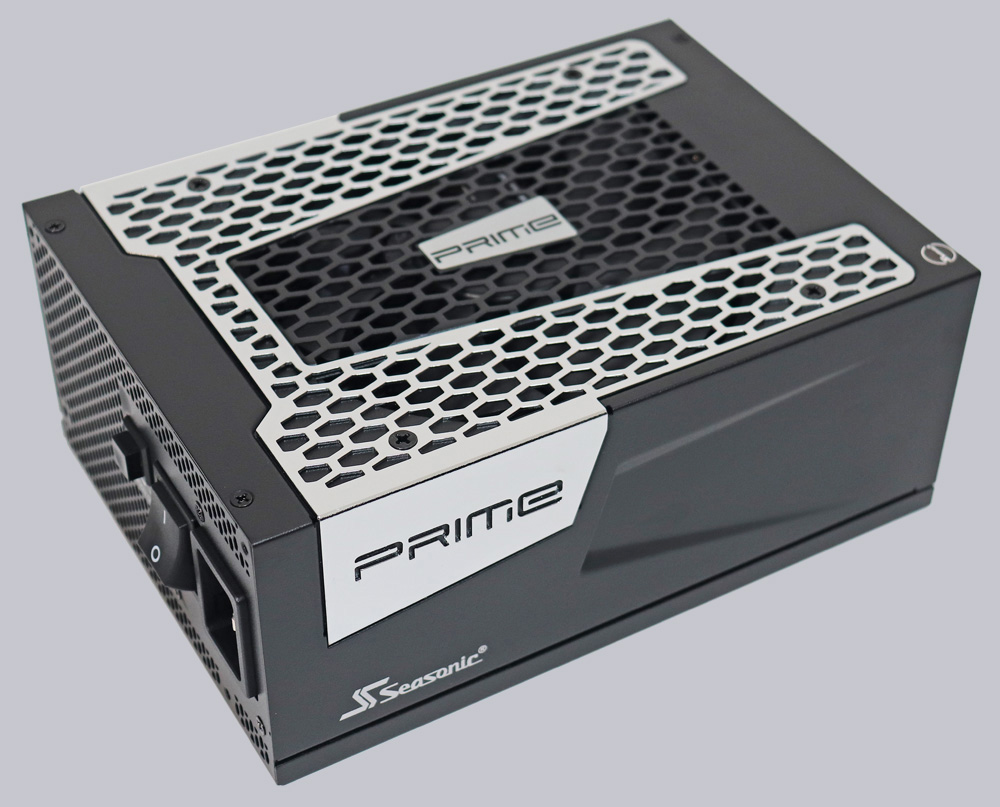
The necessary power is provided by the high-performance Seasonic TX-1300 ATX 3.0 power supply, which has more than enough power reserves.
NZXT N7 B850 BIOS and overclocking …