

Layout, design and features …
The camera’s housing is made of plastic. We’re already familiar with the dark gray color and black accents on the controls from other Ugreen devices.
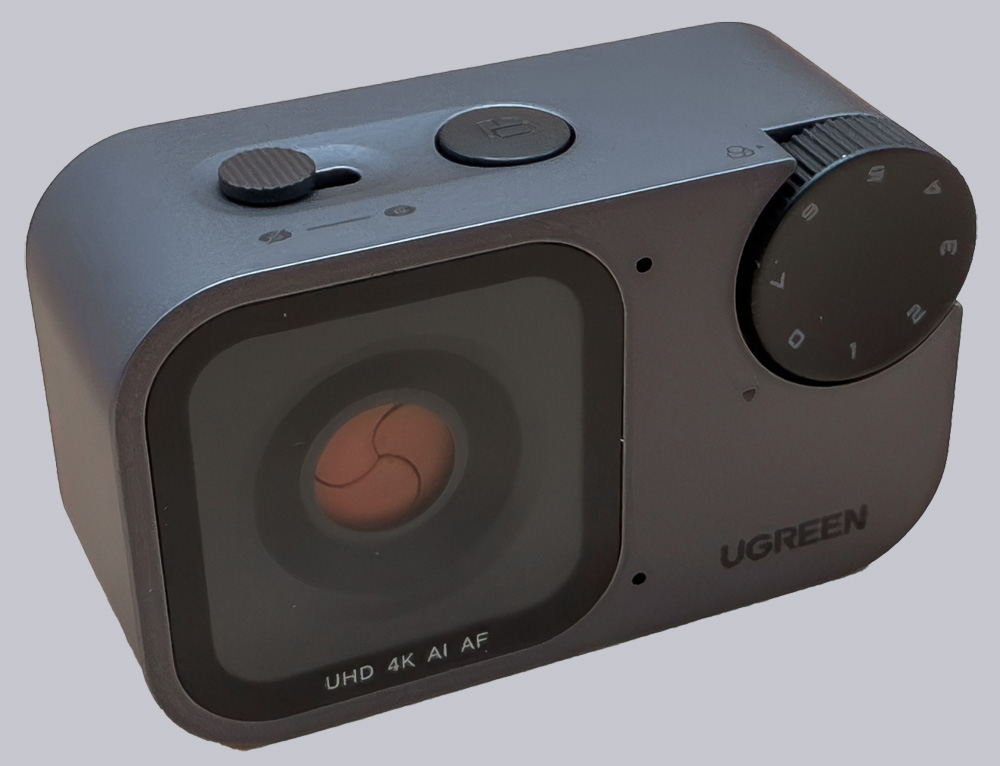
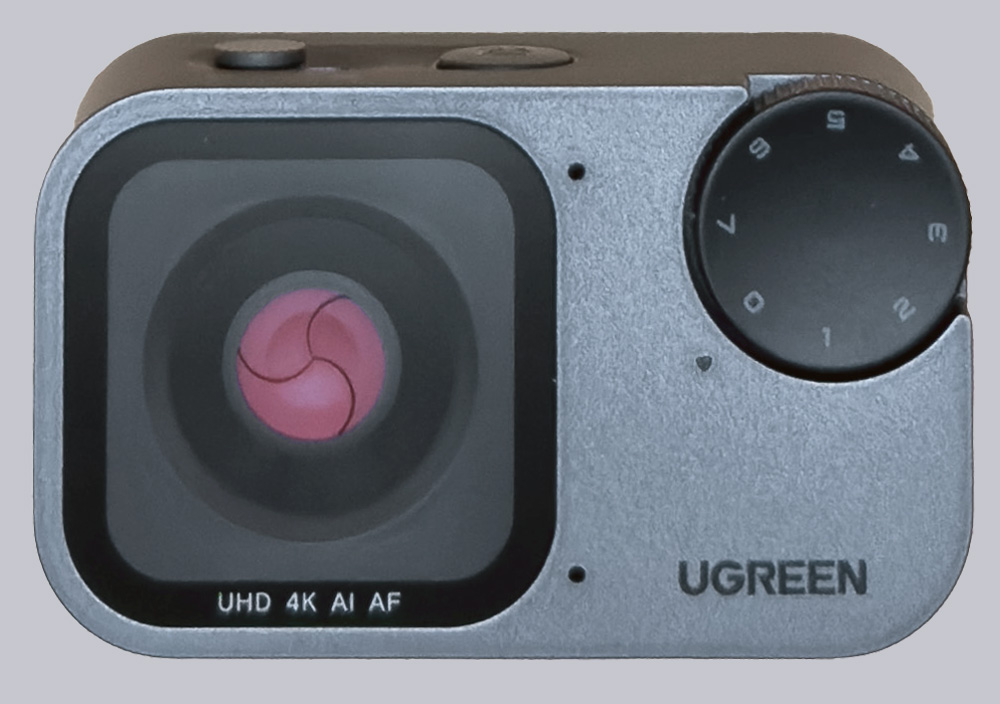
On the front of the camera are the front lens and the mode dial, which allows us to select different shooting modes. The design is more reminiscent of a small action camera than a classic webcam. However, this gives the camera a very compact look.
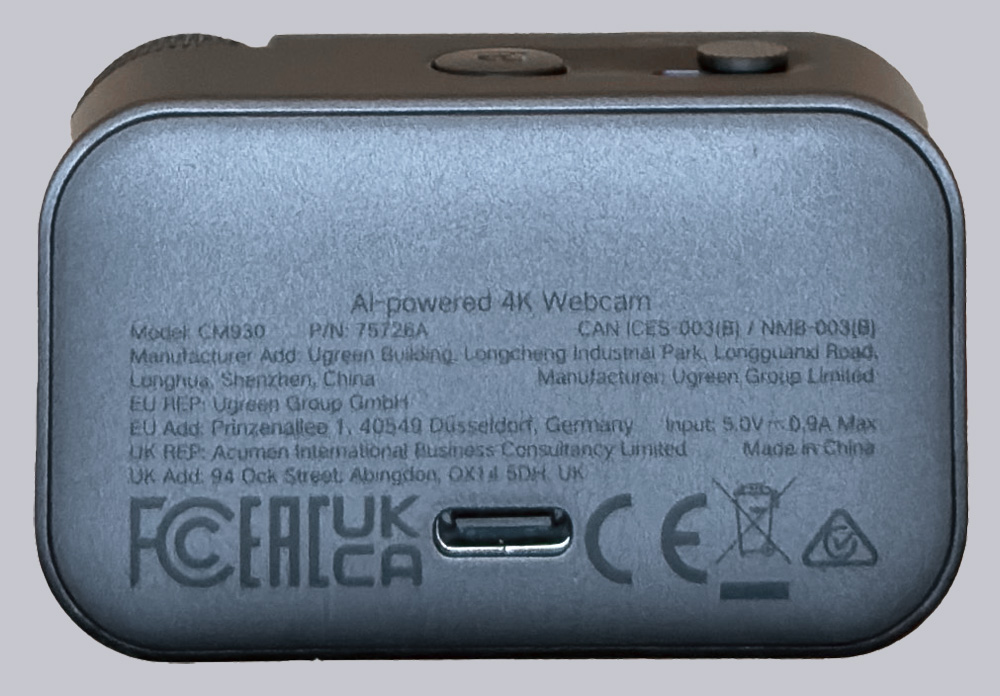
On the back is the USB-C port, which powers the camera and connects it to the computer at the same time. The package includes a 2-meter USB cable with a USB-C connector on the camera end and a combo connector (USB-C / USB-A) on the computer end. This is convenient, and the cable is long enough even if the PC is under the table, for example. For a laptop, however, the cable is probably usually too long.
There are two additional controls on the top. One is a push button that lets you switch the camera from the standard landscape orientation to portrait orientation.
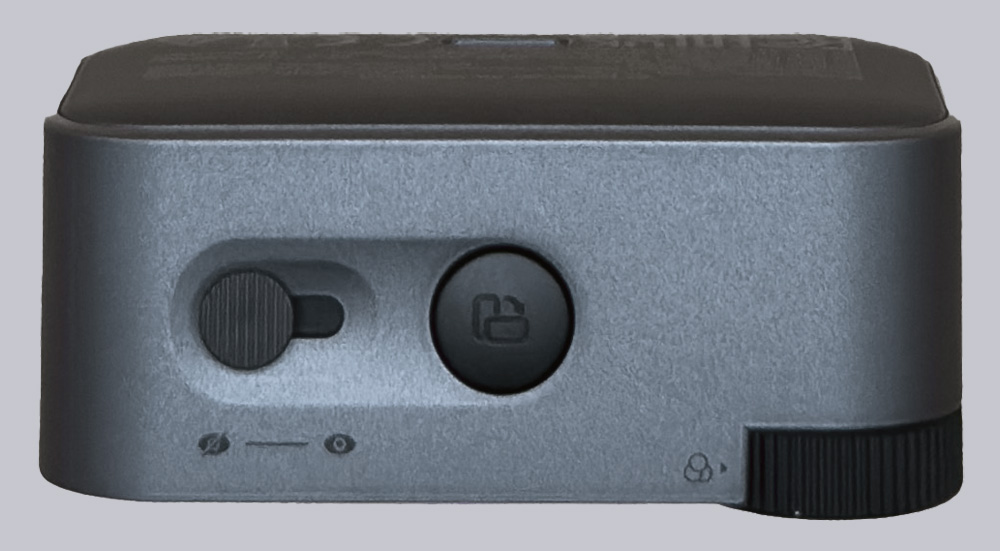
Second, a small mechanical slide switch,
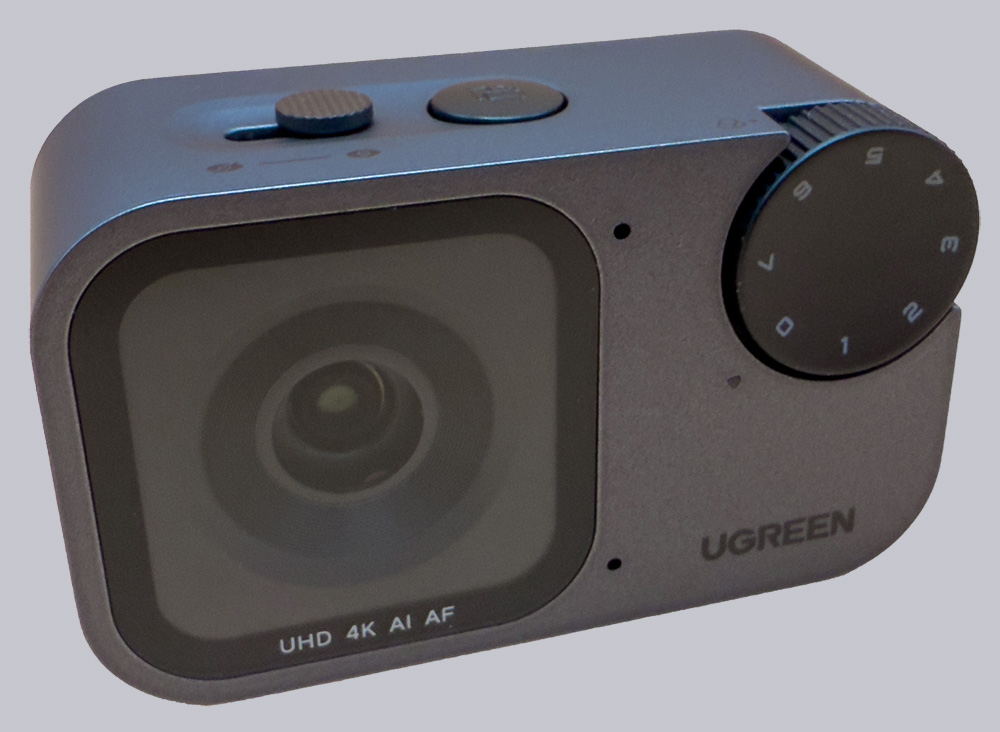
which folds a small iris-shaped privacy shield in front of the lens.
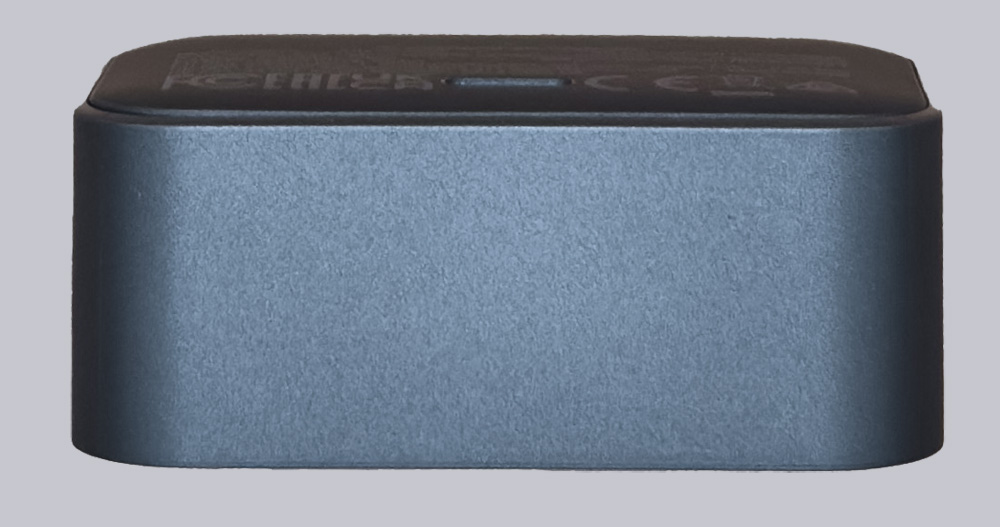
The bottom and the left side are magnetic.
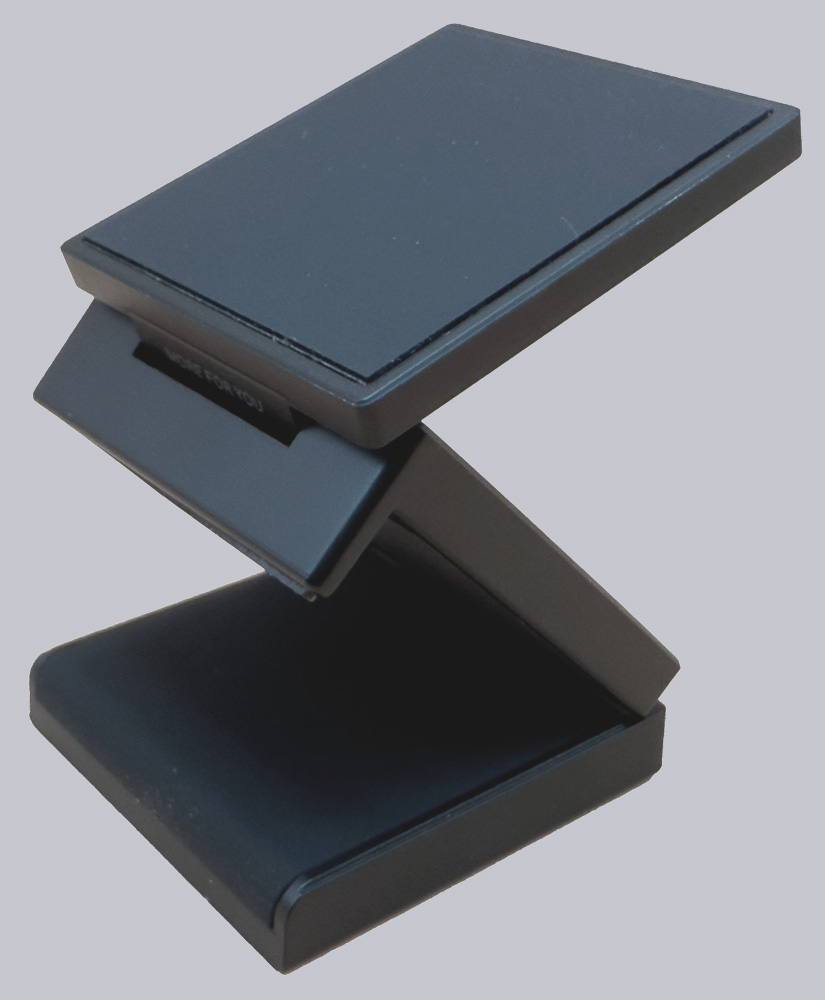
This allows the camera to be attached to the magnetic mount. The mount consists of three segments that can be used to secure the camera to a monitor frame. The mount also features a 1/4″ female thread recessed into the base, allowing it to serve as an adapter for a tripod head.
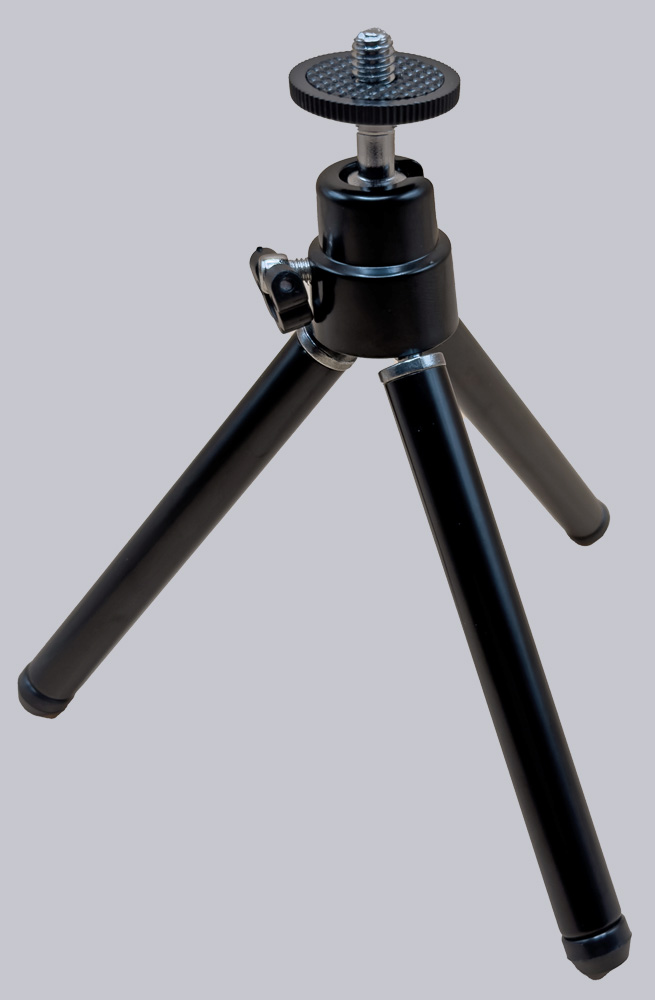
A small tripod is also included. It has a ball head with a 1/4″ thread and three small legs, each of which can be extended by one segment to make the tripod a little taller.
Ugreen FineCam Pro 4K Webcam Practical testing …