

Installation …
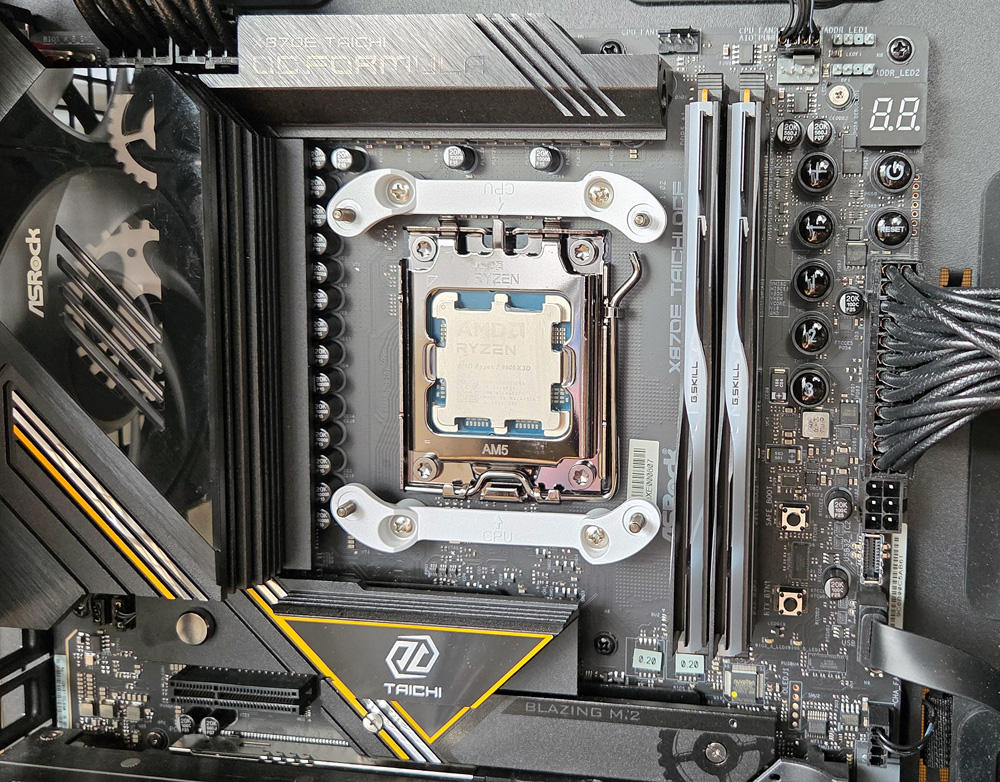
On AMD systems, the original CPU cooler mounting system must first be removed from the motherboard, but unlike many other systems, the original screws must be reused when installing the ASRock mounting brackets.
In no time at all, we had mounted the two white plastic brackets on our ASRock X870E Taichi OCF motherboard.
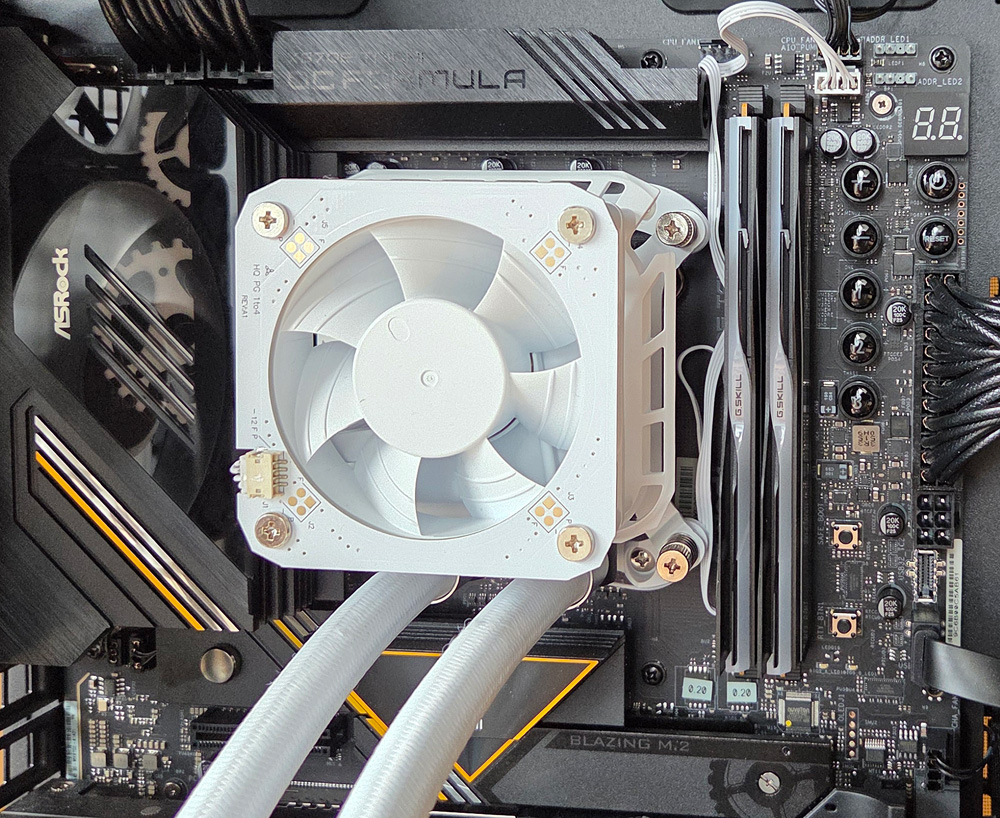
Apply the included thermal paste to the already installed AMD Ryzen 7 9800X3D processor and peel off the protective film from the cooler’s cold plate. Next, secure the pump block to the mounts using the four clamping screws and plug the pump’s connection cable into the motherboard. The pump block is now securely in place, and the radiator can be installed inside the case.
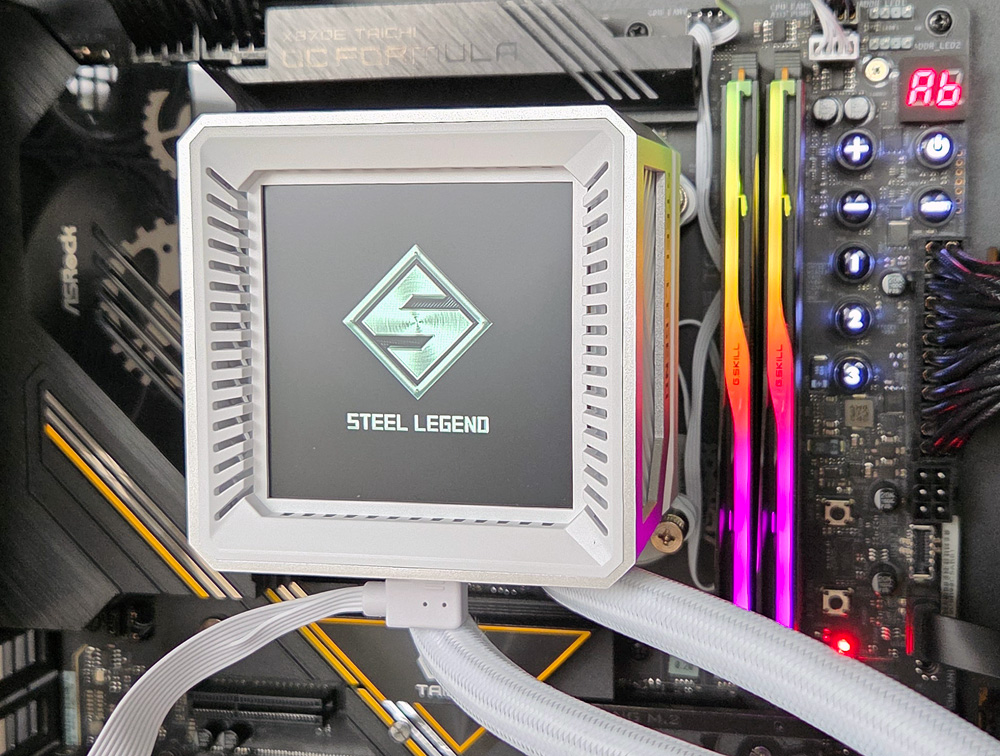
Next, attach the LCD cover and connect the USB-C adapter cable; finally, connect the radiator fans to the motherboard. When the system boots up, the Steel Legend logo appears on the display. Coincidentally, the display orientation on our test system was correct right away. Because of the square display, the orientation can easily be rotated in 90° increments later in the ASRock Display Software, ensuring broad compatibility.
Next, we’ll take a look at the new ASRock Polychrome Display software for controlling the display on the water cooling system.
ASRock Steel Legend 360 LCD Polychrome Display Software …