

Layout, design and features exterior …
The CFV235 is essentially a classic dual-chamber mid-tower case: The lower chamber accommodates the power supply unit and a drive cage that holds up to two 3.5-inch (or 2.5-inch) drives. The upper chamber provides space for the rest of the hardware.
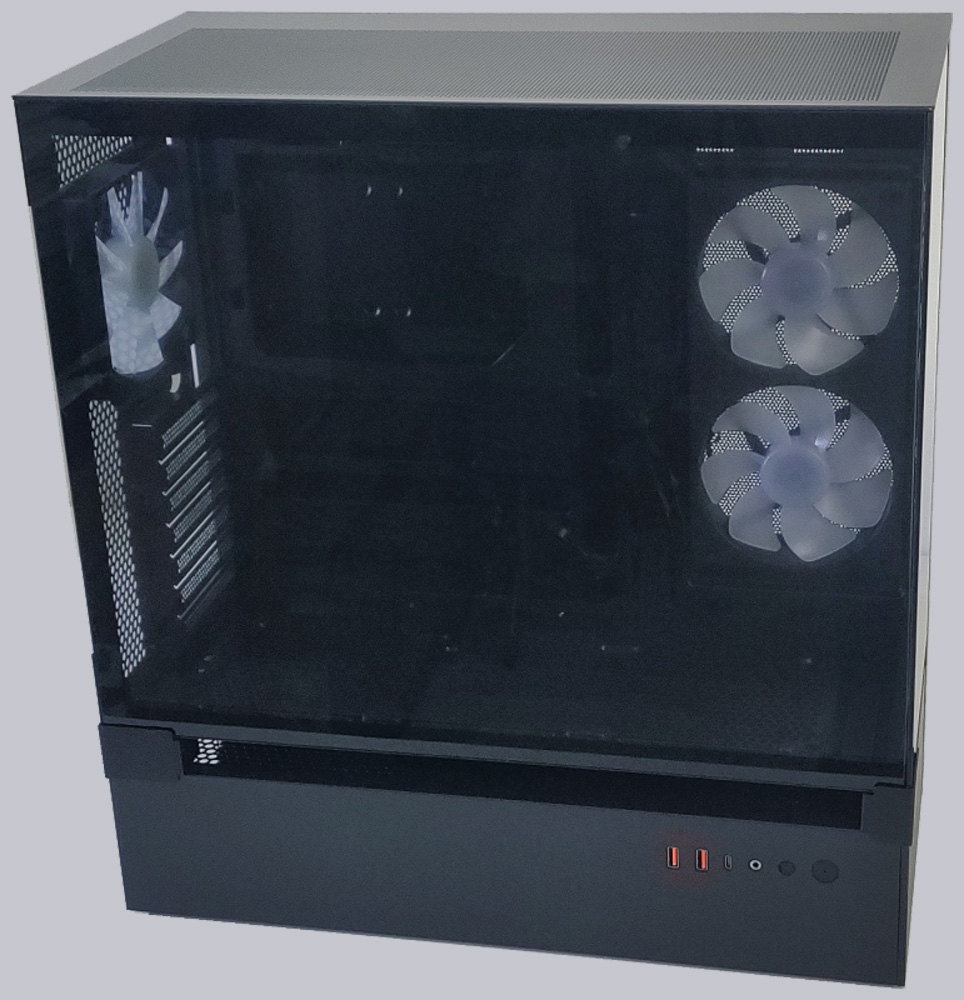
The most visually striking feature is, of course, the gap between the upper and lower chambers, which extends almost all the way into the case to the motherboard tray.
In addition to the visual effect of the upper chamber appearing to float above the lower one, this also has some very practical benefits: both chambers can draw in fresh air through this gap.
Unlike many other cases, the CFV235 does not stand on bulky feet to allow the power supply to draw air through a bottom grille. Instead, the PSU is mounted upside down here, and the frame rests on flat, non-slip rubber feet. An anthracite-gray magnetic mat with a dust protection grille to place over the lower chamber is included as an accessory. The front panel of the lower case compartment can be removed without tools. The side panel with the front panel is also removable, though a screwdriver is required for this.
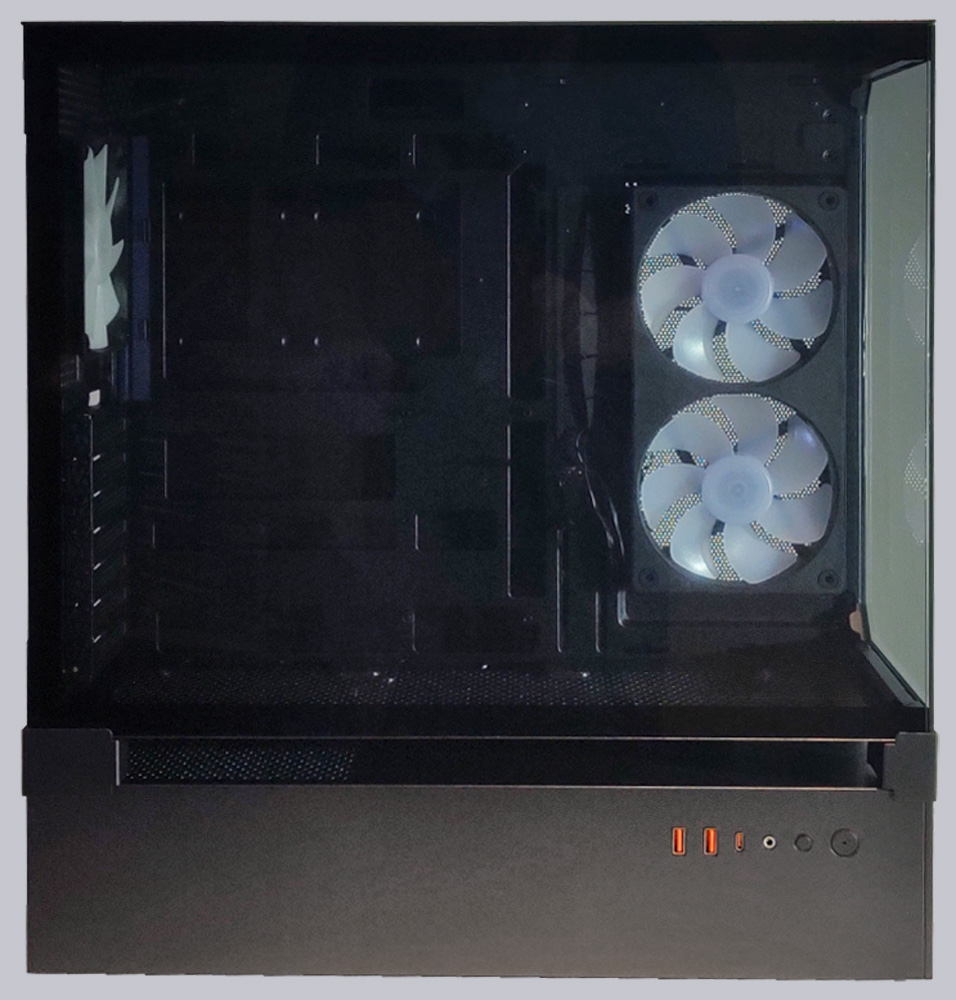
The front panel is located on the left side of the case, at the front of the lower compartment. In addition to the power button and another button used to control the CFV 235’s built-in ARGB controller, the panel features a 3.5mm TRRS jack for a headset, as well as one USB 3.2 Type-C port and two USB 3.1 Type-A ports. The panel’s positioning is practical when the case is placed on a desk. For other locations, such as on the floor, however, the panel is somewhat poorly placed.
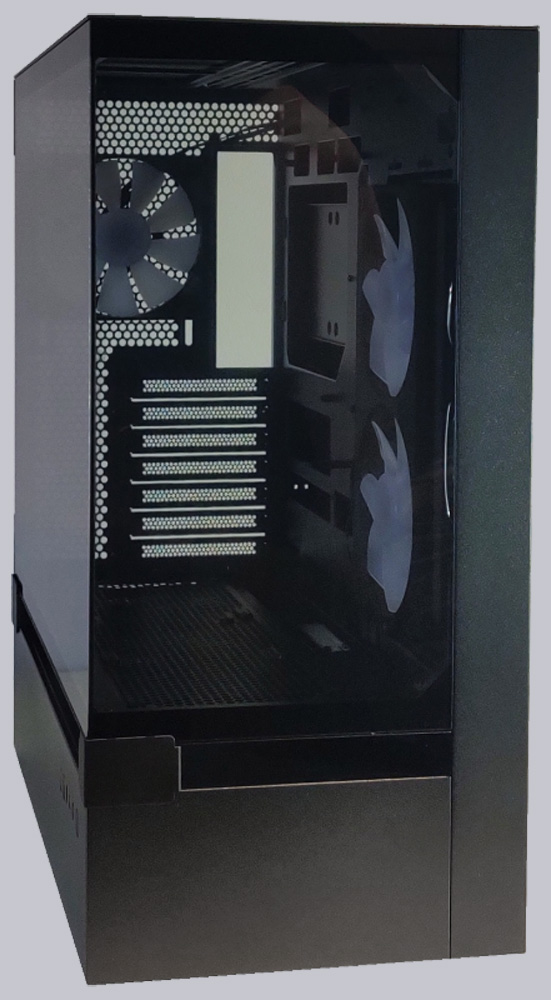
The upper chamber features two tempered glass panels on the front and left side, providing a clear view of the installed hardware. Cougar has also omitted a vertical metal strut on the side of the glass panels that faces the chassis. The side panel can be removed without tools; for the front panel, a few screws need to be loosened. The bottom features a large ventilation grille. A magnetic dust filter, which attaches to the bottom from below, is included with the case. Additionally, the included L-shaped Aurora ARGB LED frame can be magnetically attached to the bottom from below.
The top panel features a large, fine-mesh ventilation grille and can be removed without tools. There is no dust filter here, but air is typically expelled from the PC through the top.
The right side panel, on the other hand, is equipped only with a smaller ventilation grille for the two 120mm fans installed on the inside, in front of the motherboard. Here, too, there is no dust filter, which is somewhat unfortunate in this case, as the reverse-rotating fans draw air into the case. This side panel can also be easily removed without tools.
The rear panel features a wide-mesh ventilation grille that covers almost the entire surface. The 120mm fan mounted at the rear can be adjusted vertically using rails. The case offers 7 expansion slots. The bezels are screwed in place and can be removed and reinstalled as needed. There is no separate frame for the power supply; it is screwed directly to the case.
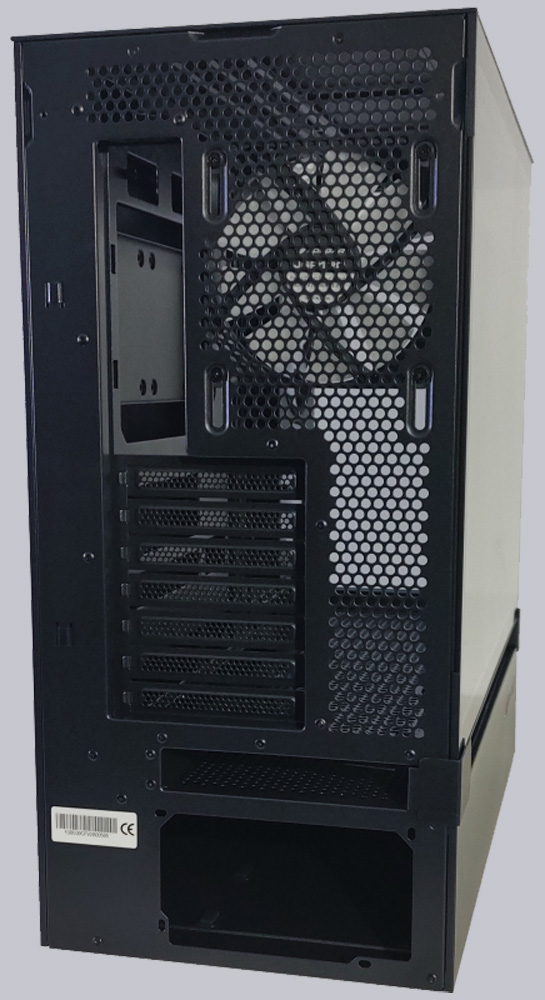
All metal parts of the case are finished in matte black. The overall build quality feels extremely high-end. The frame is sturdy and resistant to twisting. However, the gap is naturally still a mechanical weak point, and the lack of support on the side where the two glass panels meet makes the case vulnerable to pressure from above. So you really shouldn’t place heavy objects on top of the PC, though that’s actually out of the question anyway due to the airflow.
Overall, the CVS235 makes a very favorable impression with its striking design, well-thought-out layout, and consistently high build quality. The fact that most of the panels can be removed without tools makes installing the hardware much easier.
Cougar CFV235 Layout, design and features interior …