


Setup and test results …
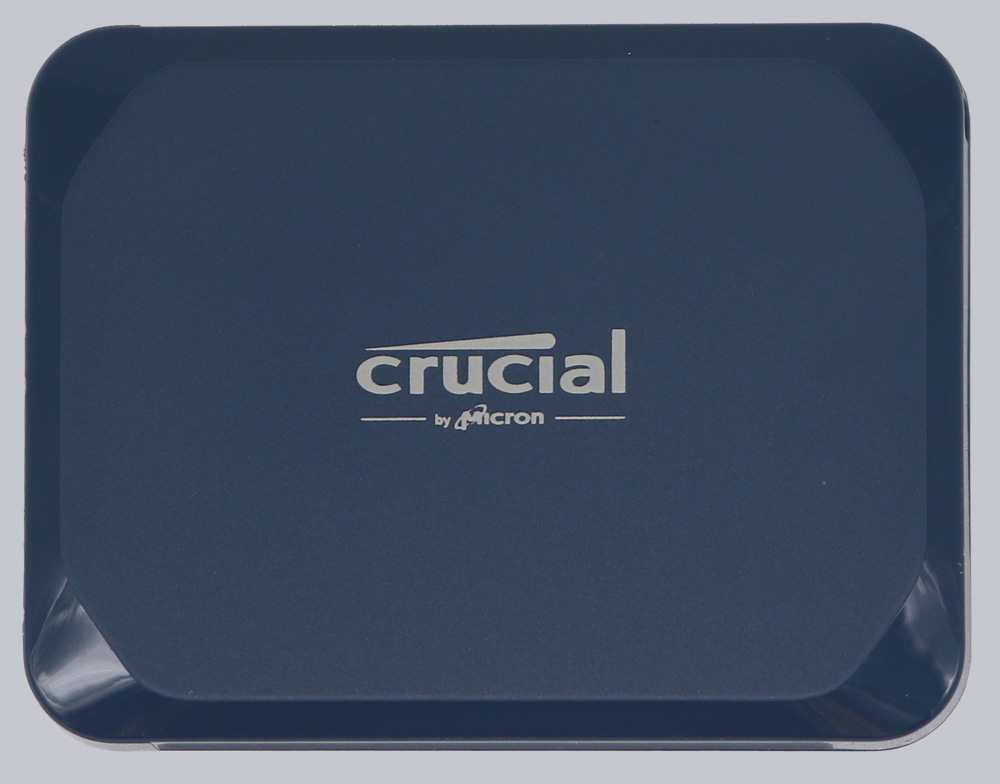
Now let’s move on to the benchmark results. This time, the test results were carried out using an MSI MPG X670E Carbon WiFi motherboard. Microsoft Windows 11 Pro 64-bit is currently used as the operating system. The port used on the motherboard supports a maximum of USB 3.2 Gen 2×2.
The drive was tested and compared for possible speed using the following SSD benchmark software:
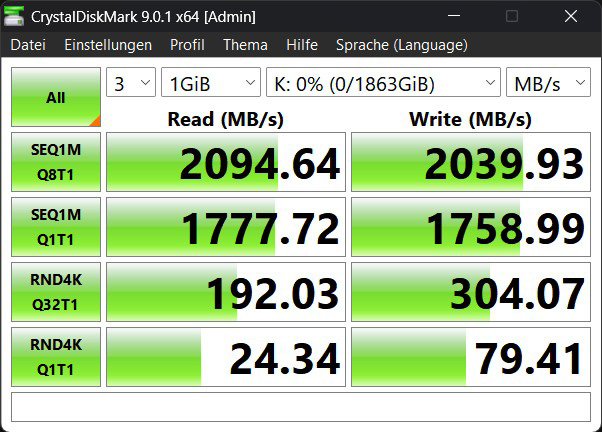
Crystal Disk Mark 9.0.1 x64 …
It could hardly be better. The SSD achieved the estimated speed of 2100 MB/sec almost perfectly, both when reading and writing.
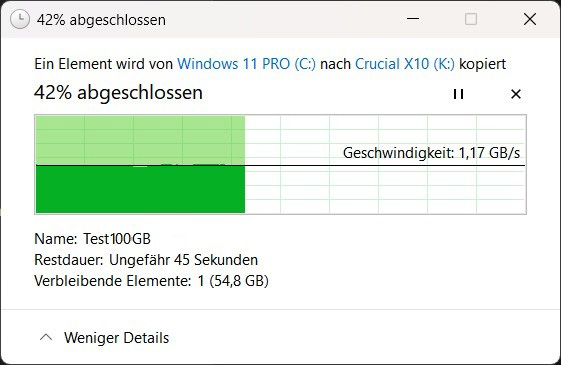
Windows copying process 100 GB …
But this is, of course, a synthetic benchmark. Let’s copy some files to the SSD and see how long it takes. A 100 GB test file was created using fsutil and transferred to the SSD. The average speed was 1.17 GB/sec. The entire process took 1 minute and 20 seconds.
Windows copy process 500 GB …
We then created and transferred a 500 GB test file. The initial speed was around 1.20 GB/sec. However, after approx. 300 GB, it slowed down to a very slow average of 200 MB/sec. The file therefore took 21 minutes and 28 seconds to transfer.
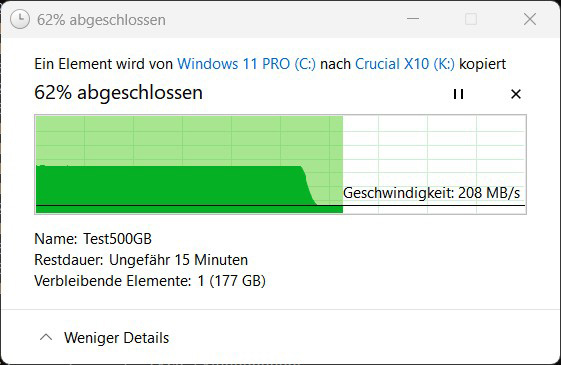
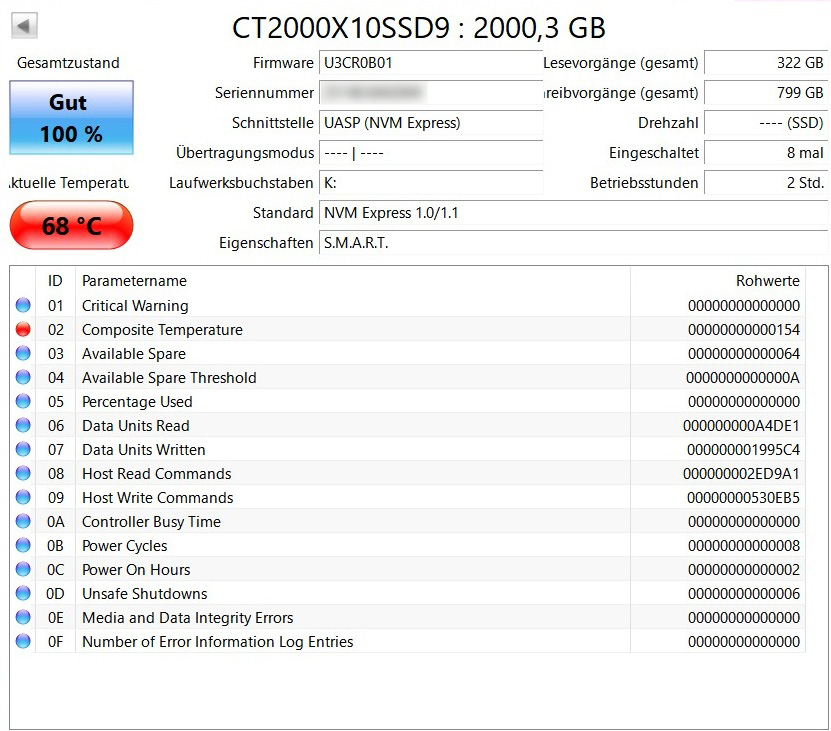
This is where the use of QLC cells as SLC cells becomes noticeable. After approx. 300 GB, these cells need to be rewritten, which results in a drop in the data transfer rate. In addition, the copy test also increases the temperature.
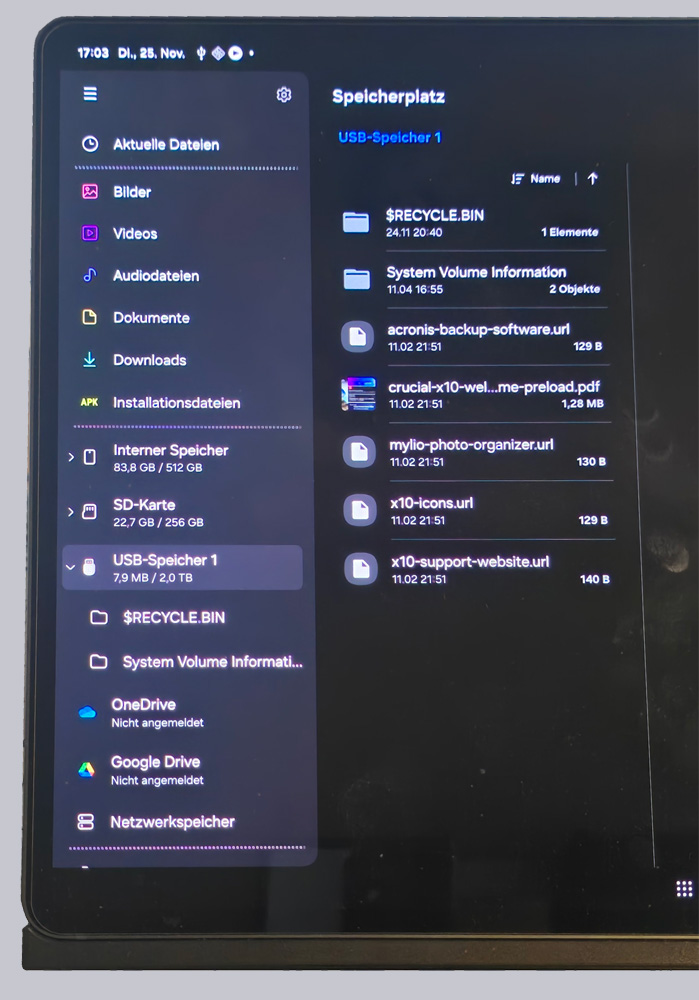
The connectivity was also impressive. Every device, such as the Samsung Galaxy Tab S9 Ultra shown here, accepted the SSD immediately and displayed the stored data.
Crucial X10 Portable 2TB SSD Result and general impression …