

Layout, design and features …
The following 360° panoramic view shows the Ugreen DH2300 case in full detail.

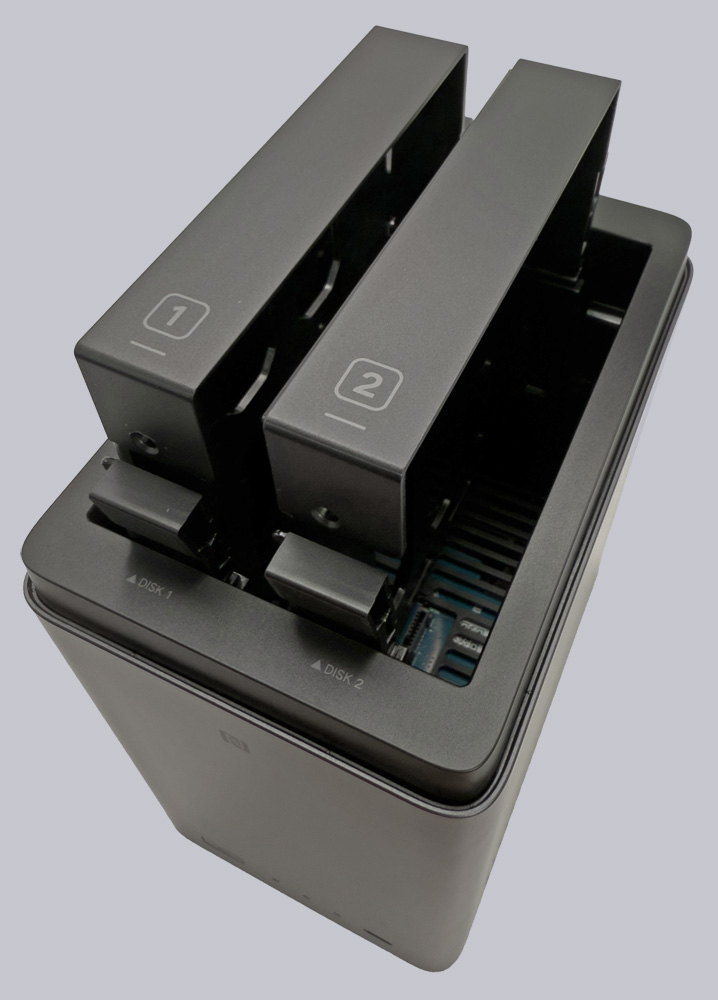
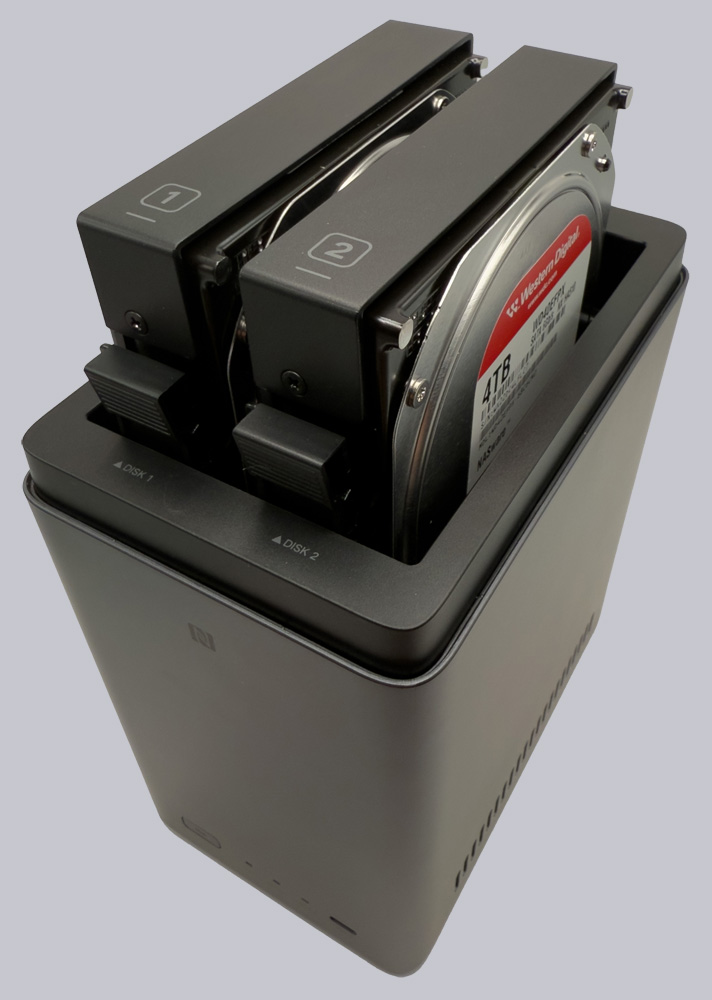
Once we’ve removed the plastic wrap from the NAS, the top cover can be taken off, revealing the two vertically arranged drive bays and their corresponding hard drive trays. The trays are labeled “1” and “2,” but they are not color-coded. The distinction is therefore purely visual; the system itself cannot tell the trays apart.
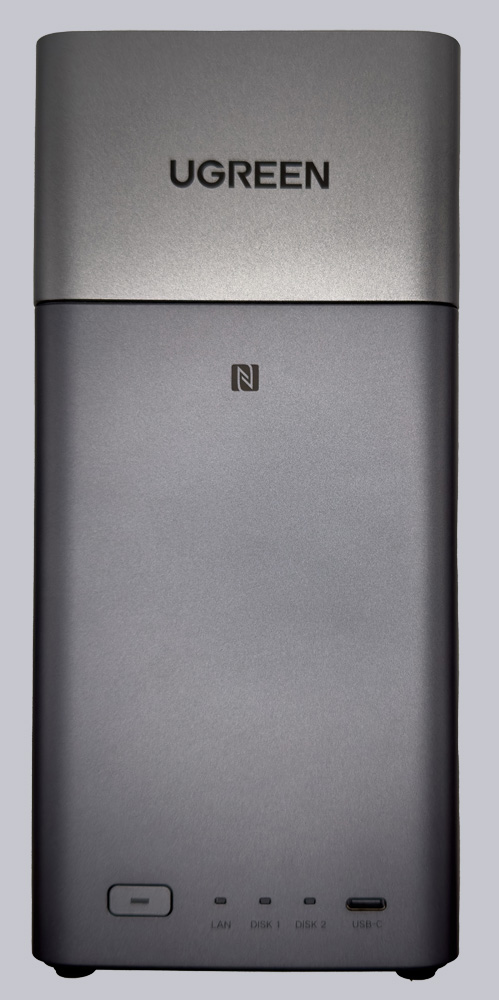
The rest of the case, which stands on four small feet to ensure air circulation from the fan vents on the bottom, features a power button, three LEDs, and a USB-C port on the front.
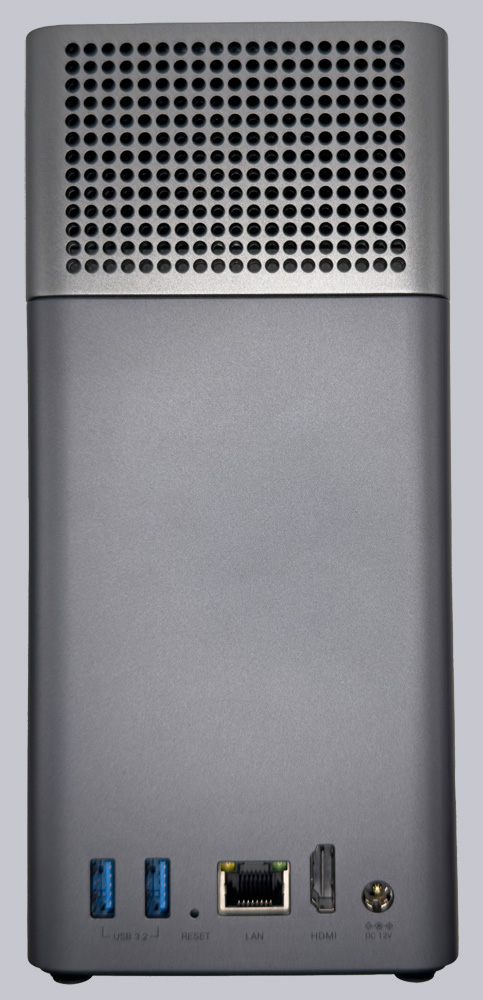
On the back, there are two USB-A ports, a 1 Gbps Ethernet port, an HDMI port, and a 12V jack for the external power supply. A small opening provides access to a reset button.
The hardware reveals where Ugreen cut costs to keep the system as affordable as possible. It uses a Rockchip RK3576 processor with 8 cores (4x Cortex-A72 up to 2.2 GHz and 4x Cortex-A53 up to 1.8 GHz). It’s not a super-fast CPU, but it’s sufficient for a NAS. The processor also features a VPU designed specifically for encoding and decoding video codecs, which allows the NAS to function as a media server. We’ll take a closer look at how well this works later.
However, the 4GB of DDR4 RAM is a bit meager and is soldered in place, making it non-expandable. This highlights the device’s entry-level nature. Running computationally or memory-intensive software is likely to be challenging with the DH2300.
The 1 Gbps network connection is designed for standard home infrastructure. A Wi-Fi connection would have been practical here to avoid unnecessary cables, especially since the NAS can be connected directly to a TV via HDMI and media can be streamed directly to the screen. Not everyone has the necessary network connection available there. The USB-C port on the front of the device delivers speeds of up to 5 Gbps, as do the two USB-A 3.0 ports on the back.
The power supply is external and delivers 12V at a maximum of 4.2 amps (50W). The upper, removable cover is silver-gray and, like the darker housing, is made of plastic. There are ventilation slots on the sides and bottom that ensure proper airflow within the housing.
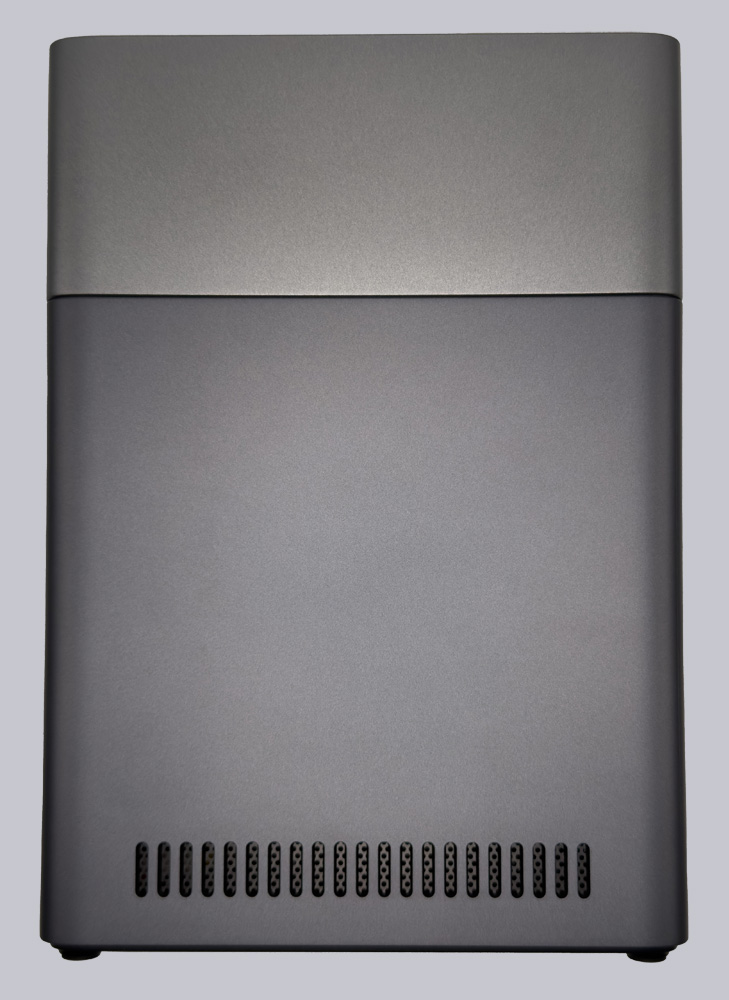
The lid is held in place by small magnets on the case, but they aren’t very strong. Because of its size, it’s easy to be tempted to lift the entire NAS by the lid.
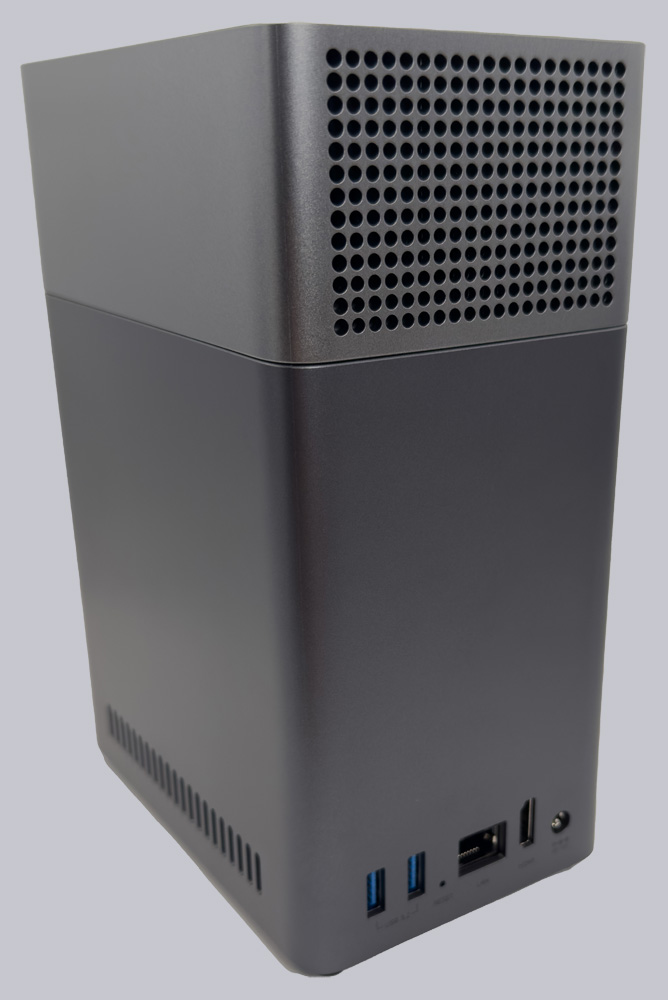
However, that’s not a good idea, because the bottom part of the device can easily fall off since the magnets aren’t strong enough. Once the hard drives are installed, though, this risk is lower, as the weight increases significantly with the drives, so you can simply lift off the lid.
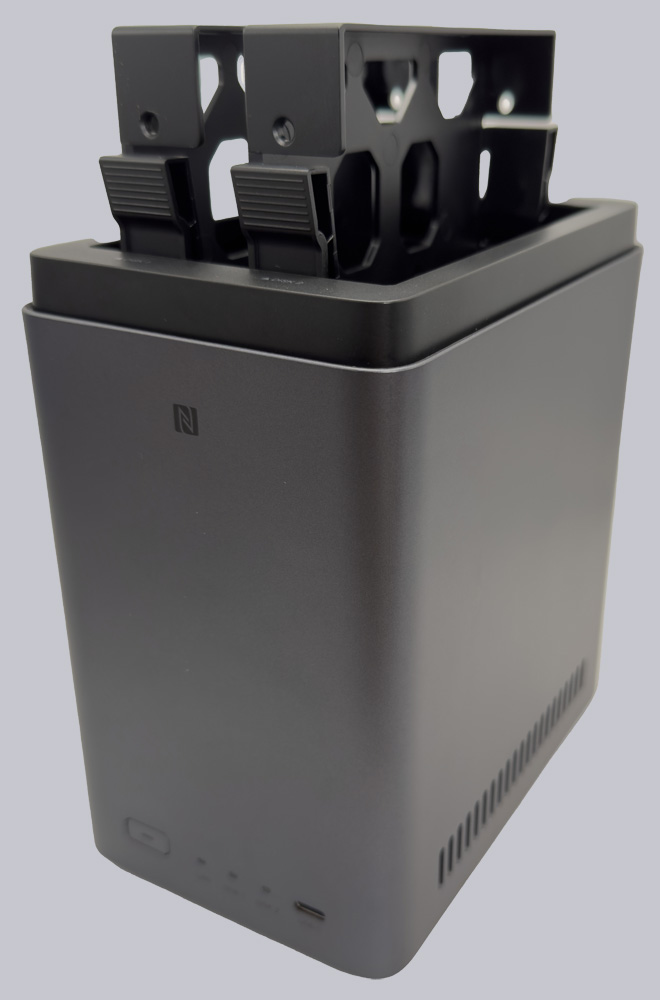
Installing the hard drives is quick and easy. The frames can be easily pulled out of the case, and the hard drives are secured to the frames using the included screws and screwdriver. Afterward, the frames can be easily slid back into the case. The numbers 1 and 2 are marked on the frames themselves and on the case to indicate which hard drive goes where.
The operating system itself is stored on a 32GB internal storage drive, from which the system also boots.
Ugreen DH2300 Practical testing …