

Installation …
To test the performance of the F120X, we’ll install it on an NZXT Kraken Core 360 RGB liquid cooling system and compare its performance metrics with those we previously recorded using the system’s stock fans.
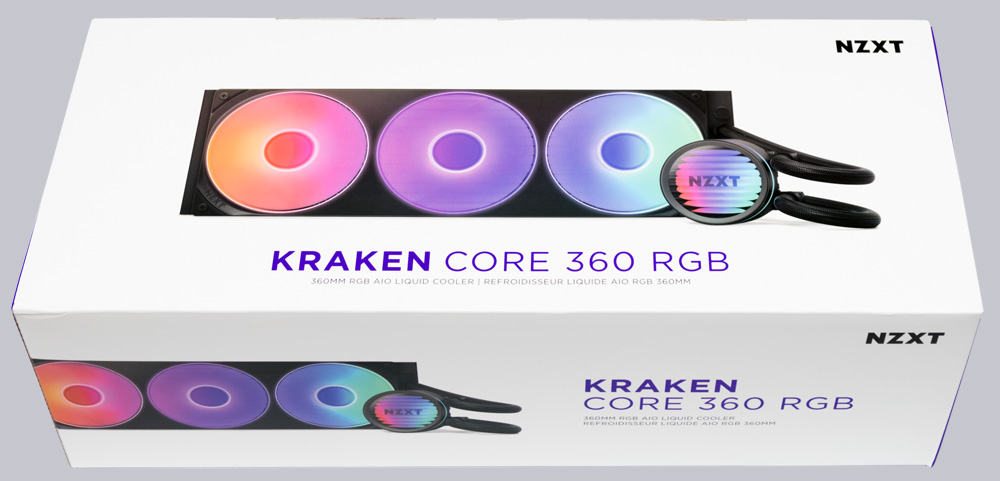
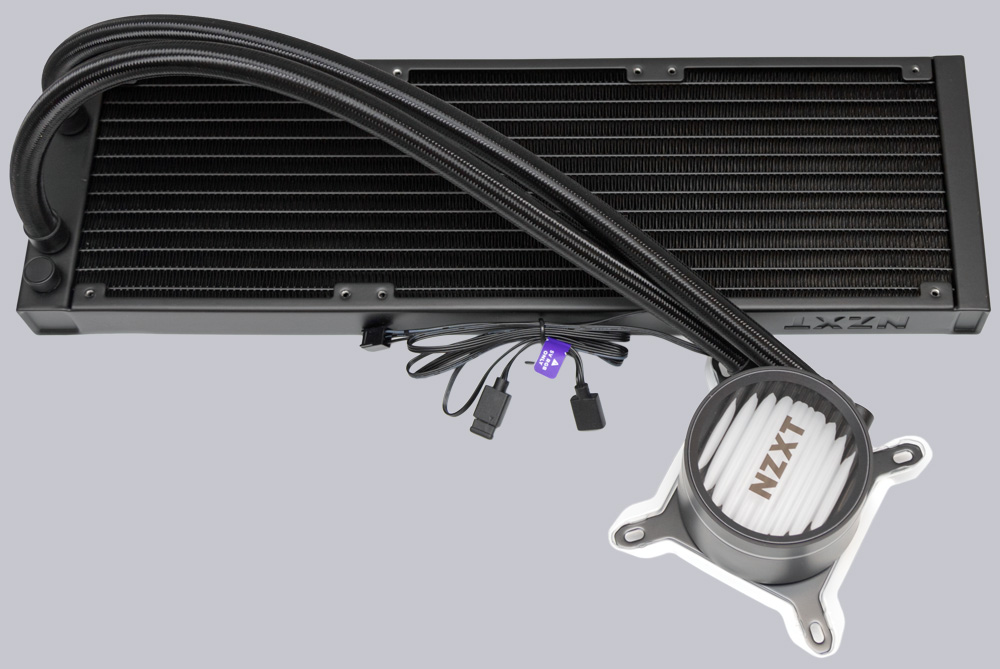
The Kraken Core liquid cooler is NZXT’s entry-level CPU liquid cooler, offering good value for money. Its radiator is 27 mm thick and made of aluminum.
A 25mm-thick Core 360 Frame fan, which we at OCinside.de have already reviewed at this link, provides the necessary ventilation as standard. For a standard fan, its maximum speed is already a remarkable 2400 RPM.
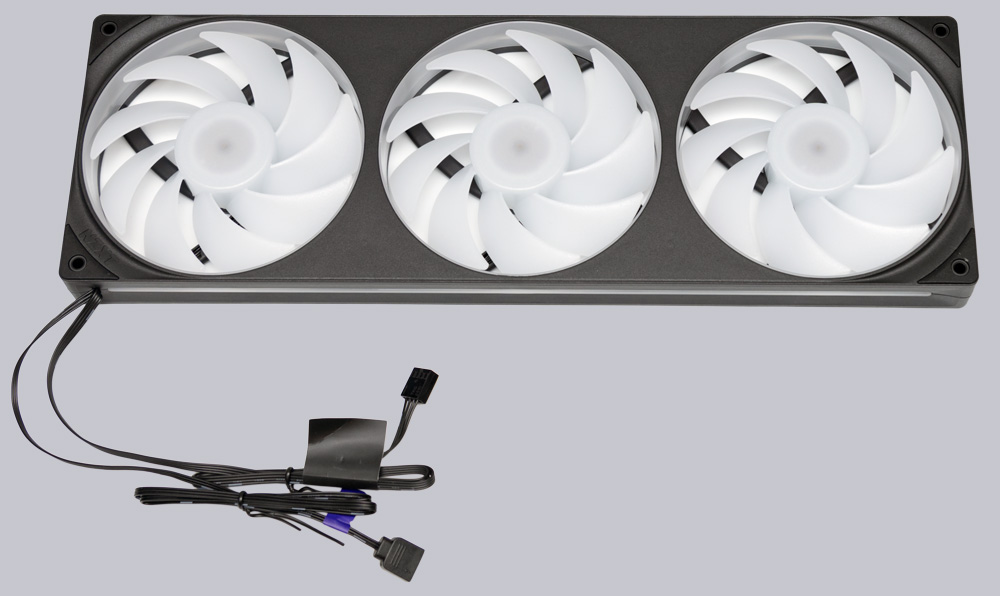
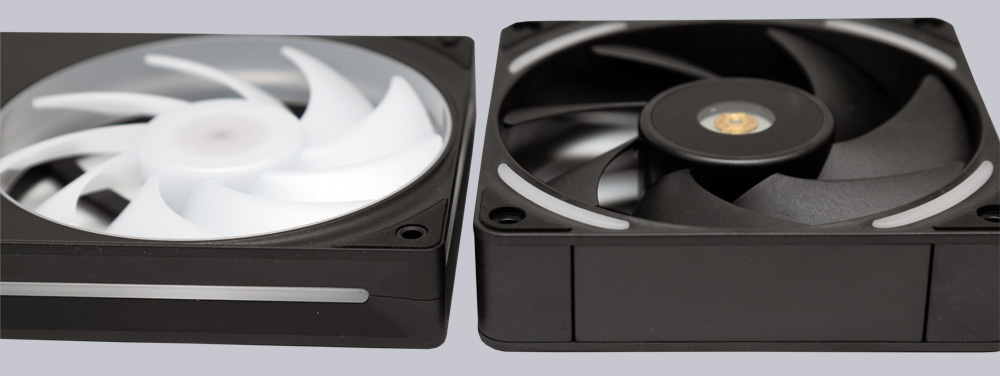
In a side-by-side comparison, the Core fan (on the left in the picture) looks almost petite next to the significantly more powerful F120X.
Practical testing …
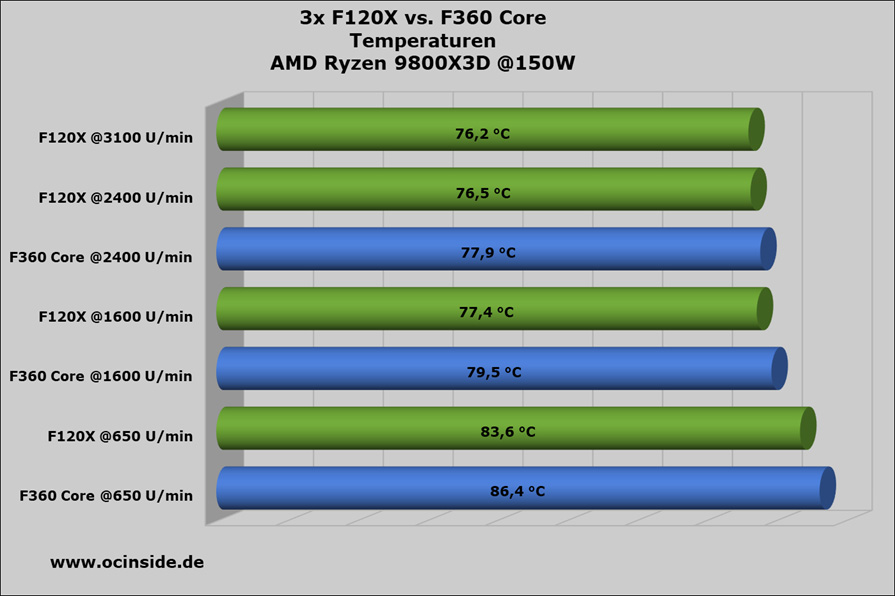
The F120X must handle the 150 watts of heat generated by our AMD 9800X3D processor under full load. First, the F120X needs to demonstrate what it can do at low RPM. At 650 RPM, the F120X runs almost silently and keeps the fully loaded processor at 83.6°C—an absolutely acceptable temperature. Thanks to the F120X’s greater thickness compared to the NZXT Core fan and other standard fans, the F120X can move more air at the same RPM, thereby achieving better cooling performance. At 650 RPM, the F120X outperforms the Core fan by 0.8°C. At a still tolerable noise level and 1600 RPM, the F120X cools the AMD processor by as much as 2.1°C better than the Core 360, reaching 77.4°C. When the Core fan reaches its maximum at 2400 RPM, it is also outperformed by the F120X by 1.3°C. At 3100 RPM, the F120X can’t squeeze much more out of it and only reduces the CPU temperature by another 0.3 °C. However, this is because the sweet spot for the 150W AMD Ryzen 9800X3D processor is around 2000 RPM, and only processors with higher power dissipation would benefit from greater cooling performance. This is because, from 2000 RPM to 3100 RPM, the CPU temperature on the 9800X3D drops by only 0.7 °C, even though the F120X can still significantly increase its performance in this speed range.
Volume …
<\n Thanks to PWM control and its high maximum speed, the F120X can be perfectly tailored to your specific application. At low speeds, the F120X runs whisper-quiet, and when needed, it is capable of moving hurricane-like air volumes. No matter what speed you operate the F120X at, we did not notice any unpleasant noise at any time. At maximum speed, however, you should have effective sound insulation in place.
Vibration behavior …
<\n
One aspect stood out to us as particularly positive during our extensive testing. When you hold the spinning F120X PC fan in your hands, you can barely feel it running because its smooth-running rotor causes almost no vibration. Even in a PC case that we know reacts sensitively to fan vibrations and quickly produces a rumbling noise, the F120X ran as smooth as silk and did not cause the case to vibrate. We wondered whether the F120X really rotates more quietly than other fans, or if our senses were playing tricks on us. To get to the bottom of this, we quickly pulled an accelerometer and an Arduino with an integrated display out of the drawer and ran a few test series with various fans that were readily available.
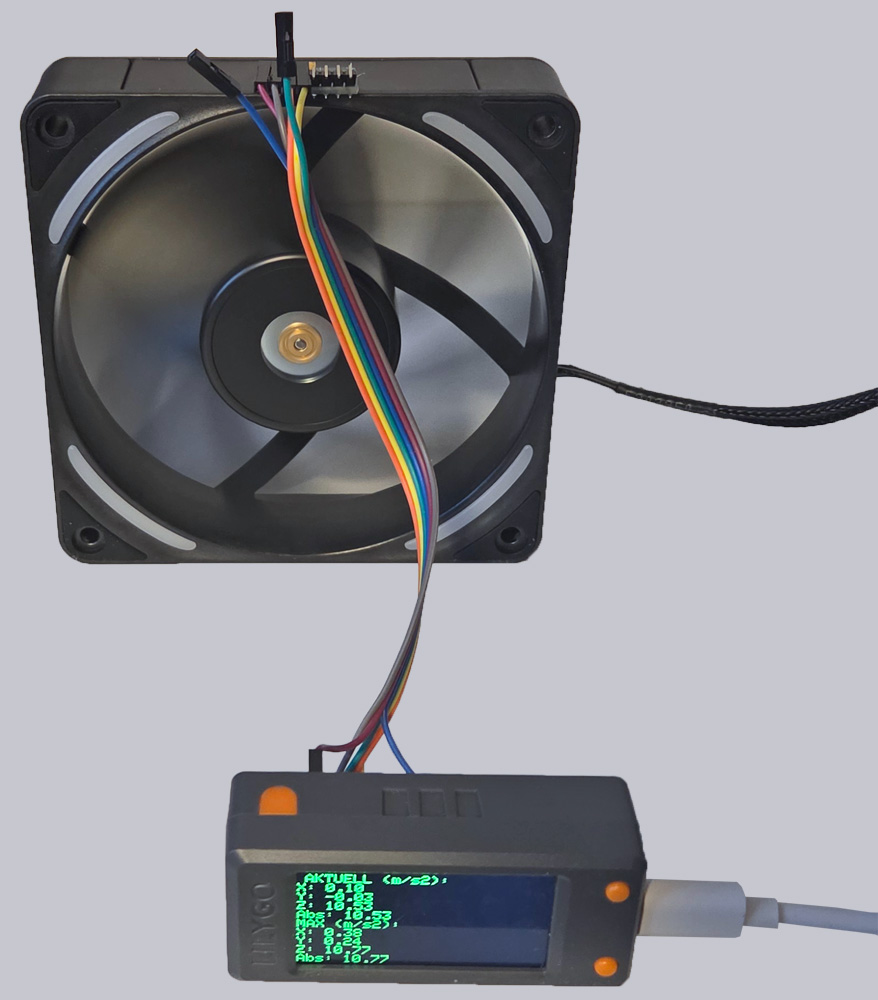
The measurement results confirmed our suspicions—or rather, what we could feel with our hands. Of all the fans tested, the NZXT F120X PC fan produced the least amount of vibration. At full speed, the F120X generates less vibration than an Arctic P12 Max fan running at 50% speed, even though the P12 Max features durable ball bearings. On the other hand, at 3100 RPM, the F120X produces vibrations similar to those of an Arctic P12 fan, which, however, only reaches a maximum of 1800 RPM and also features a fluid-dynamic bearing rotor. The vibration levels of the F120X can therefore be described as exceptionally low. NZXT has done an excellent job with the design here. Anyone who has issues with a noisy PC case should definitely consider the F120X.
NZXT F120X Lighting …