October 2007
 | The ocinside.de overclocking software page got an extensive update with dozens of small tools to tune, benchmark and test the PC hardware. If you like to overclock, backup, or monitor your PC or if you just like to check your components, this is the right place for you. There are useful older Shareware and Freeware tools, as well as the latest tweakting tools to change the CPU multiplier or FSB and to overclock current nVidia or ATI video cards. Additionally, all Futuremark 3DMark benchmark programs and the current PCMark Vantage software are hosted on the ocinside.de Servers. The overview contains direct downloads, links to the developers, a small description and the size of the respective software. Overclock, Benchmark, Backup, Diagnostic Software and Tools Roundup |
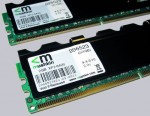
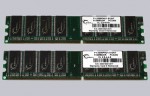
 | DDR, DDR2 and DDR3 memory modules can be overclocked very simple over the BIOS to get a better PC performance. But what does this frequently mentioned part marking like e.g. Micron D9GMH, D9HNH, etc. exactly mean and how to find out the memory size on basis of the part number? This new interactive guide will answer you these and more questions about memory modules. Interactive Memory Product ID guide to decode RAM part numbers |
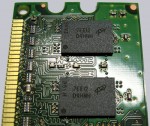
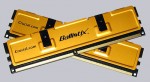
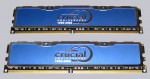
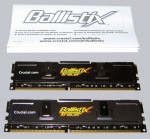
 | This guide explains step by step, how to remove the RAM heatsink / heat spreader. It is e.g. necessary to identify the chips used on the memory modules. But of course, this guide is also useful to replace the passive memory cooler for example with active air or water cooled RAM heatsinks. RAM heat spreader removal guide |
I don't hold any responsibility for any damage caused by overclocking.
There is always a risk of damaging your hardware.
And your warranty becomes void if you overclock something.
|